171
A
DDITIONAL FEATURES PLAY CALL WAITING TONE
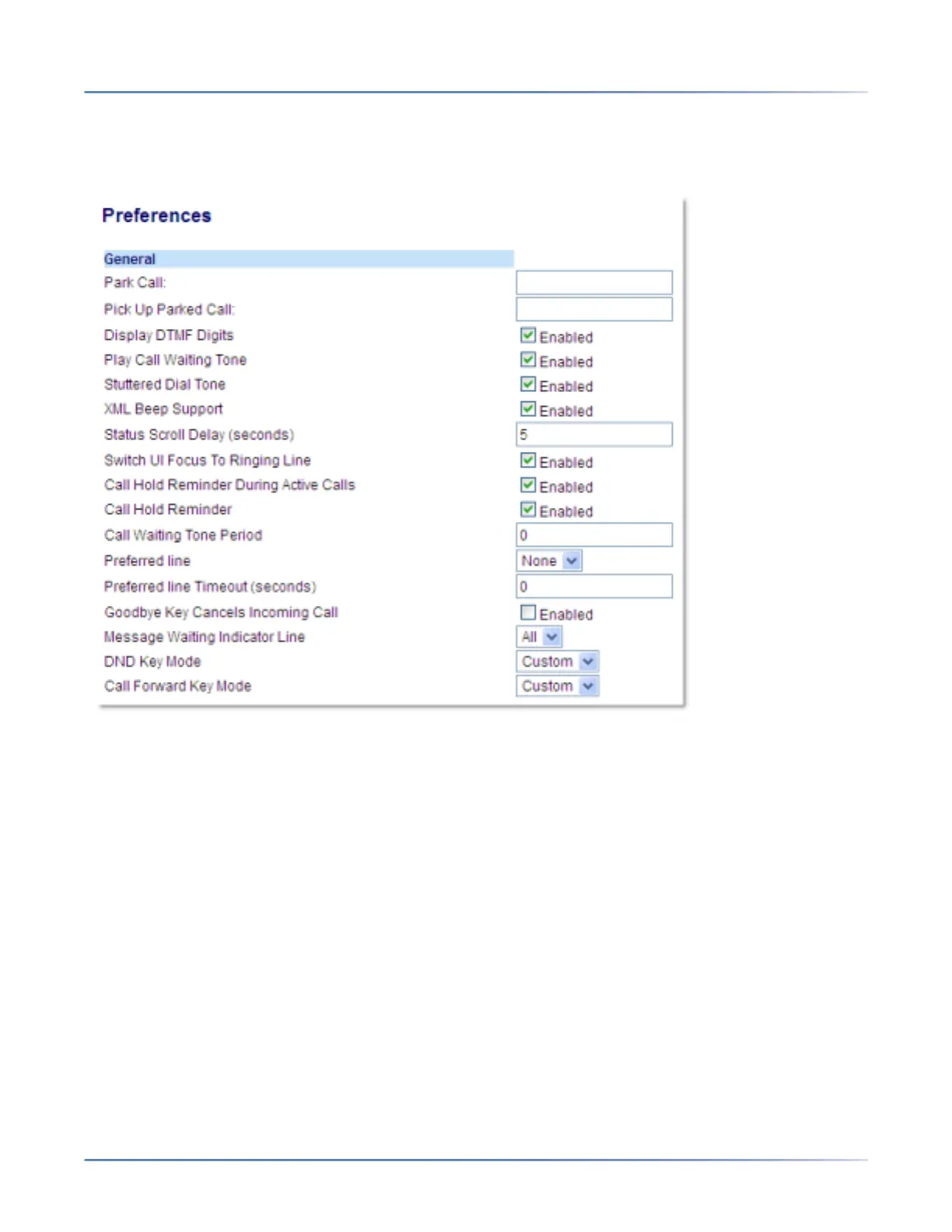
Configuring Display of DTMF Digits
1. Click on Basic Settings > Preferences > General.
2. Enable the Display DTMF Digits field by checking the check box . Disable this field by unchecking
the box (default is disabled).
3. Click Save Settings to save your settings.
Play Call Waiting Tone
You can enable or disable the playing of a call waiting tone when a caller is on an active call and a new
call comes into the phone.
You can configure this feature using the Mitel Web UI.



 To Next Page