28
C
USTOMIZING YOUR PHONE PHONE STATUS VIA IP PHONE UI
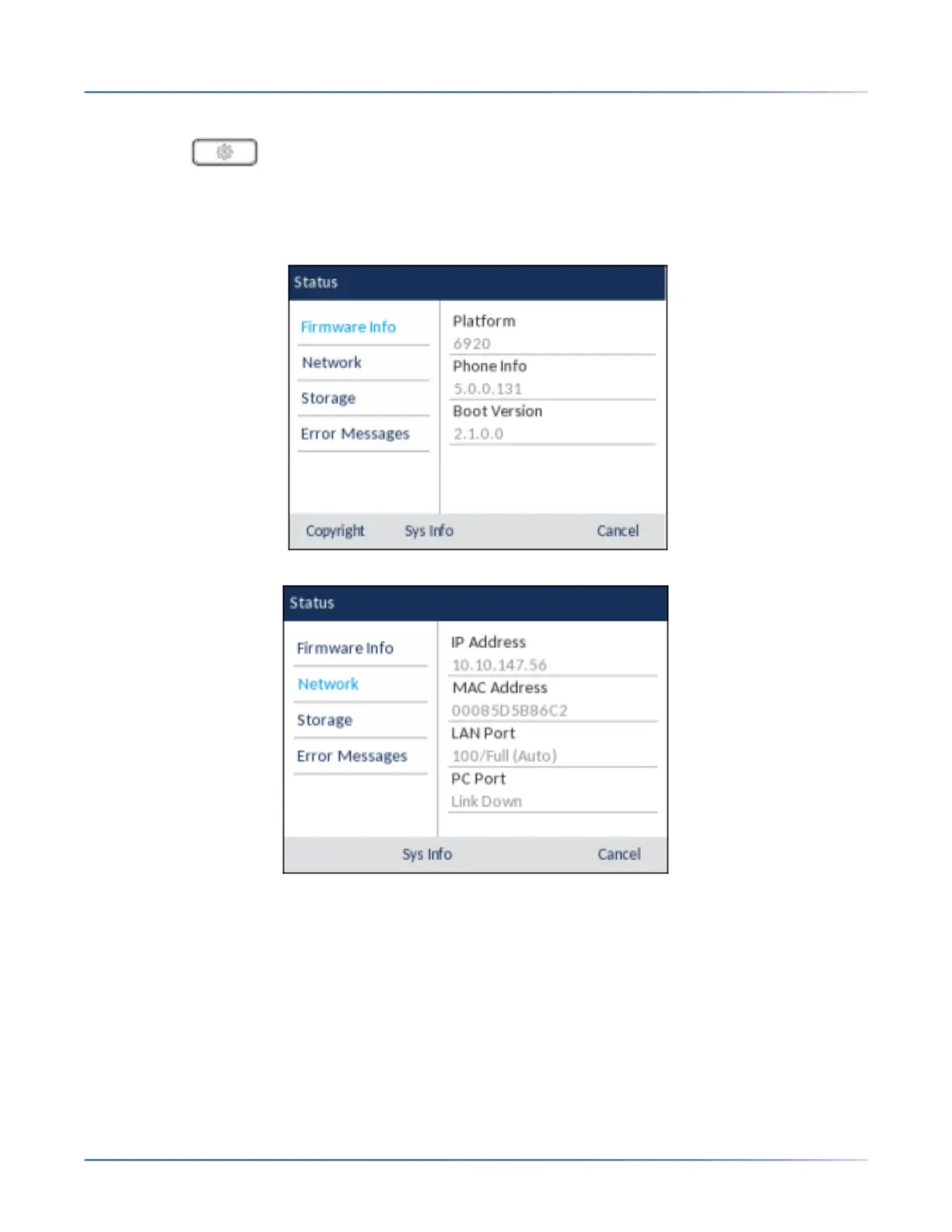
To view the Statusmenu:
1. Press the ( Options) key on the phone to enter the Settings menu.
2. Press the Select button or Select softkey to enter the Status menu.
3. Use the up and down navigation keys to scroll the through the following status items:
– Firmware Info
– Network
– Storage
NOTE:
i. The Directory List detailed in the Storage menu is in reference to the Local Directory.
ii. If the Received Callers List or Outgoing Redial List is full, the Storage screen displays infor-
mation regarding the age of the oldest record stored in memory for the respective list
instead of the total number of records stored.



 To Next Page