126
H
ANDLING CALLS TRANSFERRING CALLS
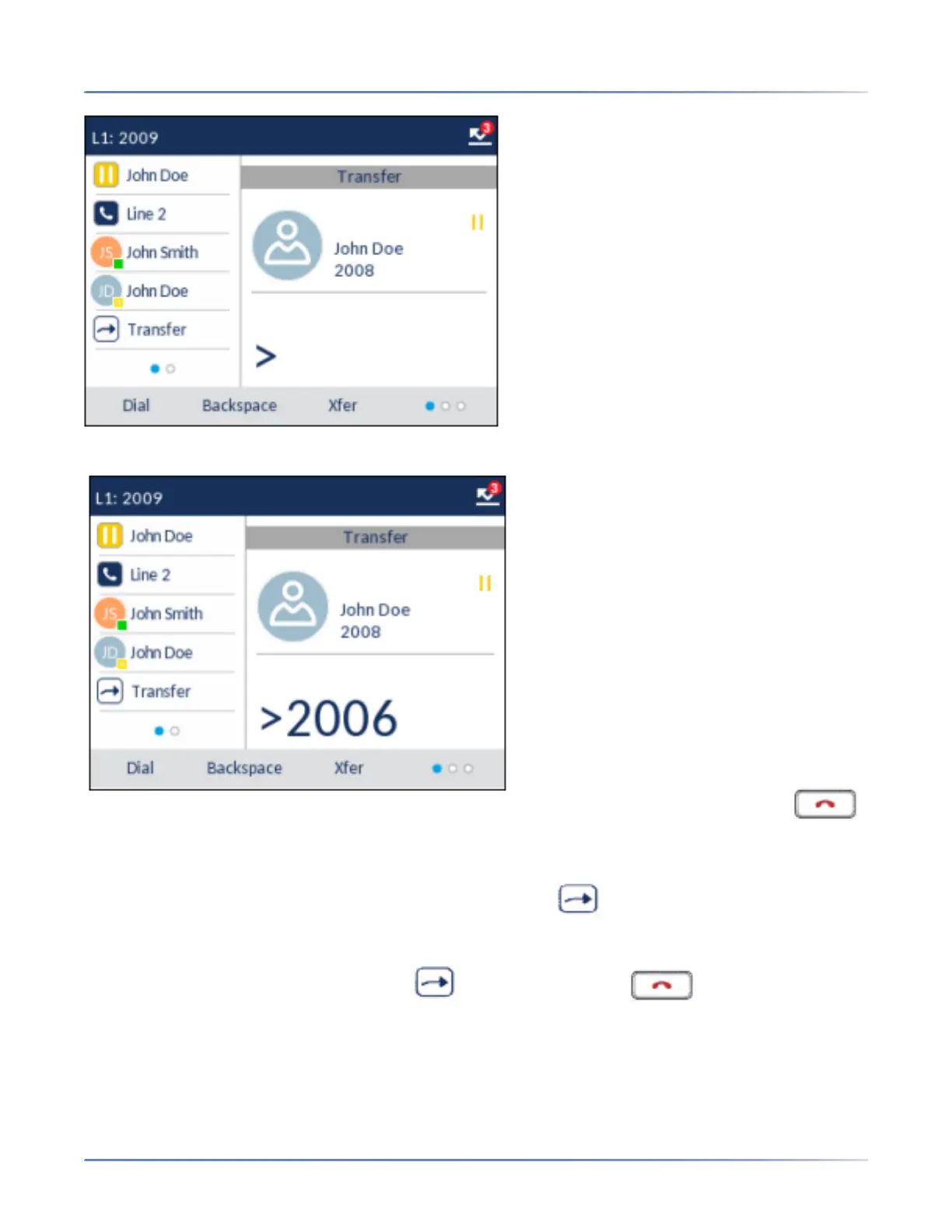
3. Enter the extension number (or the outside number) to Party 2.
To cancel the transfer you can either press the Cancelsoftkey on the display screen, press ,
or hang up the handset.
4. Complete either a blind or consultative transfer:
a. To complete a blind transfer, press the Xfer softkey or softkey(if configured) again before
the receiving end answers.
b. To complete a consultative transfer, press Dial and remain on the line to speak with the Party 2,
before pressing the Xfer softkey or softkey(if configured), key, or hanging up the
handset to transfer Party 1 to Party 2.



 To Next Page