147
M
ANAGING CALLS DIRECTORY
A “Delete <Name> from Local” message will appear on screen.
5. Press the Delete softkey again to delete the contact from your Local Directory.
NOTE: Press the Cancel softkey to cancel the delete process.
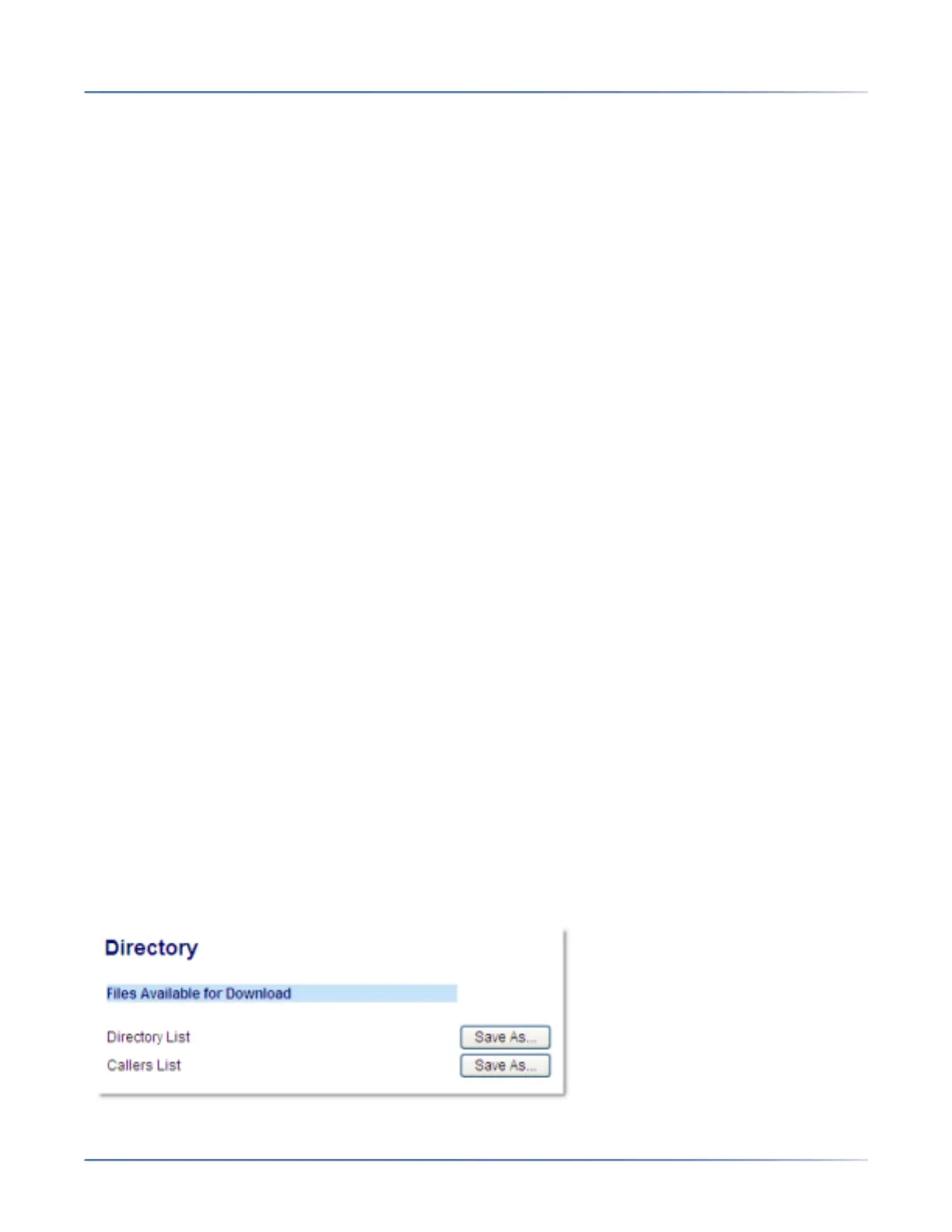
Downloading the Local Directory to Your PC
You can download the Local Directory to your PC via the Mitel Web UI. The phone stores the directo-
rylist.csv file to your PC in comma-separated value (CSV) format.
You can use any spreadsheet application to open the file for viewing. The file displays the following items
for each Local Directory entry:
• First Name
• Last Name
• Company
• Job Title
• Work Address Street
• Work Address City
• Work Address State/Province
• Work Address Zip/Postal Code
• Work Address Country
• Home Address Street
• Home Address City
• Home Address State/Province
• Home Address Zip/Postal Code
• Home Address Country
• Email1
• Email2
• Email3
• Number of Total Phone Numbers
• Phone Number 1 Type
• Phone Number 1 Line #
• Phone Number 1...
• Phone Number 7 Type
• Phone Number 7 Line #
• Phone Number 7
1. Click on Operation > Directory.



 To Next Page