25
C
USTOMIZING YOUR PHONE PHONE OPTIONS VIA MITEL WEB UI
3. You can logout of the Mitel Web UI at any time by clicking Log Off.
The following categories display in the side menu of the Mitel Web UI: Status, Operation, and Basic
Settings.
Category Description
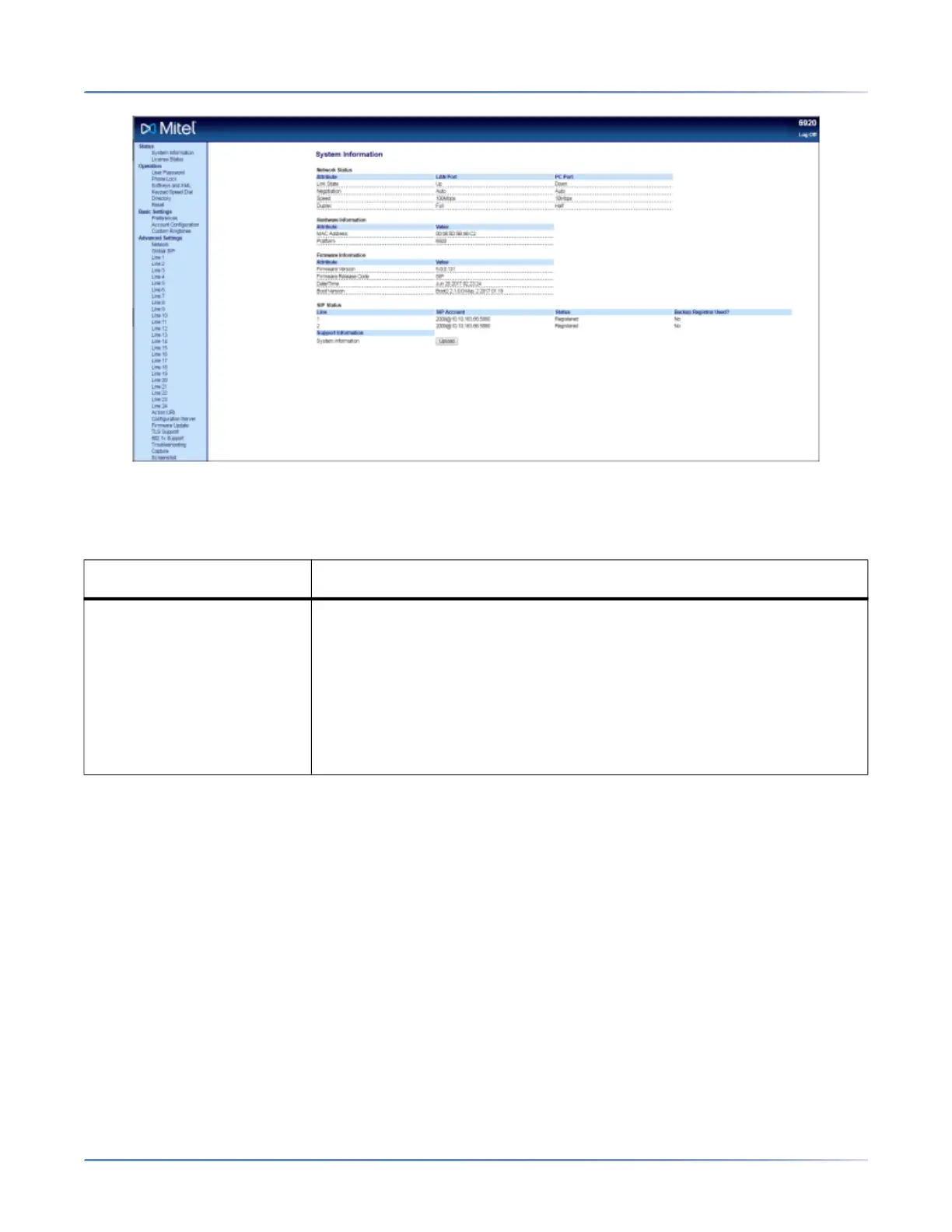
Status The Status section displays the following information for the IP phone:
• Network status
• MAC address
• Hardware and firmware information
• SIP Account information
• License status
The information in the Status window is read-only.



 To Next Page