8 Settings via the MICT
74 Rev. 03/2019
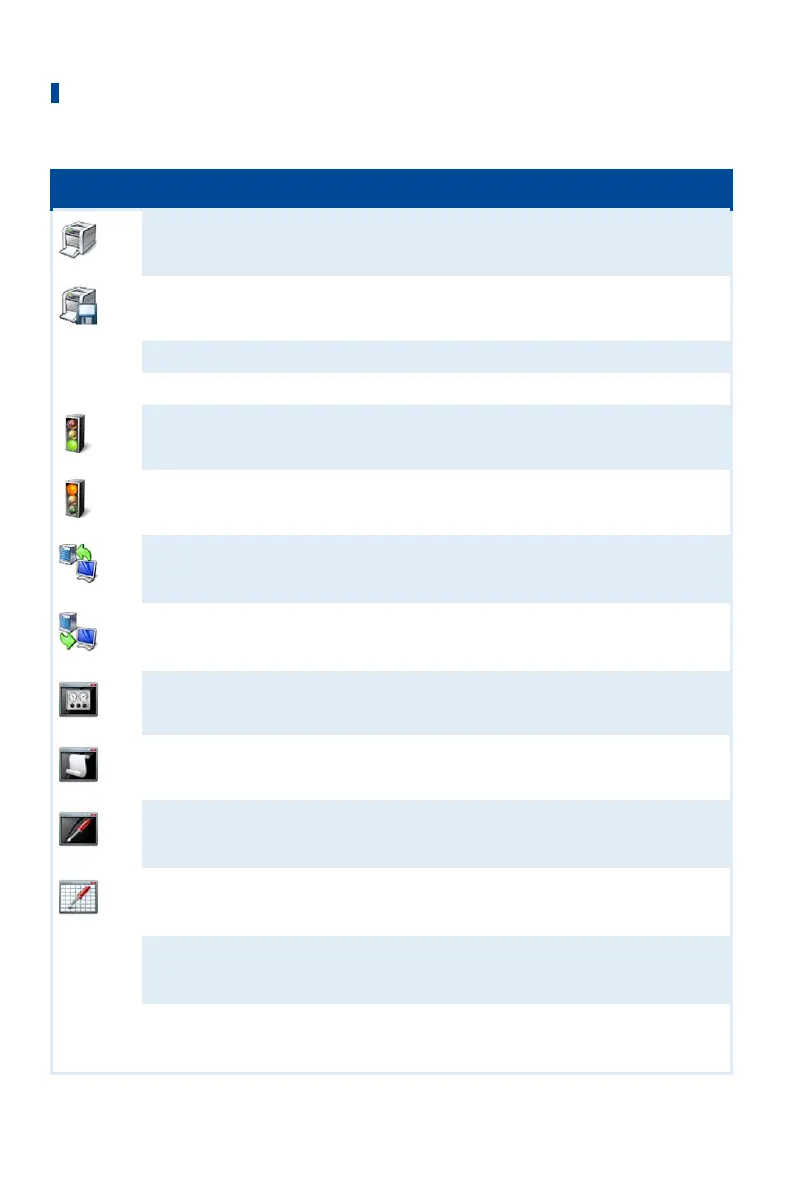
Symbol Menu Function
File -> Print
Prints the current configuration.
File -> Print To PDF File
Prints the configuration to a PDF file.
File -> Print Preview
Opens a print preview of the configuration.
File -> Quit
Exits the MICT.
Device -> Connect
Connects to the device.
Device -> Disconnect
Cuts the connection to the device.
Device -> Download to device
Downloads configuration data from the PC to the
device. Refer to Working with Configurations on
page 83.
Device-> Upload from device
Uploads configuration data from the device to
the PC. Refer to Working with Configurations on
page 83.
Device -> Runtime data
Opens the window Runtime Data. Refer to the
section Runtime Data on page 114.
Device -> Log
Opens the window Log (Advanced Service only).
Refer to the section Log on page 142.
Device -> Runtime adjustments
Opens the window Runtime Adjustments (Service
and Advanced Service only). Please refer to the
section Runtime Adjustments on page 143.
Device -> Cylinder individual
offsets
Opens the window Cylinder Individual Offsets
(Advanced Service only). Please refer to the
chapter Cylinder Individual Offsets on page 149.
Device -> Self test
Opens the window Self Test (Service and
Advanced Service only). For this read section Self
Test on page 77.
Device -> Pickup trace
Loads the automatically recorded pickup signals
from the device. Refer to the section Pickup Trace
on page 78.



 To Next Page