7 Functions and settings
Maschinenfabrik Reinhausen 2014 105222/08 EN TAPCON® 240
You can control up to 16 transformers connected in parallel in one or 2
groups without detecting the system topology. Information is swapped be-
tween the voltage regulators operating in parallel using the CAN bus. Paral-
lel operation is activated using one of 2 status inputs or the control system.
The device supports parallel operation following the methods described be-
low:
▪ Parallel operation following the "Circulating reactive current minimiza-
tion" principle
▪ Parallel operation following the "Tap synchronization" (master/follower)
principle
You must select the same parallel operation method (circulating reactive
current minimization or tap synchronization) for all voltage regulators oper-
ating in parallel. Otherwise you cannot operate the devices in parallel.
The following sections describe how you can set the parameters. Ensure
that you have set the following parameters when activating parallel opera-
tion:
▪ CAN bus address
Assigning CAN bus address
You can use this parameter to assign a CAN bus address to the device. So
that all devices can communicate using the CAN bus, each device requires a
unique identifier. Addresses can be set from 1 to 16. If the value is set to 0,
then no communication takes place.
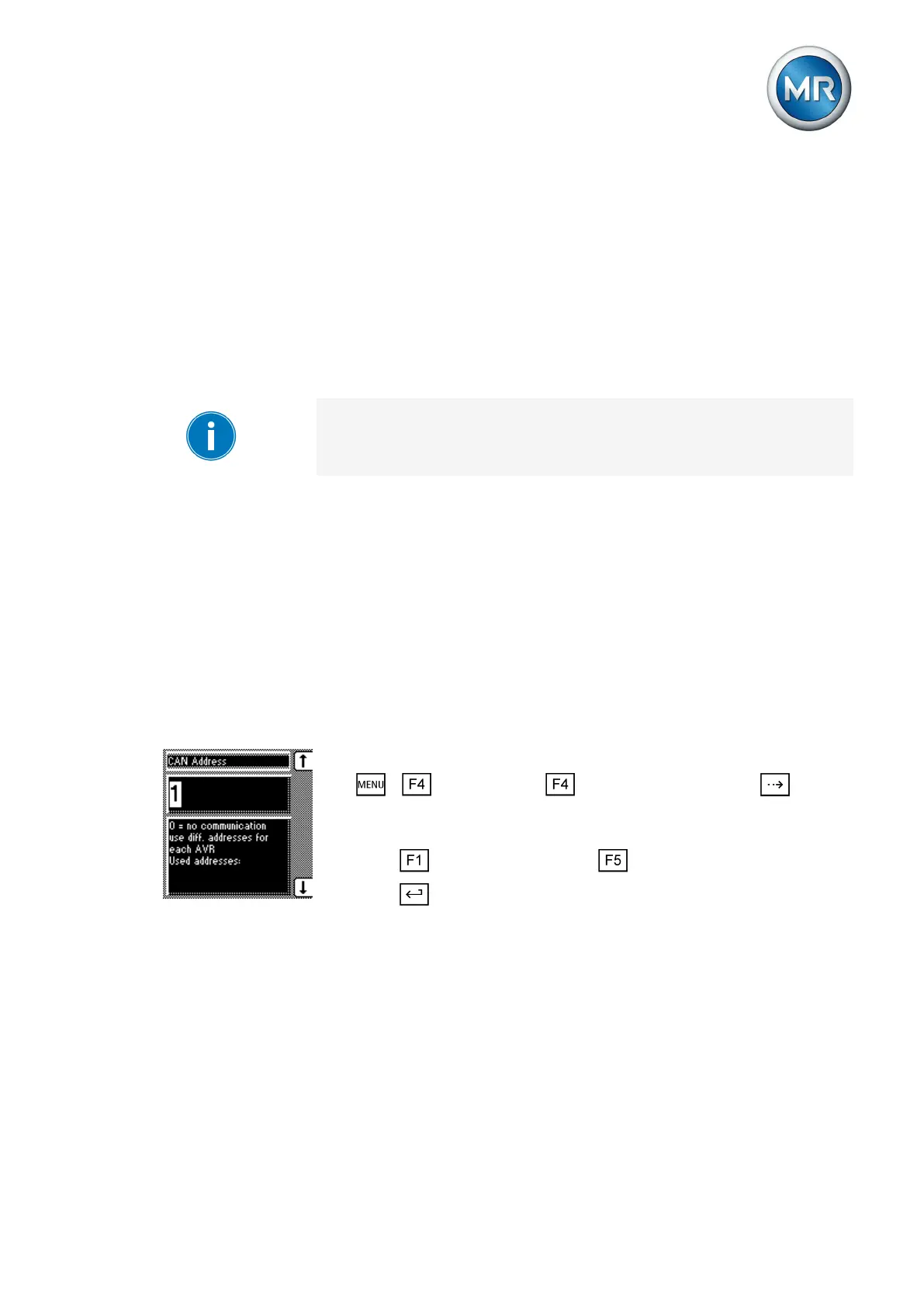
To enter the CAN bus address, proceed as follows:
1. > Configuration > Parallel operation > Press until the
desired parameter is displayed.
ð CAN address.
2. Press to increase the value or to reduce it.
3. Press .
ð The CAN bus address is saved.
Selecting parallel operation method
You can use this parameter to select a parallel operation method. Two differ-
ent methods can be assigned to the device.
▪ Circulating reactive current minimization
▪ Tap synchronization (master/follower)
Parallel operation method
7.9.1
7.9.2



 To Next Page