7 Functions and settings
Maschinenfabrik Reinhausen 2014 117222/08 EN TAPCON® 240
– Reactive current
▪ Calculated values
– Active power
– Reactive power
– Apparent power
– Output factor
Calculation of the values stated depends on the measured values captured
and the parameters set, for example:
▪ Current measuring circuit
▪ Primary current
▪ Voltage transformer data from primary and secondary sides
A correct calculation can only be undertaken if you have correctly entered
the configuration data in full.
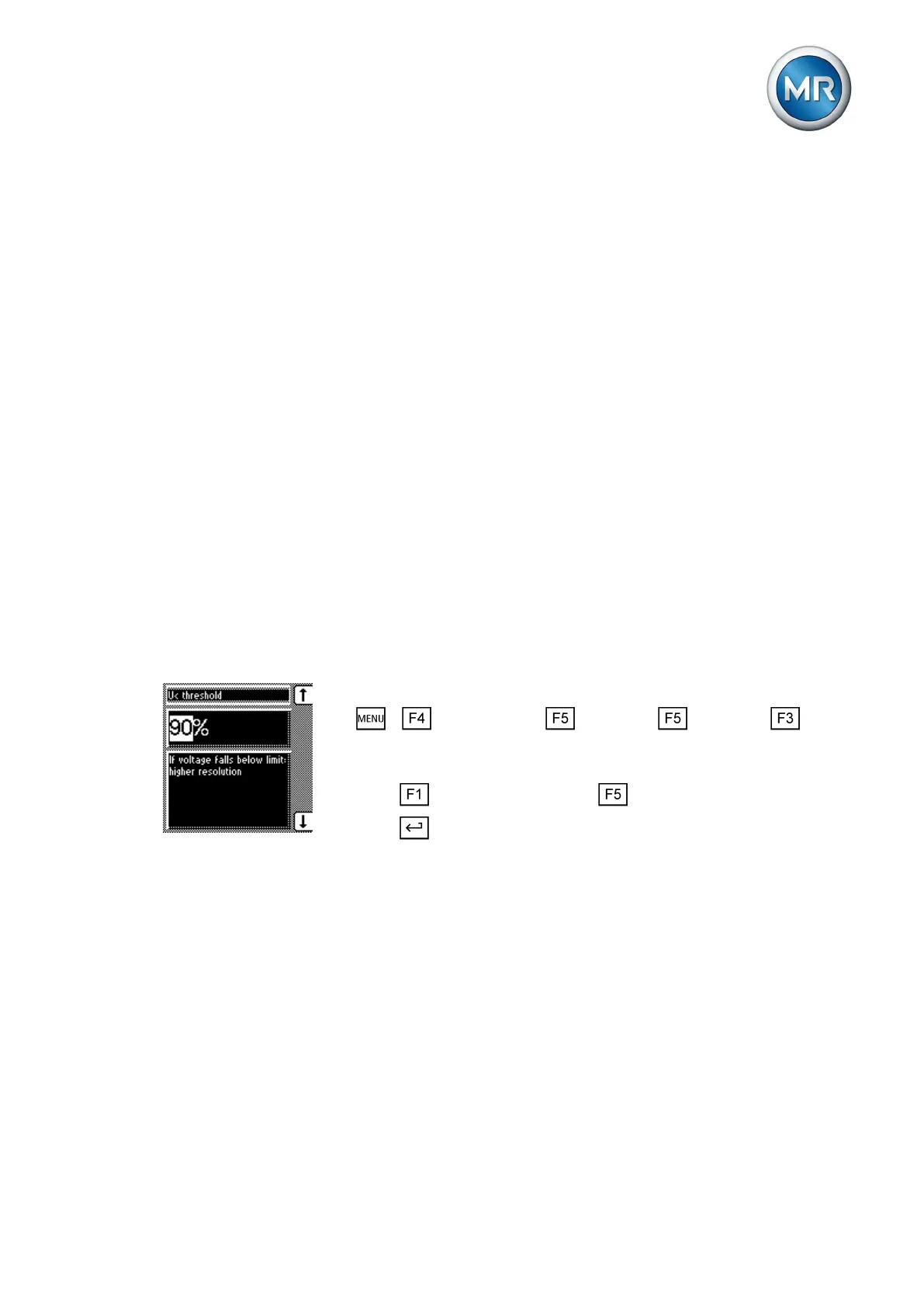
Setting undervoltage threshold
You can use these parameters to set the undervoltage threshold as a rela-
tive or absolute value. If the voltage falls below the set undervoltage thresh-
old, high-resolution measured values are saved for as long as this situation
prevails.
Relative value
To set the undervoltage threshold, proceed as follows:
1. > Configuration > Continue > Continue > Memo-
ry.
ð V< threshold.
2. Press to increase the value or to reduce it.
3. Press .
ð The undervoltage threshold is set.
Absolute value
Entries can be made either in V or kV. If you enter the absolute value in V, it
relates to the secondary transformer voltage. If you enter the absolute value
in KV, it relates to the primary voltage.
To set the undervoltage threshold, proceed as follows:
7.13.1



 To Next Page