7 Functions and settings
Maschinenfabrik Reinhausen 201488 222/08 ENTAPCON® 240
In manual mode, for manual tap changes on the motor-drive unit or for re-
mote tap changes via a SCADA system, monitoring of the step limits is not
active. This may result in the set limits being exceeded.
When switching from manual to auto mode, the tap changer should be with-
in the permitted tap positions.
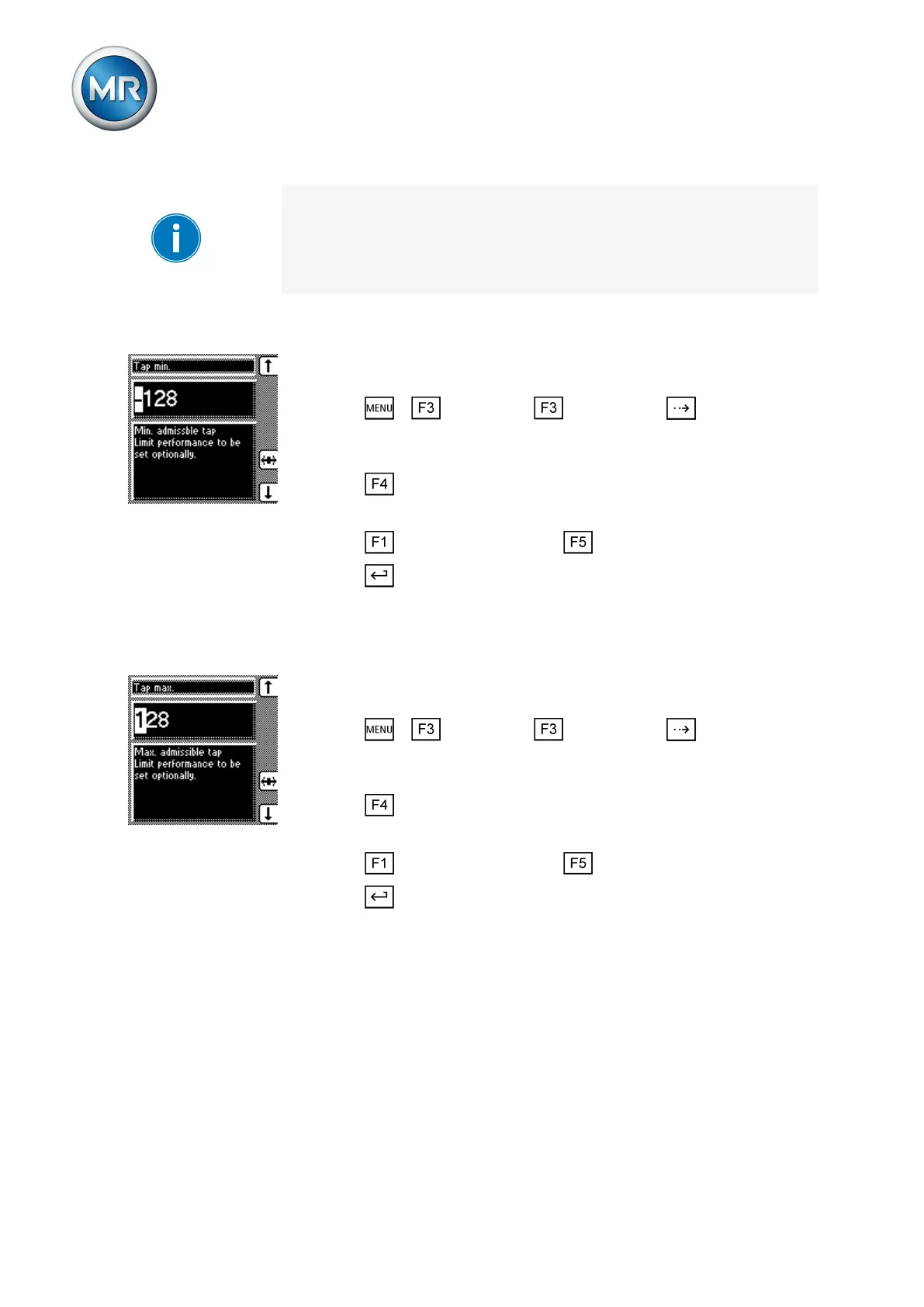
Setting minimum permitted tap position
You can use this parameter to set the minimum permitted tap position. To do
so, proceed as follows:
1. Press > Parameter > Limit values > until the desired
parameter is displayed.
ð Tap min.
2. Press to highlight the position.
ð The desired position is highlighted and the value can be changed.
3. Press to increase the value or to reduce it.
4. Press .
ð The minimum permitted tap position is set.
Setting the maximum permitted tap position
You can use this parameter to set the maximum permitted tap position. To
do so, proceed as follows:
1. Press > Parameter > Limit values > until the desired
parameter is displayed.
ð Tap max.
2. Press to highlight the position.
ð The desired position is highlighted and the value can be changed.
3. Press to increase the value or to reduce it.
4. Press .
ð The maximum permitted tap position is set.
Compensation
You can use the "Compensation" function to compensate for the load-de-
pendent voltage drop between the transformer and consumer. The device
provides 2 methods of compensation for this purpose:
▪ R&X compensation (line drop compensation)
▪ Z compensation
7.5.7.1
7.5.7.2
7.6



 To Next Page