3 Product description
Maschinenfabrik Reinhausen 2014 21222/08 EN TAPCON® 240
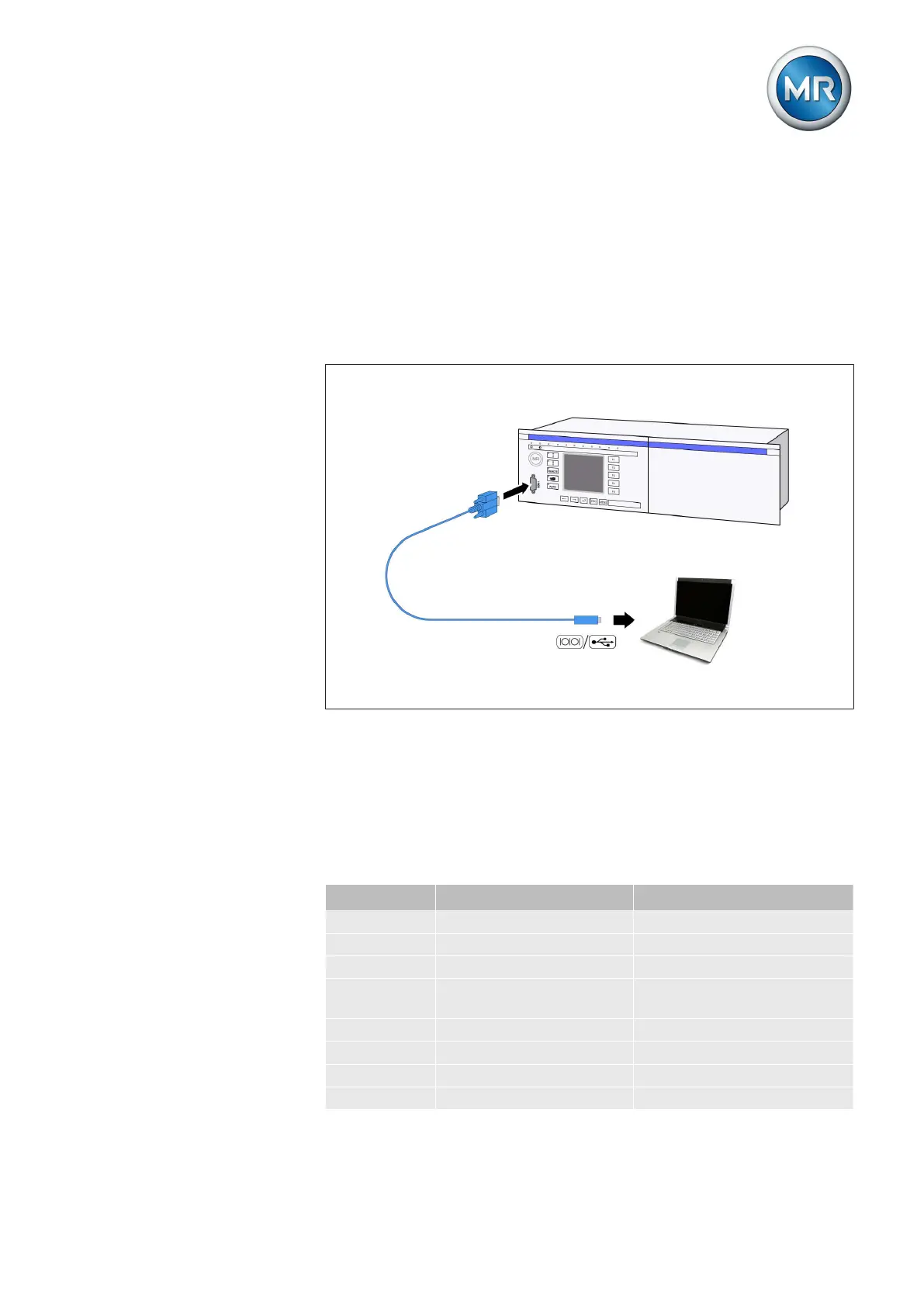
Serial interface
The parameters for the device can be set using a PC. The COM 1 (RS232)
serial interface on the front panel is provided for this purpose. You can use
the connection cable supplied to establish a connection to your PC via the
RS232 or USB port (using the optional USB adapter).
TAPCON®-trol software is needed for parameterization via the serial inter-
face. The software and the related operating instructions are contained on
the CD provided.
Figure 6: Device connection to a PC
Assemblies
Depending on configuration, the device may have various assemblies which
perform the functions required. Depending on configuration, the device may
be equipped with the following assemblies:
Card Default/option Max. number
AN Option 1
AC Option 1
AD8 Option 1
AD Option 1, optional with extension
module
CIC Option 2
CPU Standard 1
IO Standard 1
MI Standard 1
3.5.4
3.5.5



 To Next Page