7 Functions and settings
Maschinenfabrik Reinhausen 2014 131222/08 EN TAPCON® 240
Setting Logical 1 Logical 0
ON Light on Light off
OFF Light off Light on
Table 34: Transmission behavior for various parameter settings
This display is only provided for the following interface protocols:
▪ DNP3
▪ IEC 60870-5-101
▪ IEC 60870-5-103
▪ MODBUS ASCII/RTU
▪ ABB SPA
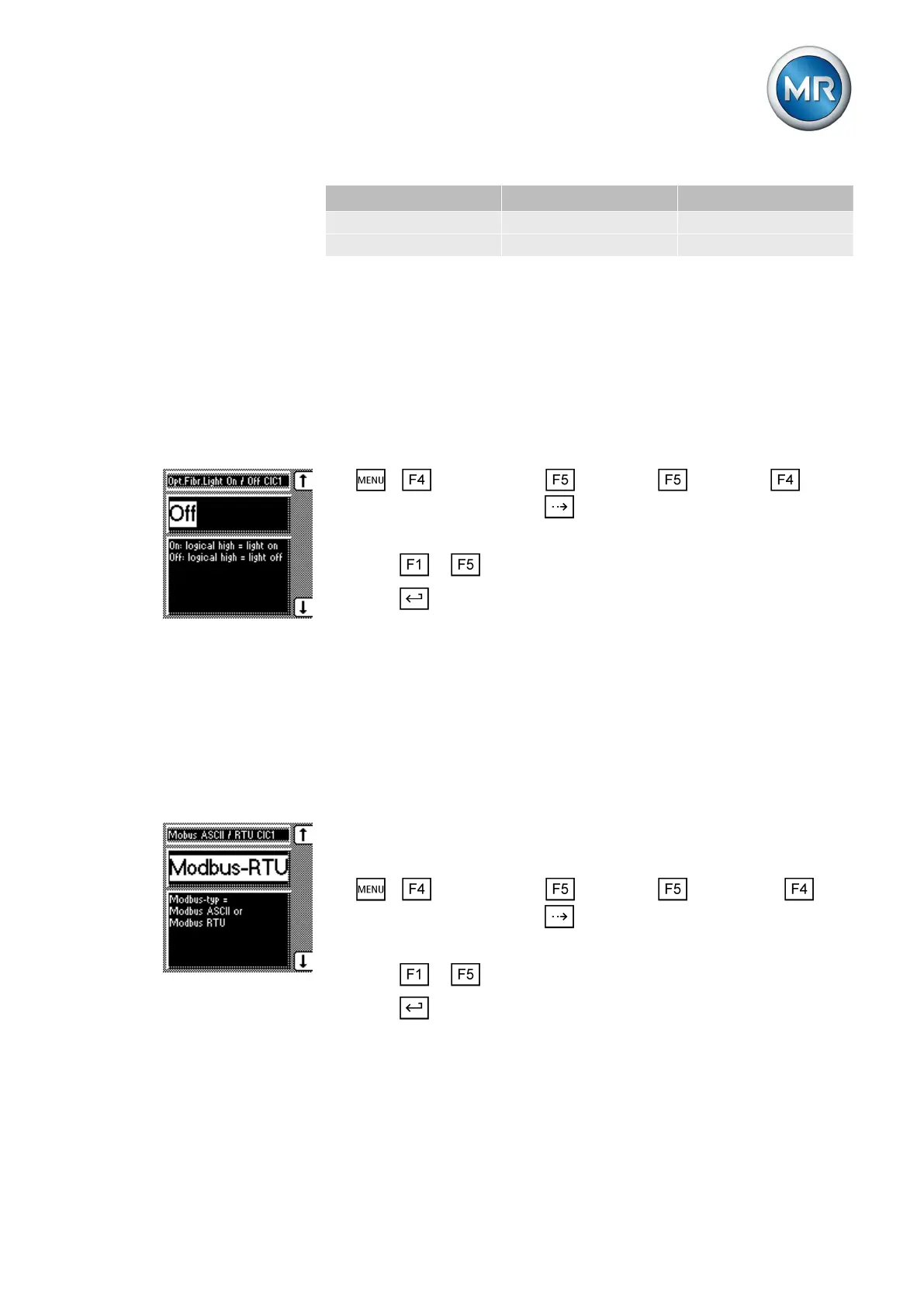
To set the fiber-optic cable transmission behavior, proceed as follows:
1. > Configuration > Continue > Continue >
Comm. interface 1 > Press until the desired parameter is displayed.
ð Fiber-optic cable light On / Off.
2. Press or to set the option you want.
3. Press .
ð The fiber-optic cable transmission behavior is set.
Selecting MODBUS type
You can use this parameter to select the Modbus type. The following Mod-
bus types are available:
▪ Modbus ASCII
▪ Modbus RTU
This display is only provided for the following interface protocol:
▪ MODBUS ASCII/RTU
To select the Modbus types, proceed as follows:
1. > Configuration > Continue > > Continue >
Comm. interface 1 > Press until the desired parameter is displayed.
ð Modbus ASCII / RTU CIC1.
2. Press or to set the option you want.
3. Press .
ð The Modbus type is set.
7.14.6



 To Next Page