7 Functions and settings
Maschinenfabrik Reinhausen 2014108 222/08 ENTAPCON® 240
Option Description
Master The voltage regulator is designated as the master.
Follower The voltage regulator is designated as the follower.
Sync.auto Automatic assignment of master or follower.
If no master is detected, the voltage regulator with the
lowest CAN bus address is automatically designated
as the master. All other voltage regulators are desig-
nated as followers.
Table 23: Tap synchronization method
In parallel operation, an individual CAN bus address must be assigned to
each voltage regulator. Up to 16 CAN participants are supported.
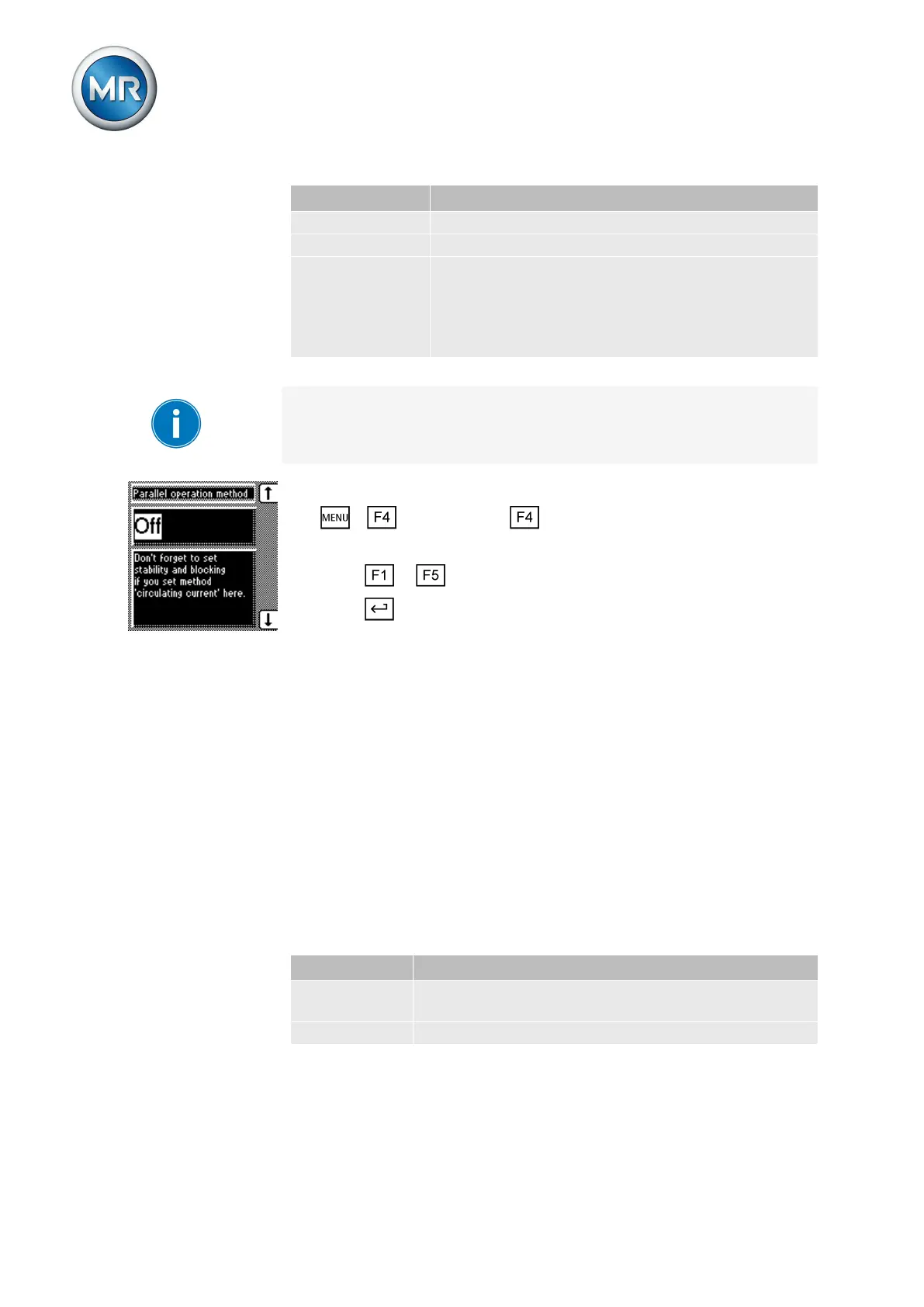
Proceed as follows to set the tap synchronization method:
1. > Configuration > Parallel operation.
ð Parallel operation method.
2. Press or to select the option you want.
3. Press .
ð The tap synchronization method is selected.
Selecting parallel operation control
As an option, the device can be fitted with a plug-in card for parallel opera-
tion with an existing parallel operation control unit when extending existing
systems. You can connect the following parallel operation control units:
▪ SKB 30E
▪ VC 100E-PM/PC
The settings required for parallel control must be undertaken in accordance
with the relevant valid operating instructions of the parallel operation control
unit.
If you do not have a parallel control unit, in the SKB parallel operation dis-
play you must select the Off selection. The possible selections are described
in more detail in the table below.
Selection Function
On Parallel operation control with existing parallel control
unit
Off Parallel operation control via CAN bus
Table 24: Settings for SKB parallel operation
To select the type of parallel operation control, proceed as follows:
7.9.3



 To Next Page