7 Functions and settings
Maschinenfabrik Reinhausen 2014 113222/08 EN TAPCON® 240
Functions
available
Function description
Bandwidth > Value is above bandwidth
Power-
dep.des.
Power-dependent desired value adjustment activated
Table 28: Functions available for LEDs
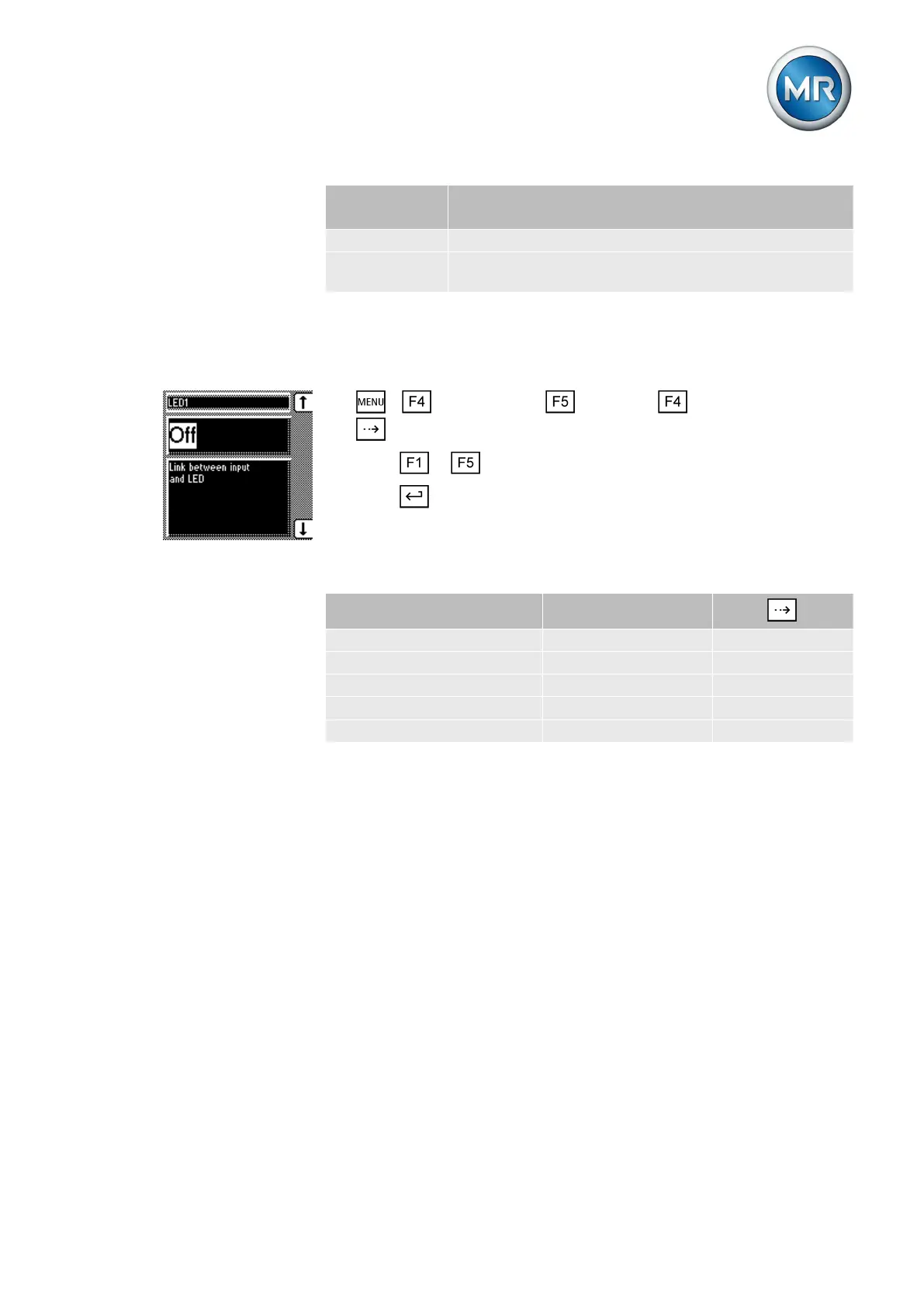
Assigning function
To assign a function to an LED, proceed as follows:
1. > Configuration > Continue > LED selection > Press
until the desired parameter is displayed.
2. Press or to select the option you want.
3. Press .
ð The function is assigned.
All additional LEDs can be assigned as described previously. The LEDs
available can be called up as follows:
LED (parameter) Characteristics
Press
LED 1 Single-colored -
LED 2 Single-colored 1x
LED 3 Single-colored 2x
LED 4 rot Two-colored 3x
LED 4 green Two-colored 4x
Table 29: Configurable LEDs
Also refer to
2 Display elements [► 20]
Measuring transducer function
Depending on the configuration and version of the measuring transducer
module 2 or 4, the transducer module can be used to obtain measured val-
ues as analog values in the following ranges:
▪ ± 20 mA
▪ ± 10 mA
▪ ± 10 V (only AN2 card)
▪ ± 1 mA
The following values are available:
▪ V1
7.12



 To Next Page