7 Functions and settings
Maschinenfabrik Reinhausen 2014 91222/08 EN TAPCON® 240
If you do not want to use line drop compensation, you have to set the value
0.0 V.
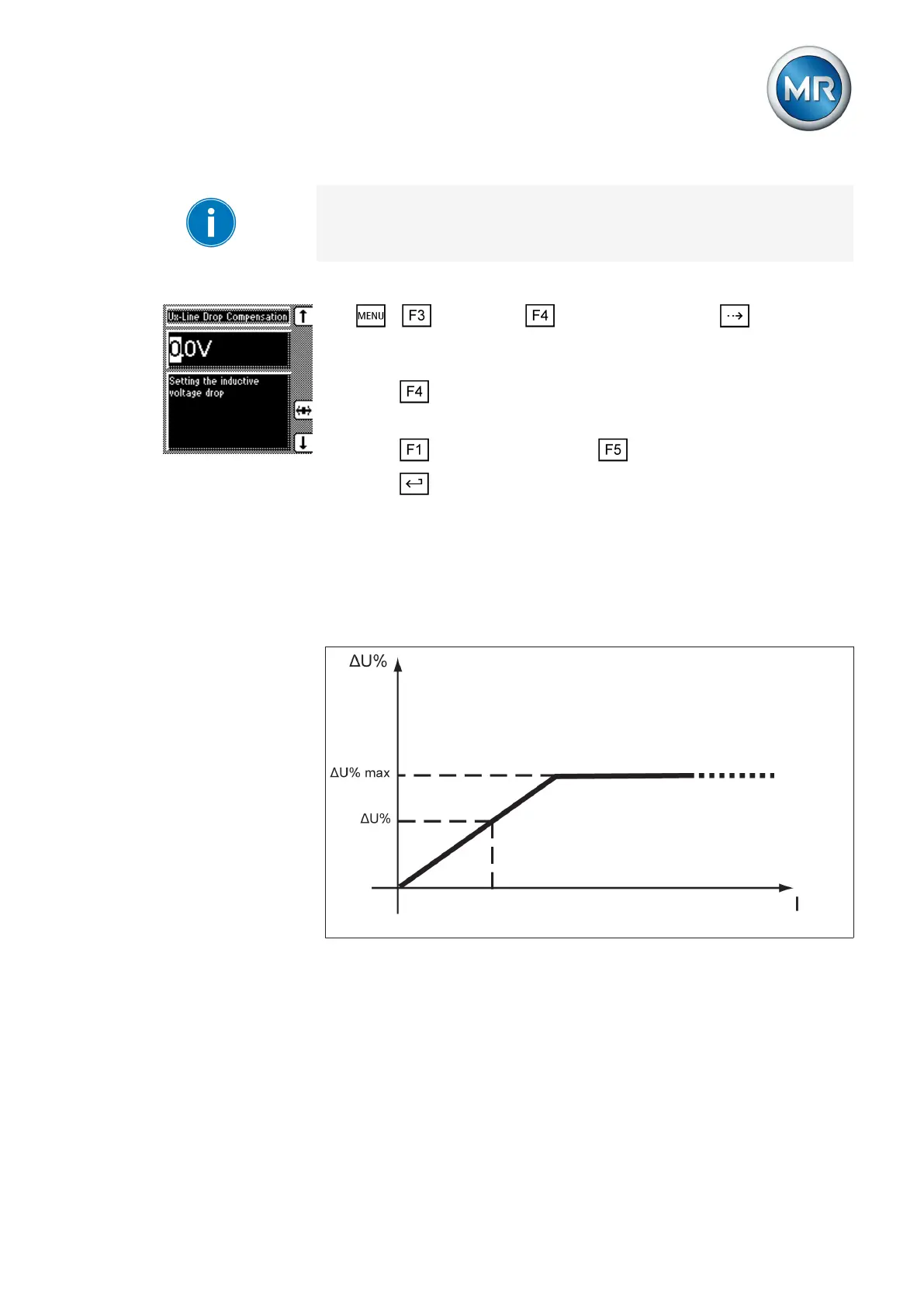
To set the inductive voltage drop Vx, proceed as follows:
1. > Parameter > Compensation > Press until the de-
sired parameter is displayed.
ð Vx line drop compensation.
2. Press to highlight the position.
ð The desired position is highlighted and the value can be changed.
3. Press to increase the value or to reduce it.
4. Press .
ð The inductive voltage drop Vx is set.
Z compensation
To keep the voltage constant for the consumer, you can use Z compensation
to activate a current-dependent increase in voltage. You can also define a
limit value to avoid excess voltage on the transformer.
Figure 57: Z compensation
To use Z compensation, you need to calculate the increase in voltage (ΔU)
taking the current into account. Use the following formula for this purpose:
7.6.2



 To Next Page