7 Functions and settings
Maschinenfabrik Reinhausen 2014 135222/08 EN TAPCON® 240
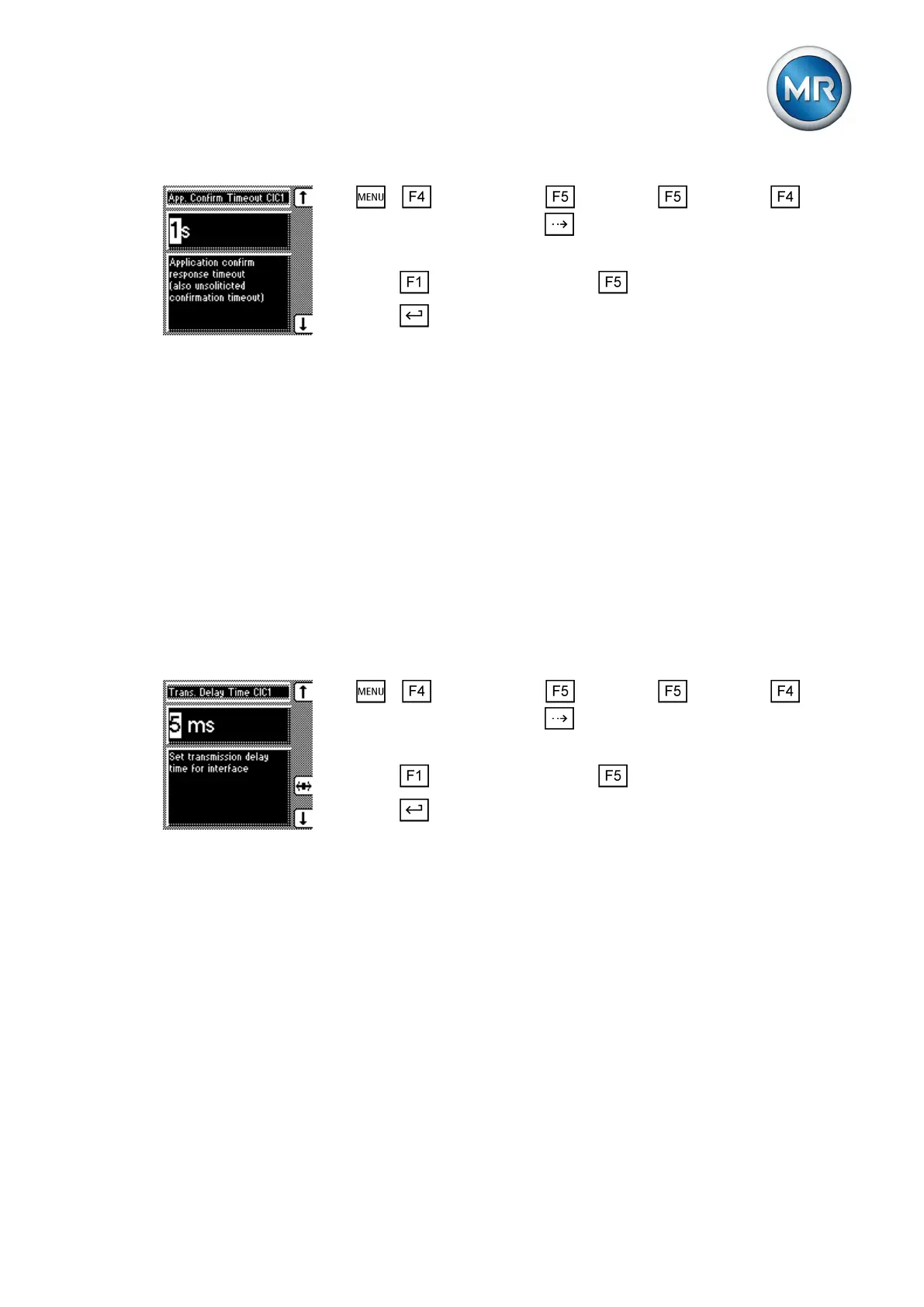
1. > Configuration > Continue > Continue >
Comm. interface 1 > Press until the desired parameter is displayed.
ð Appl. timeout confirm. CIC1
2. Press to increase the value or to reduce it.
3. Press .
ð The timeout for application confirm responses is set.
Setting the transmission delay time for the RS485 interface
You can use this parameter to set a send delay for the interface, for exam-
ple, to compensate for the reaction time of an external RS485/RS232 trans-
former when changing between transmitting and receiving operation.
This display is only provided for the following interface protocols:
▪ DNP3
▪ IEC 60870-5-101
▪ IEC 60870-5-103
▪ MODBUS ASCII/RTU
▪ ABB SPA
To set the transmission delay time for the RS485 interface, proceed as fol-
lows:
1. > Configuration > Continue > Continue >
Comm. interface 1 > Press until the desired parameter is displayed.
ð Transmission delay CIC1.
2. Press to increase the value or to reduce it.
3. Press .
ð The transmission delay time for the RS485 interface is set.
Communication interface CIC2 (optional)
Communication interface CIC2 is optional and is only used for communica-
tion with the TAPCON®-trol software. The following section describes how to
configure the communication interface.
Selecting the communication port
You can use this parameter to select the communication port used for the
CIC card. You can select the following options:
▪ RS232
▪ Ethernet
7.14.12
7.15
7.15.1



 To Next Page