7 Functions and settings
Maschinenfabrik Reinhausen 2014 111222/08 EN TAPCON® 240
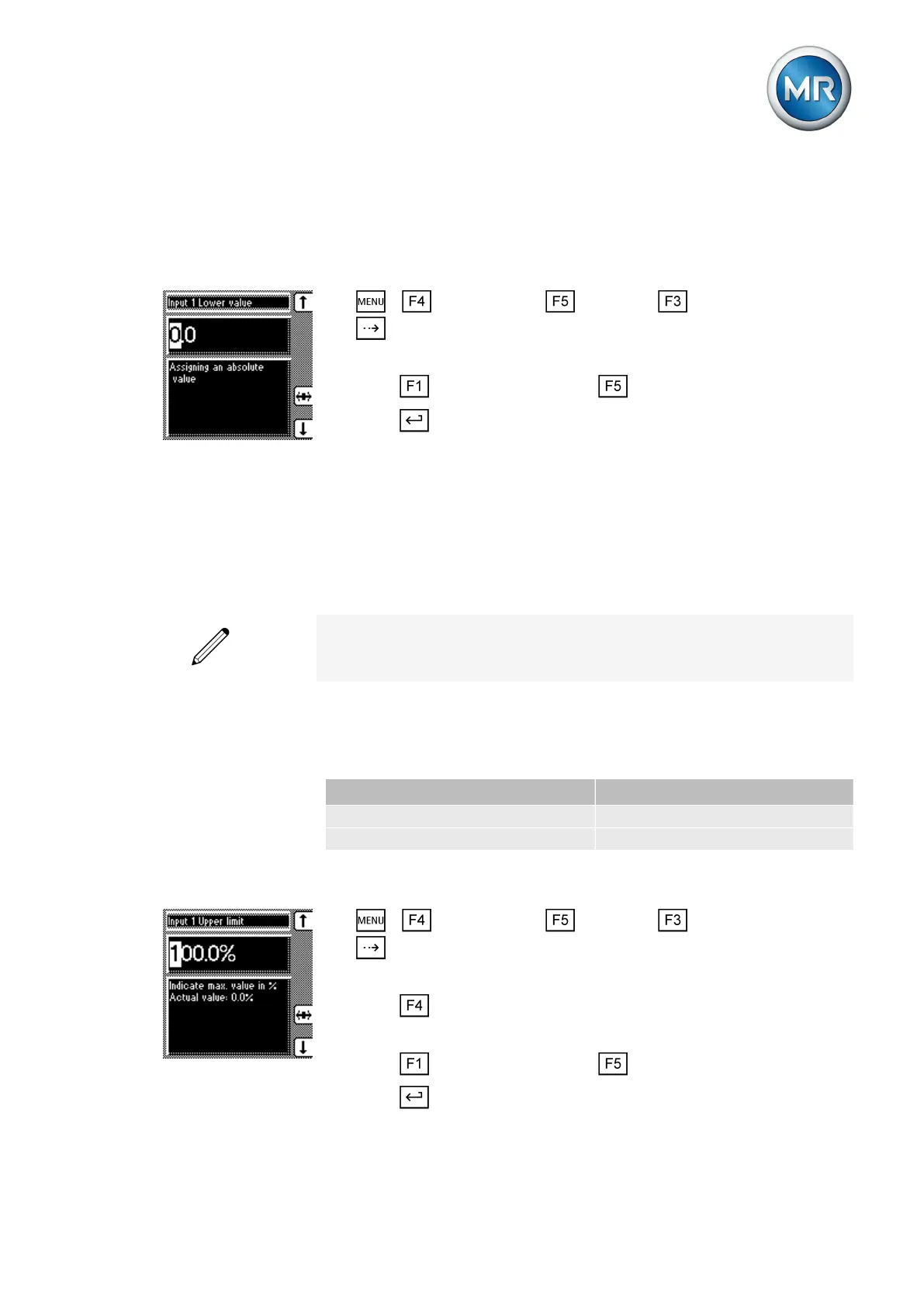
Setting lower value of input signal
To configure the analog input, an absolute value must be assigned to the
lower value of the applied signal.
To set the lower value for the input, proceed as follows:
1. > Configuration > Continue > Analog inputs > Press
until the desired parameter is displayed.
ð Input 1 lower value.
2. Press to increase the value or to reduce it.
3. Press .
ð The lower value for the tap position is assigned.
Setting upper limit value
You can use parameters to set the upper value for the tap position. To do
this, you must set the upper value of the signal range and linked highest tap
position.
You can undertake the settings for each input on the analog input card.
For example: To capture a tap position range of 1...19 via input 1 as
4...20 mA, you must set 100 % for the "Input 1 upper limit" parameter and
19.0 for the "Input 1 upper value" parameter.
Setting upper limit value of input signal
To configure the analog input, you must state the upper limit value for the in-
put signal. Use the following settings depending on your analog signal:
Analog signal Setting
Injected current: 0/4...20 mA 100 % (= 20 mA)
Resistor contact series always 100 %
Table 27: Parameter settings
To set the upper limit value for the input, proceed as follows:
1. > Configuration > Continue > Analog inputs > Press
until the desired parameter is displayed.
ð Input 1 upper limit.
2. Press to highlight the position.
ð The desired position is highlighted and the value can be changed.
3. Press to increase the value or to reduce it.
4. Press .
7.10.2



 To Next Page