7 Functions and settings
Maschinenfabrik Reinhausen 2014144 222/08 ENTAPCON® 240
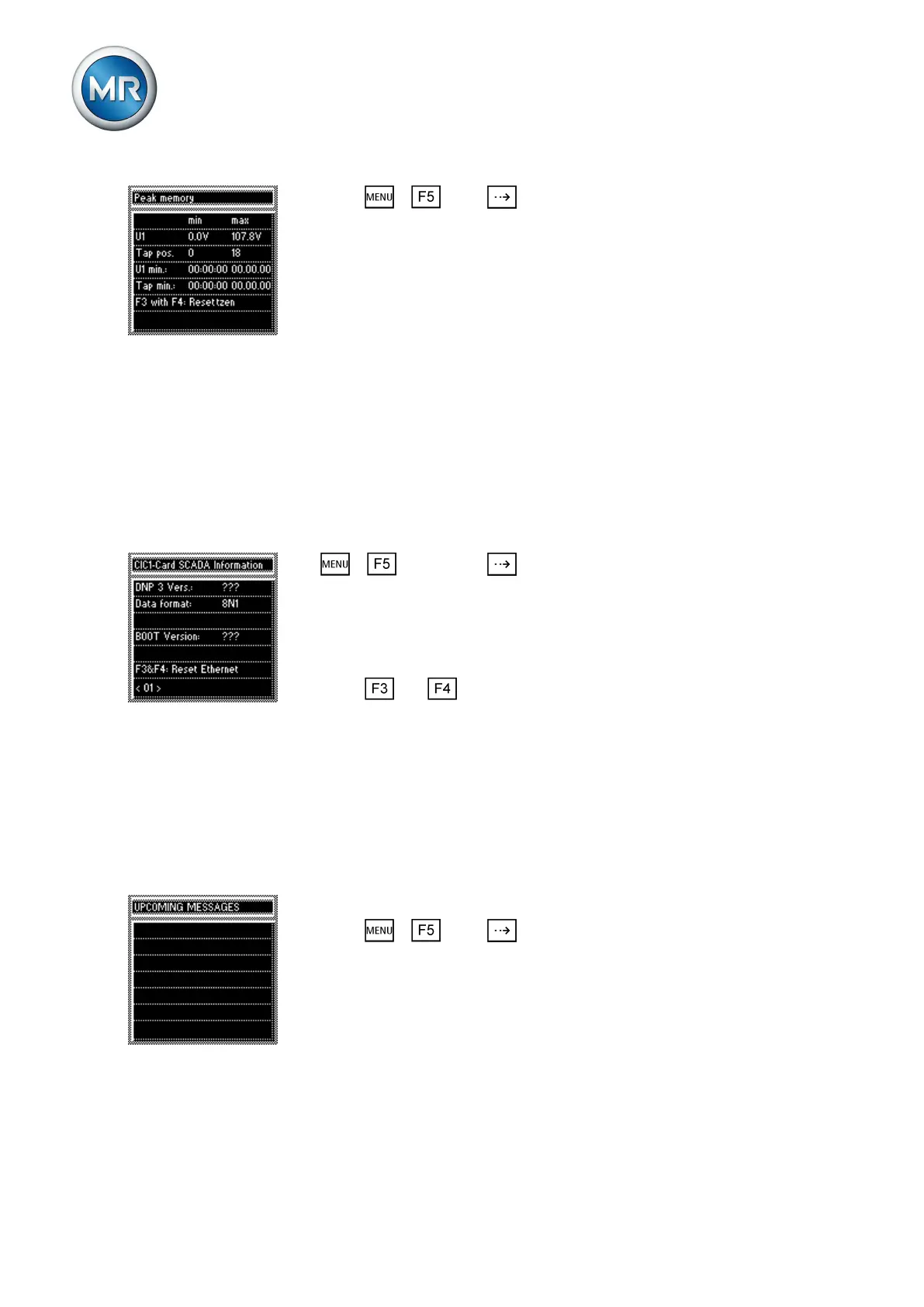
► Press > Info > until the desired measurement parameter
is displayed.
ð Peak memory.
Displaying CIC card SCADA information
The following information on the SCADA connection is displayed in this CIC
card SCADA information display:
▪ Protocol
▪ Data format
▪ BOOT version
If necessary, you can also reset the Ethernet connection.
To display the SCADA information on the CIC card, proceed as follows:
1. > Info > Press until the desired measurement parameter
is displayed.
ð CIC1 card SCADA information/CIC2 card SCADA information.
2. The SCADA information on the CIC card is displayed.
3. If necessary, you can reset the Ethernet connection.
4. Press and at the same time to reset the Ethernet connection.
Displaying upcoming messages
This display shows upcoming messages, such as:
▪ Undervoltage
▪ Overvoltage
▪ Fault in parallel operation
▪ etc.
To display the upcoming messages, proceed as follows:
► Press > Info > until the desired measurement parameter
is displayed.
ð UPCOMING MESSAGES
7.16.12
7.16.13



 To Next Page