7 Functions and settings
Maschinenfabrik Reinhausen 2014 65222/08 EN TAPCON® 240
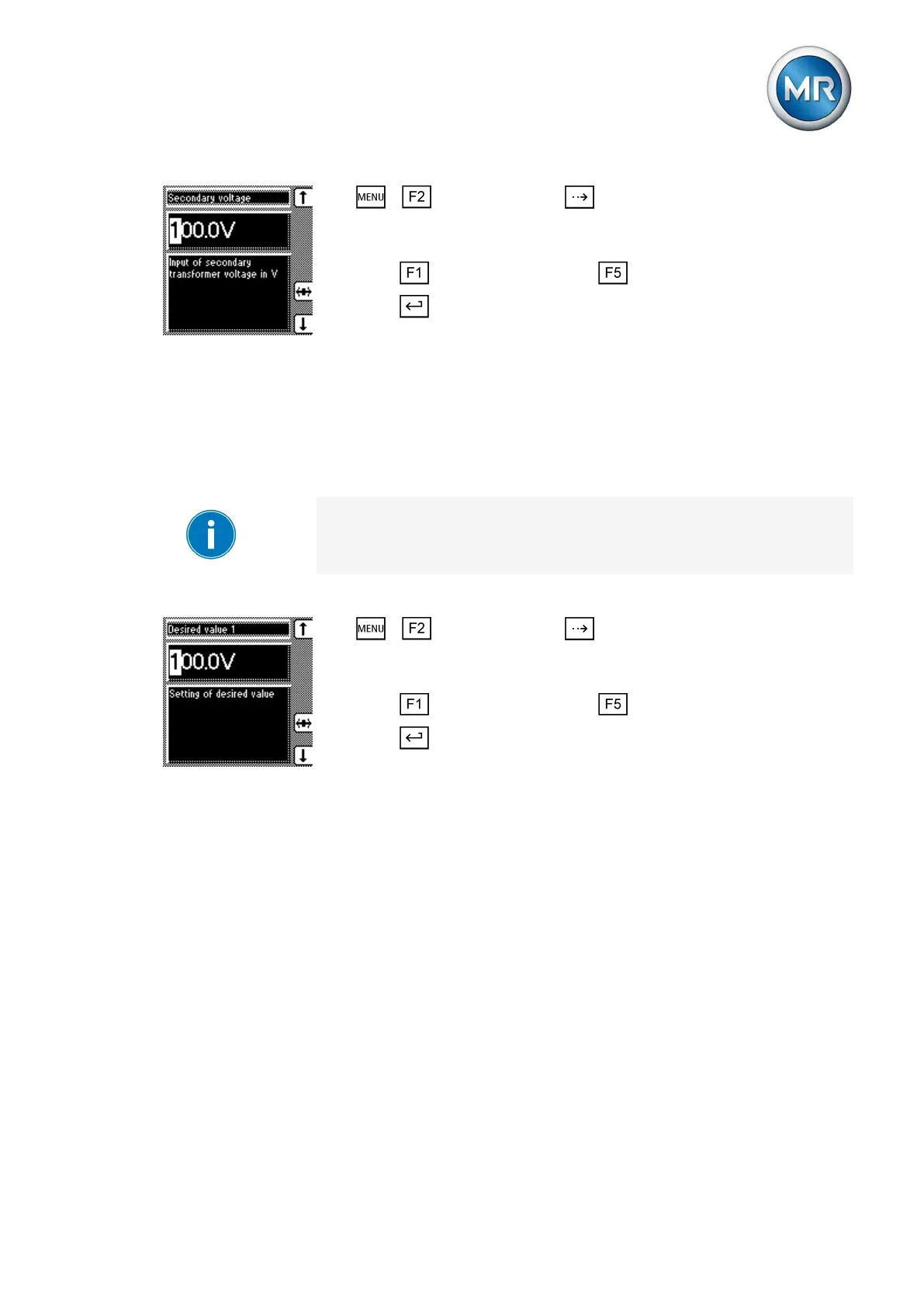
1. > NORMset > Press until the desired parameter is dis-
played.
ð Secondary voltage.
2. Press to increase the value or to reduce it.
3. Press .
ð The secondary voltage is set.
Setting desired value 1
With this parameter, you can set the desired value for automatic voltage reg-
ulation. You can enter the desired value in V or in kV. If you enter the de-
sired value in V, the value relates to the voltage transformer's secondary
voltage. If you set the desired value in kV, the value relates to the voltage
transformer's primary voltage.
Settings in kV are only possible if you have previously entered the parame-
ters for primary and secondary voltage.
To set the desired value, proceed as follows:
1. > NORMset > Press until the desired parameter is dis-
played.
ð Desired value 1.
2. Press to increase the value or to reduce it.
3. Press .
ð The desired value is set.
Control parameters
All of the required for the regulation function are described in this section.
For voltage regulation, you can set the following parameters:
▪ Desired values 1…3
▪ Bandwidth
▪ Delay time T1
▪ Control response T1
▪ Delay time T2
▪ Power-dependent desired value adjustment
For voltage regulation, you can set delay time T1 and also delay time T2.
The following sections describe how the regulation function responds in both
cases:
7.4



 To Next Page