7 Functions and settings
Maschinenfabrik Reinhausen 2014136 222/08 ENTAPCON® 240
▪ Fiber-optic cable
You can only select one communication port. All remaining ports remain dis-
abled. It is not possible to use several communication ports at the same
time.
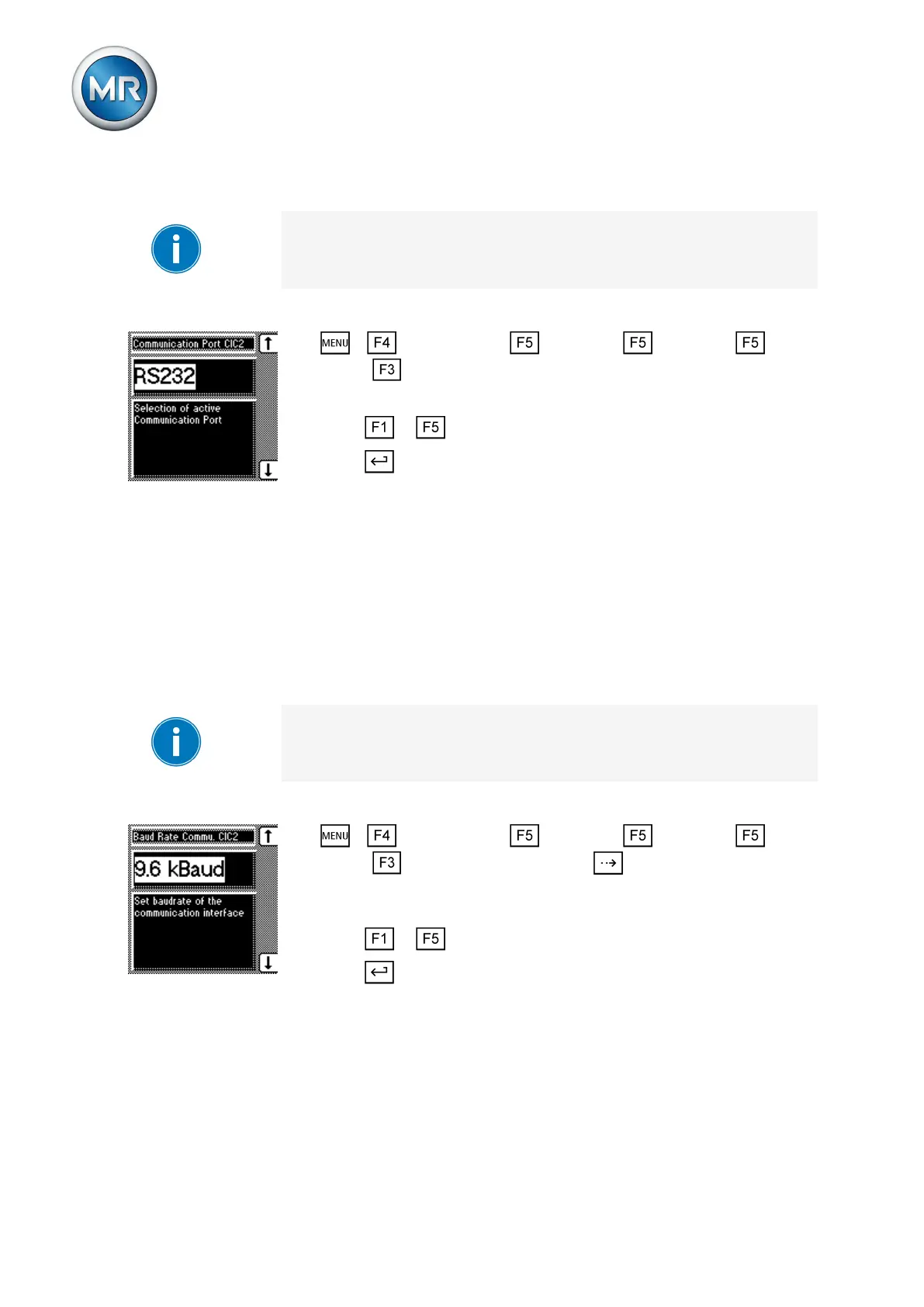
To select the communication port, proceed as follows:
1. > Configuration > Continue > Continue > Con-
tinue > Comm. interface 2.
ð Comm. port CIC2.
2. Press or to set the option you want.
3. Press .
ð The communication port is selected.
Selecting communication baud rate
You can use this parameter to set the desired baud rate for the communica-
tion interface. You can select the following options:
▪ 9.6 kilobaud
▪ 19.2 kilobaud
▪ 38.4 kilobaud
▪ 57.6 kilobaud
The baud rate of 57.6 kilobaud is only active for communication interfaces
RS232, RS485 and fiber-optic cable.
A baud rate of 57.6 kilobaud cannot be used for Ethernet.
To set the communication interface baud rate, proceed as follows:
1. > Configuration > Continue > Continue > Con-
tinue > Comm. interface 2 > Press until the desired parameter
is displayed.
ð Baud rate comm. CIC2.
2. Press or to set the option you want.
3. Press .
ð The baud rate is selected.
Assigning network address
You can use this parameter to assign a network address (IPv4) to the de-
vice. If you want to connect the device by means of Ethernet, you need to
set a valid network address.
7.15.2
7.15.3



 To Next Page