7 Functions and settings
Maschinenfabrik Reinhausen 2014 85222/08 EN TAPCON® 240
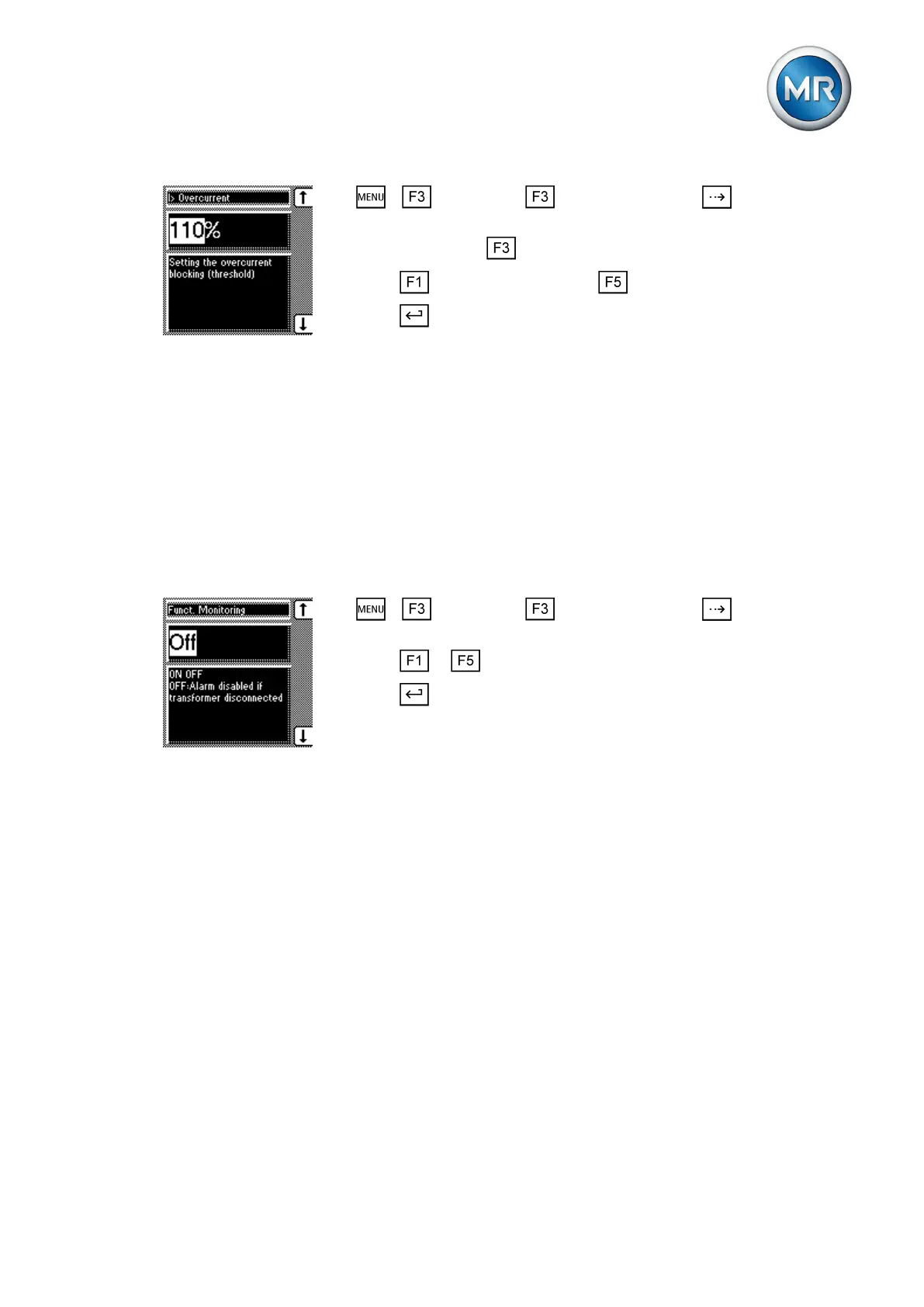
1. > Parameter > Limit values > Press until the desired
parameter is displayed.
2. If necessary press to select the unit you want: % or A.
3. Press to increase the value or to reduce it.
4. Press .
ð The limit value is set.
Activating/deactivating function monitoring
If the measured value leaves the current bandwidth (desired value +/- band-
width) for more than 15 minutes without a tap-change operation taking place,
the function monitoring relay is activated. This results in a message on the
display which is only reset when the measured value returns to within the
current bandwidth.
If the measured voltage is below 30 V, then the measured value is outside
the bandwidth and the relevant relay is also activated after 15 minutes. You
can deactivate this function if you want to avoid a function monitoring mes-
sage when the transformer is switched off:
1. > Parameter > Limit values > Press until the desired
parameter is displayed.
2. Press or to select the option you want.
3. Press .
ð Function monitoring is activated/deactivated.
Switching interval monitoring
You can use this function to monitor the typical tap-change response of your
transformer. To do this, you can set the permissible number of consecutive
RAISE operations within a defined time period in auto mode.
If the maximum permissible number of tap-change operations is exceeded,
the device blocks any more RAISE operations for a time that you can set. As
an option, Maschinenfabrik Reinhausen can parameterize the device such
that a message is output via a relay during the blocking time.
7.5.5
7.5.6



 To Next Page