7 Functions and settings
Maschinenfabrik Reinhausen 2014 87222/08 EN TAPCON® 240
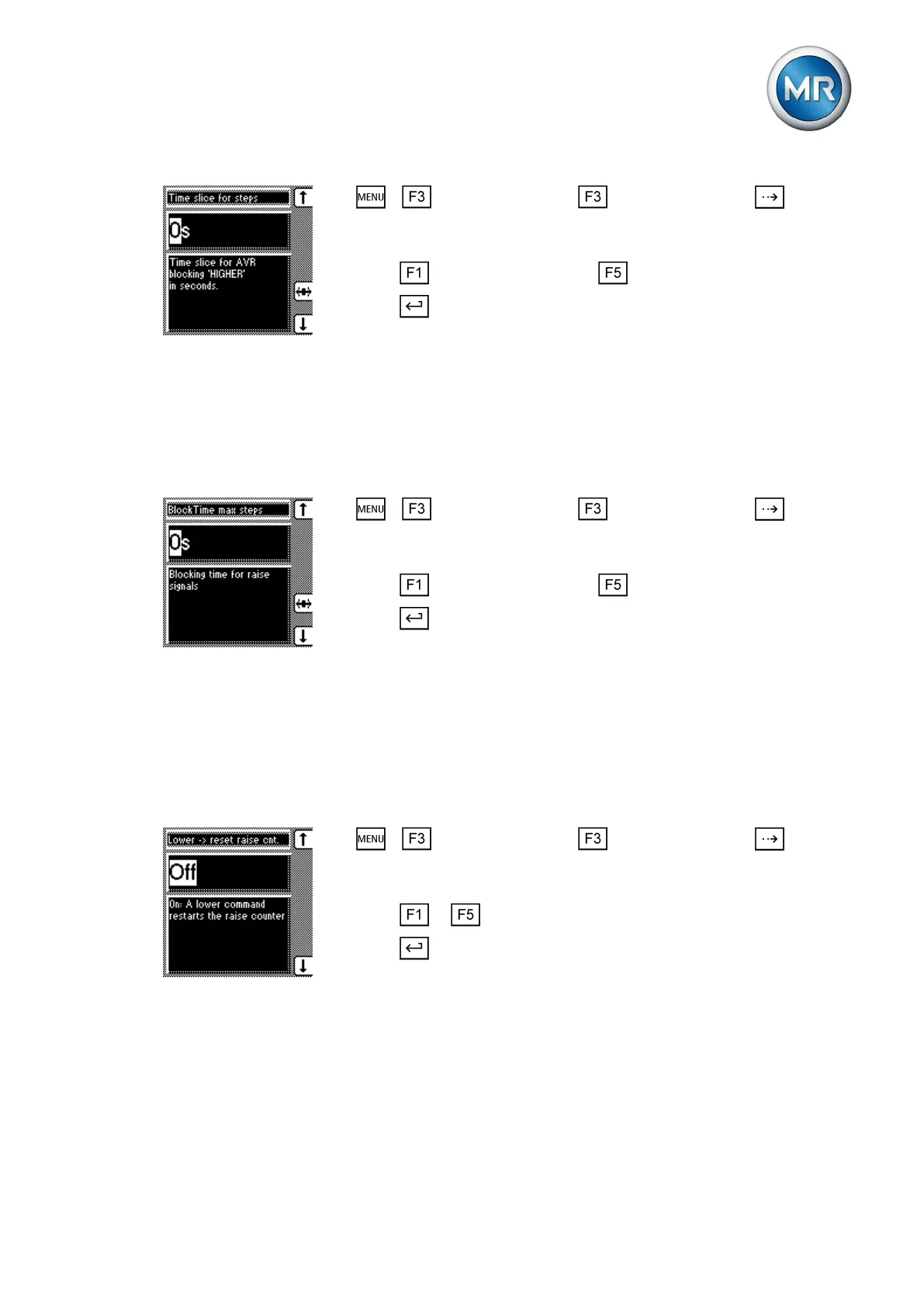
1. > Control parameter > Limit values > Press until the
desired parameter is displayed.
ð Time slice for steps.
2. Press to increase the value or to reduce it.
3. Press .
ð The time interval is set.
Setting blocking time
You can use this parameter to define the blocking time after reaching the
maximum permissible number of consecutive RAISE operations. Further
RAISE commands are blocked during this blocking time.
To set the blocking time, proceed as follows:
1. > Control parameter > Limit values > Press until the
desired parameter is displayed.
ð Block time max steps.
2. Press to increase the value or to reduce it.
3. Press .
ð The blocking time is set.
Setting counting behavior
You can use this parameter to define the counting behavior. All RAISE oper-
ations within the defined time period are counted as standard, even if they
are interrupted by a LOWER operation. Alternatively, you can stipulate that
the counter is reset during a LOWER operation.
To set the counting behavior, proceed as follows:
1. > Control parameter > Limit values > Press until the
desired parameter is displayed.
ð Lower -> reset raise cnt.
2. Press or to set the option you want.
3. Press .
ð The desired option is selected.
Permitted tap positions
You can use the parameters described below to restrict the permissible
range of tap positions in auto mode. If you activate this function, the device
does not switch to tap positions outside the set limits in auto mode.
7.5.6.3
7.5.6.4
7.5.7



 To Next Page