7 Functions and settings
Maschinenfabrik Reinhausen 2014 79222/08 EN TAPCON® 240
Parameter Function
Off The device uses the relative limit values [%] you have
entered
On The device uses the absolute limit values [V] you have
entered
Table 14: Selection between relative and absolute value
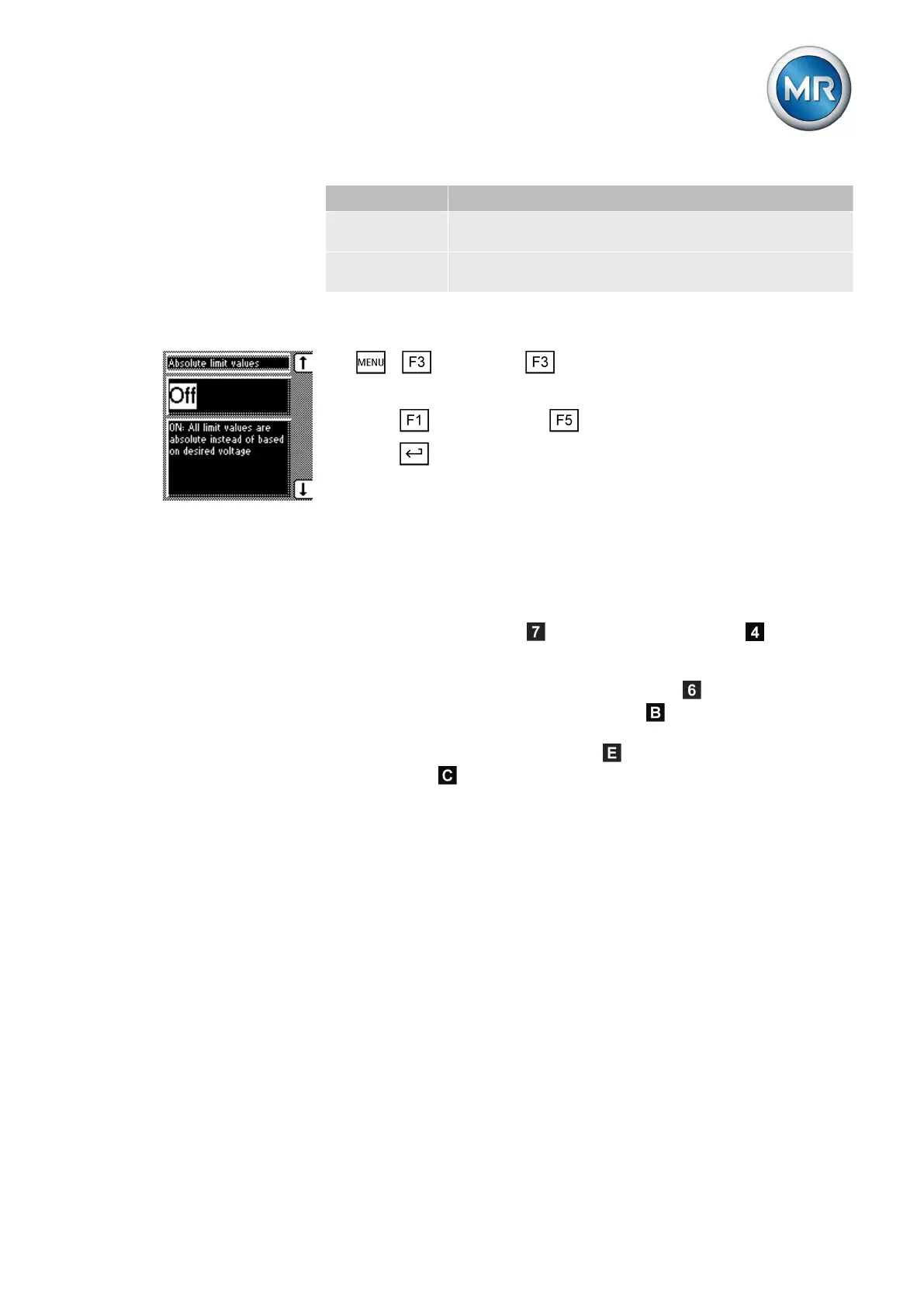
To activate/deactivate the absolute limit values, proceed as follows:
1. > Parameter > Limit values.
ð Absolute limit values.
2. Press for On setting or for Off setting.
3. Press .
ð The absolute limit value is activated/deactivated.
Setting undervoltage monitoring V<
You can use these parameters to set the limit values for an undervoltage.
Undervoltage monitoring prevents tap-change operations if there is a power
cut.
If the measured voltage U
actual
falls below the set limit value , the red
LED U< lights up . The switching pulses to the motor-drive unit are blocked
at the same time provided you have activated the blocking undervoltage U<
parameter. Once the set signaling delay time [► 81]
has passed, the
signaling relay activates. The Undervoltage U< message appears in the
display. The message is reset as soon as the measured voltage U
actual
again
exceeds the limit value for undervoltage
. If the measured voltage U
actual
falls below 30 V (for example when the transformer is switched off), the
Undervoltage message is also displayed. You can however suppress
[► 82] this message.
7.5.2
Behavior



 To Next Page