7 Functions and settings
Maschinenfabrik Reinhausen 201468 222/08 ENTAPCON® 240
The device provides the following ways of changing the desired voltage val-
ue during operation:
▪ Using the control parameters menu item via the operating screen
▪ Using binary inputs
▪ Using control system protocols if a communication card is ready for op-
eration
Desired values set in kV refer to the primary voltage of the voltage trans-
former. Desired values set in V refer to the secondary voltage of the voltage
transformer. The transformer data must be entered correctly for this display.
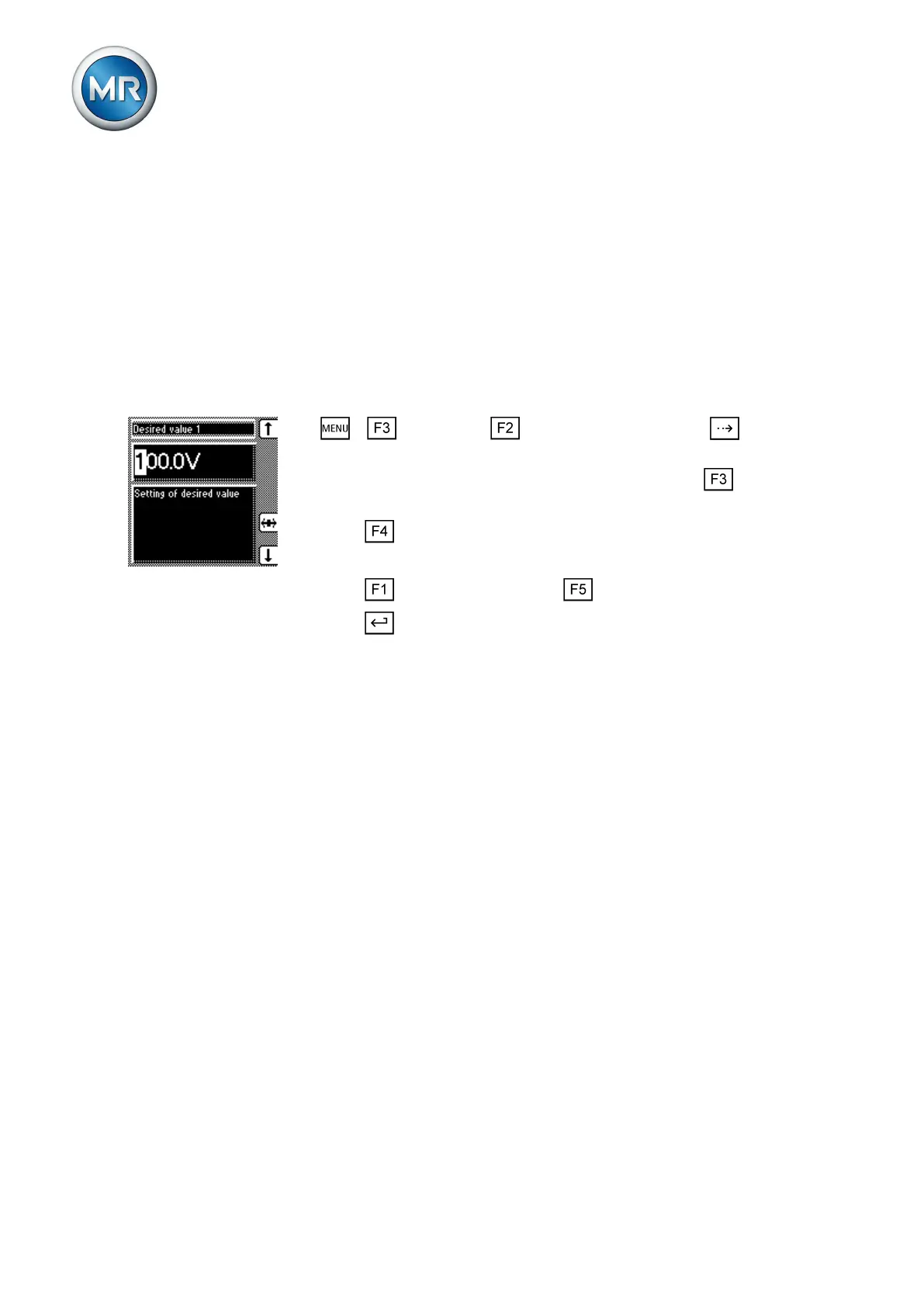
To set the desired value, proceed as follows:
1. > Parameter > Control parameter > Press until the
desired parameter is displayed.
2. If you have already entered the transformer data, press to select
the unit you want: "V" or "kV".
3. Press to highlight the position.
ð The desired position is highlighted and the value can be changed.
4. Press to increase the value or to reduce it.
5. Press .
ð The desired value is set.
Bandwidth
You can use this parameter to set the maximum permissible deviation in
measured voltage U
Act
. The deviation relates to the activated desired value.
The following sections describe how you determine and set the bandwidth
required.
Determining bandwidth
In order to set the correct value, the transformer's step voltage and nominal
voltage must be known.
You have to set the bandwidth in such a way that the output voltage of the
transformer (V
Act
) returns to within the specified tolerance bandwidth after the
tap change. If too small a bandwidth is defined, the output voltage exceeds
the bandwidth selected and the device immediately issues a tap-change
command in the opposite direction. If a very large bandwidth is selected, this
results in a major control deviation.
The following value is recommended for the bandwidth setting:
Options for setting the
desired values
Reference of kV and V for
voltage transformer
7.4.2
7.4.2.1
Too small/large a
bandwidth



 To Next Page