7 Functions and settings
Maschinenfabrik Reinhausen 2014 99222/08 EN TAPCON® 240
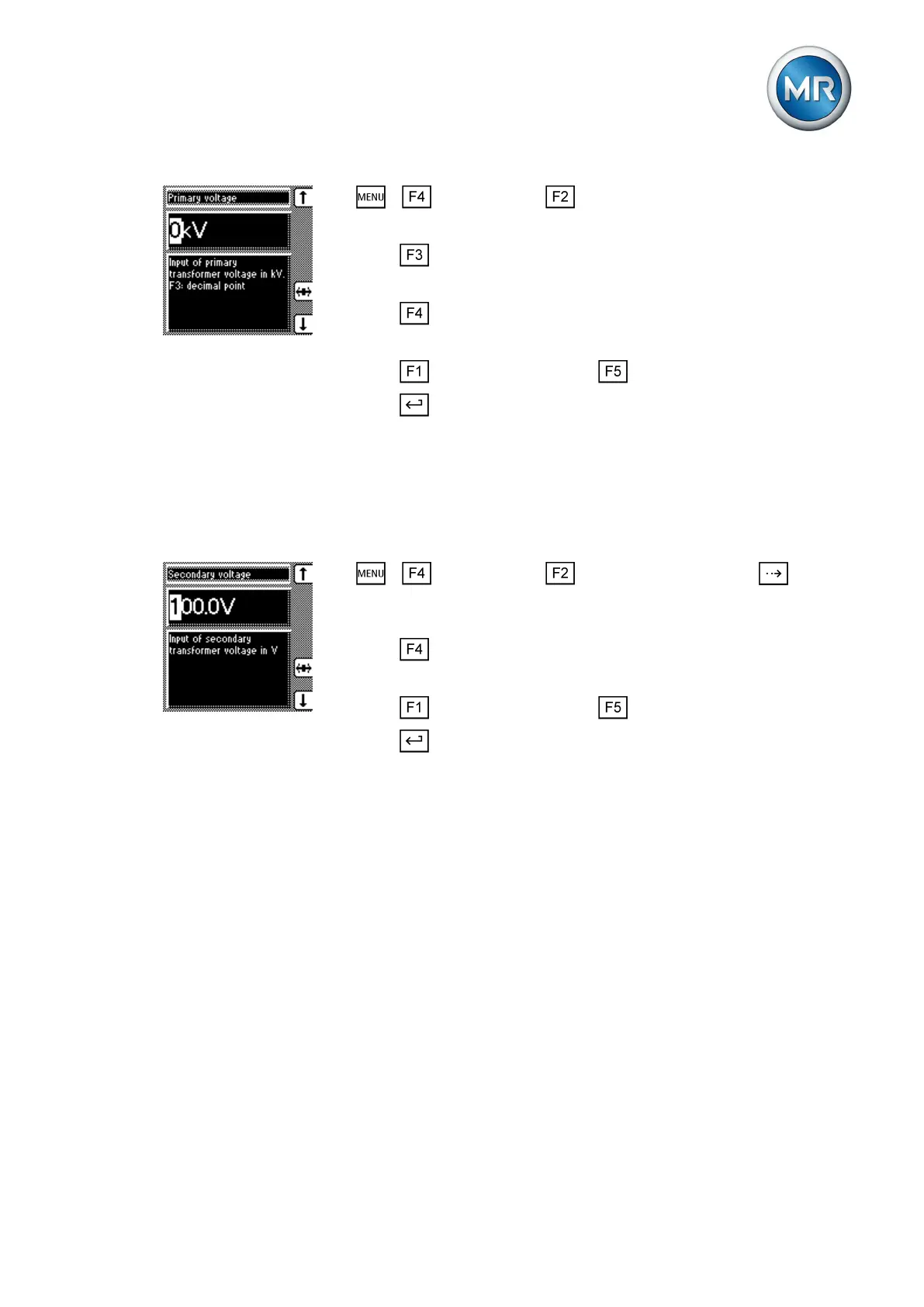
1. > Configuration > Transformer data.
ð Primary voltage.
2. Press to highlight the decimal place.
ð The decimal place is defined and the value can be changed.
3. Press to highlight the position.
ð The desired position is highlighted and the value can be changed.
4. Press to increase the value or to reduce it.
5. Press .
ð The primary transformer voltage is set.
Setting the secondary transformer voltage
This parameter can be used to set the secondary transformer voltage in V.
To set the secondary transformer voltage, proceed as follows:
1. > Configuration > Transformer data > Press until the
desired parameter is displayed.
ð Secondary voltage.
2. Press to highlight the position.
ð The desired position is highlighted and the value can be changed.
3. Press to increase the value or to reduce it.
4. Press .
ð The secondary transformer voltage is set.
Setting primary transformer current
This parameter can be used to set the primary transformer current.
▪ When you are setting the primary transformer current, the measured
value is displayed in the main screen.
▪ If you set a value of 0, no measured value is displayed in the main
screen.
7.8.2
7.8.3



 To Next Page