3 Product description
Maschinenfabrik Reinhausen 201416 222/08 ENTAPCON® 240
▪ When ordering you can choose between tap position capture:
– using analog signal 4…20 mA
– using analog signal via resistor contact series
– using digital signal via BCD code
▪ Additional digital inputs and outputs which can be freely parameterized
by the customer
▪ Parallel operation of up to 16 transformers in 2 groups using the follow-
ing methods:
– Master/Follower
– Circulating reactive current minimization
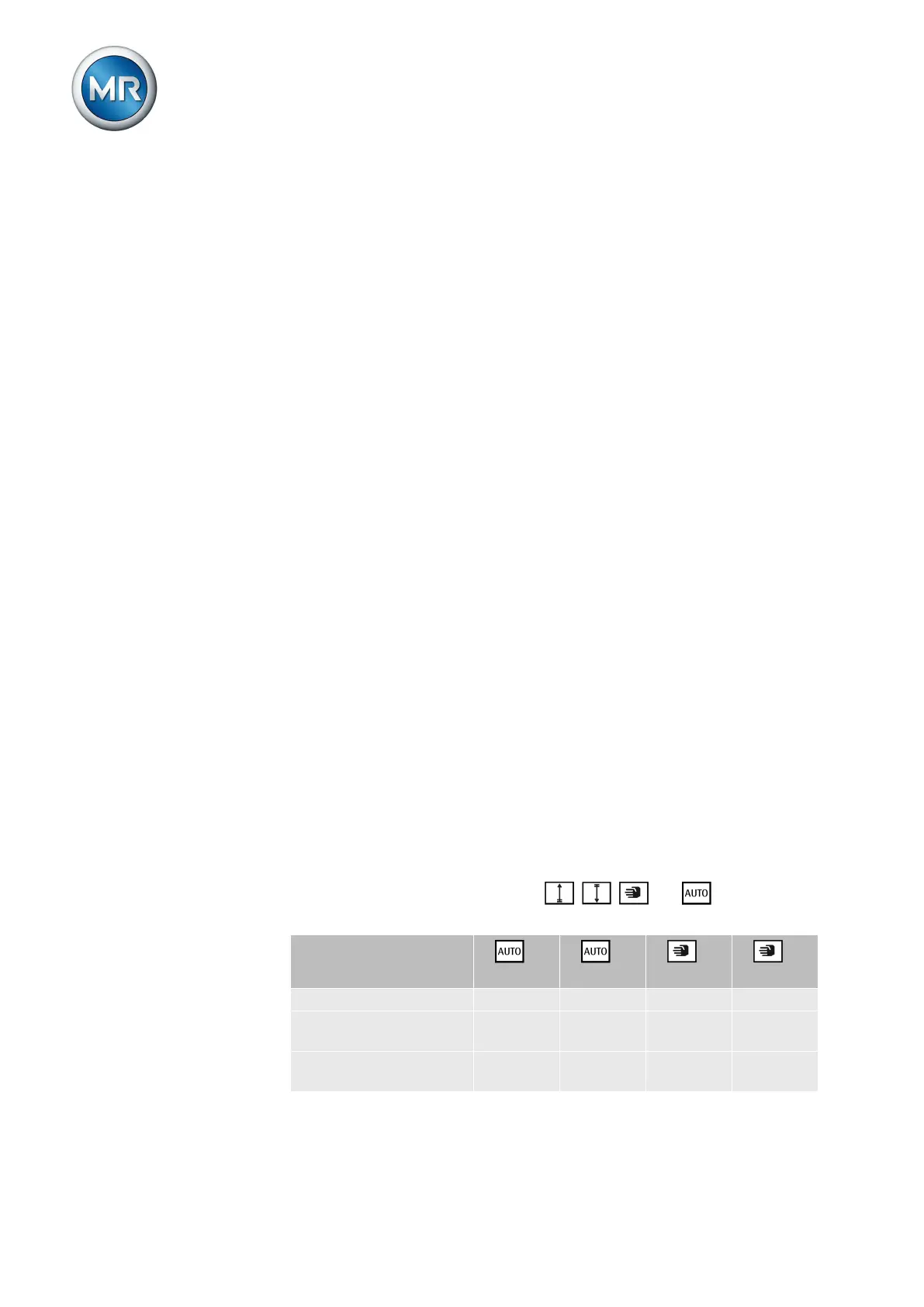
Operating modes
The device can be operated in the following operating modes:
Auto mode (AUTO)
In auto mode, the voltage is automatically controlled in accordance with the
set parameters. You cannot change further device settings in auto mode.
There is no active management by a higher level control system in this oper-
ating mode.
Manual mode (MANUAL)
In manual mode, there is no automatic control. The motor-drive unit can be
controlled via the device's operating panel. You can change the device set-
tings.
Local mode (LOCAL)
There is no active management by a superordinate control system in this op-
erating mode.
Remote mode (REMOTE)
In remote mode, you can perform commands using an external control level.
In this case, manual operation of the , , and keys is disa-
bled.
+
LOCAL
+
REMOTE
+
LOCAL
+
REMOTE
Automatic regulation Yes Yes No No
Tap-change operation
using operating controls
No No Yes No
Tap-change operation
using inputs
No No No Yes
3.4



 To Next Page