7 Functions and settings
Maschinenfabrik Reinhausen 2014 63222/08 EN TAPCON® 240
4. Press .
ð The motor runtime is set.
Swapping tapping direction
Depending on your configuration, with this parameter, you can set how the
device behaves in the event of a raise or lower tap change. This parameter
is taken into account in the parallel operation method "tap synchronization"
as follower and when checking the permitted tap position.
You can select the following options:
Option Description
Standard Signal at Raise relay: Device switches up one step
to increase the voltage.
Signal at Lower relay: Device switches down one
step to decrease the voltage.
Swapped Signal at Raise relay: Device switches down one
step to increase the voltage.
Signal at Lower relay: Device switches up one
step to decrease the voltage.
Table 12: Device response
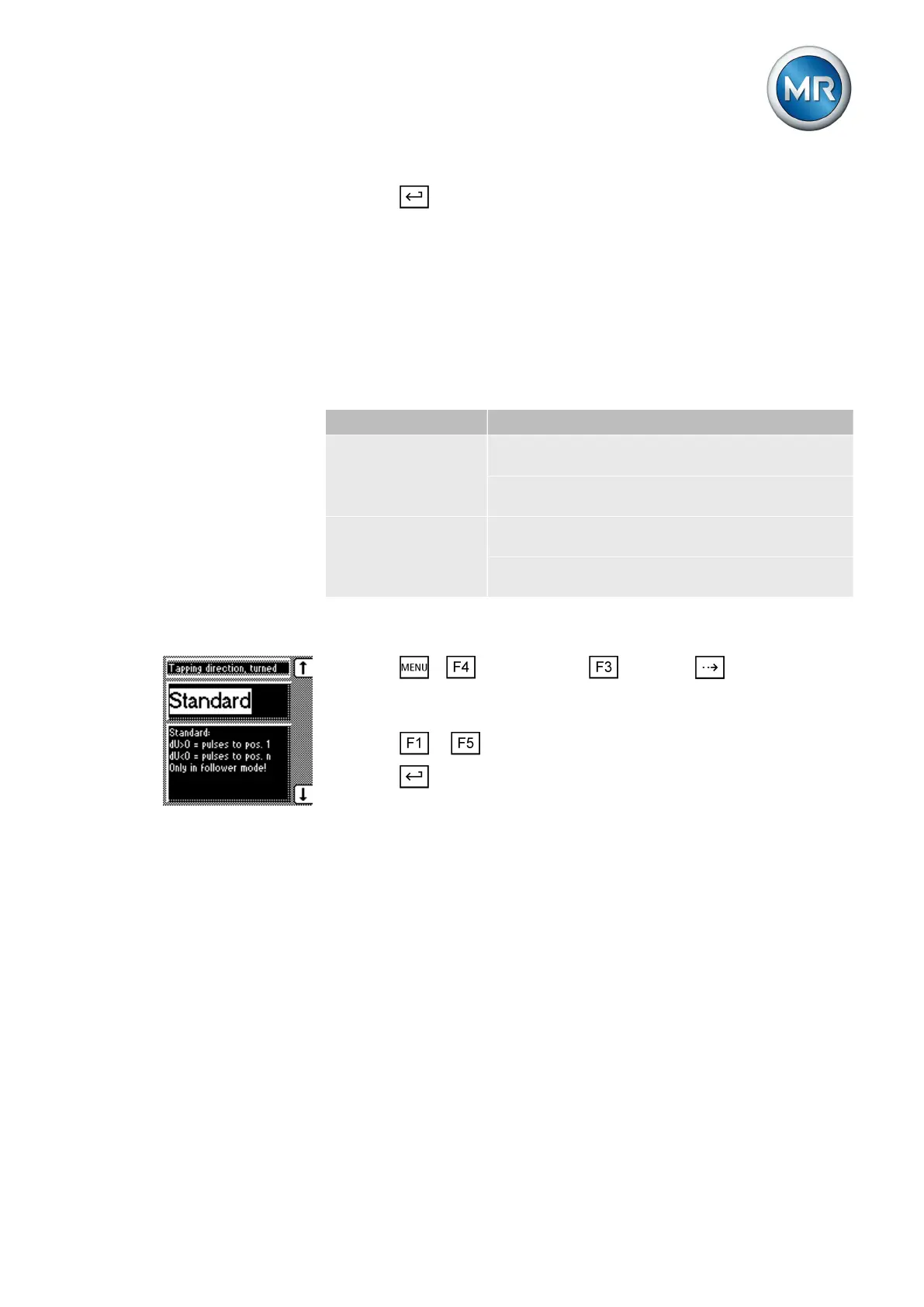
To select the tapping direction, proceed as follows:
1. Press > Configuration > General > until the desired
parameter is displayed.
ð Tapping direction turned.
2. Press or to select the required option.
3. Press .
ð The tapping direction is selected.
NORMset
NORMset mode is used for quickly starting voltage regulation. In NORMset
mode, the bandwidth and delay time parameters are automatically adapted
to the requirements of the grid.
To start NORMset mode, you must set the following parameters:
▪ Normset activation
▪ Desired value 1
▪ Primary voltage
▪ Secondary voltage
7.2.10
7.3



 To Next Page