SW
11
Innovation. Quality. Performance. Best in Industry. Worldwide.
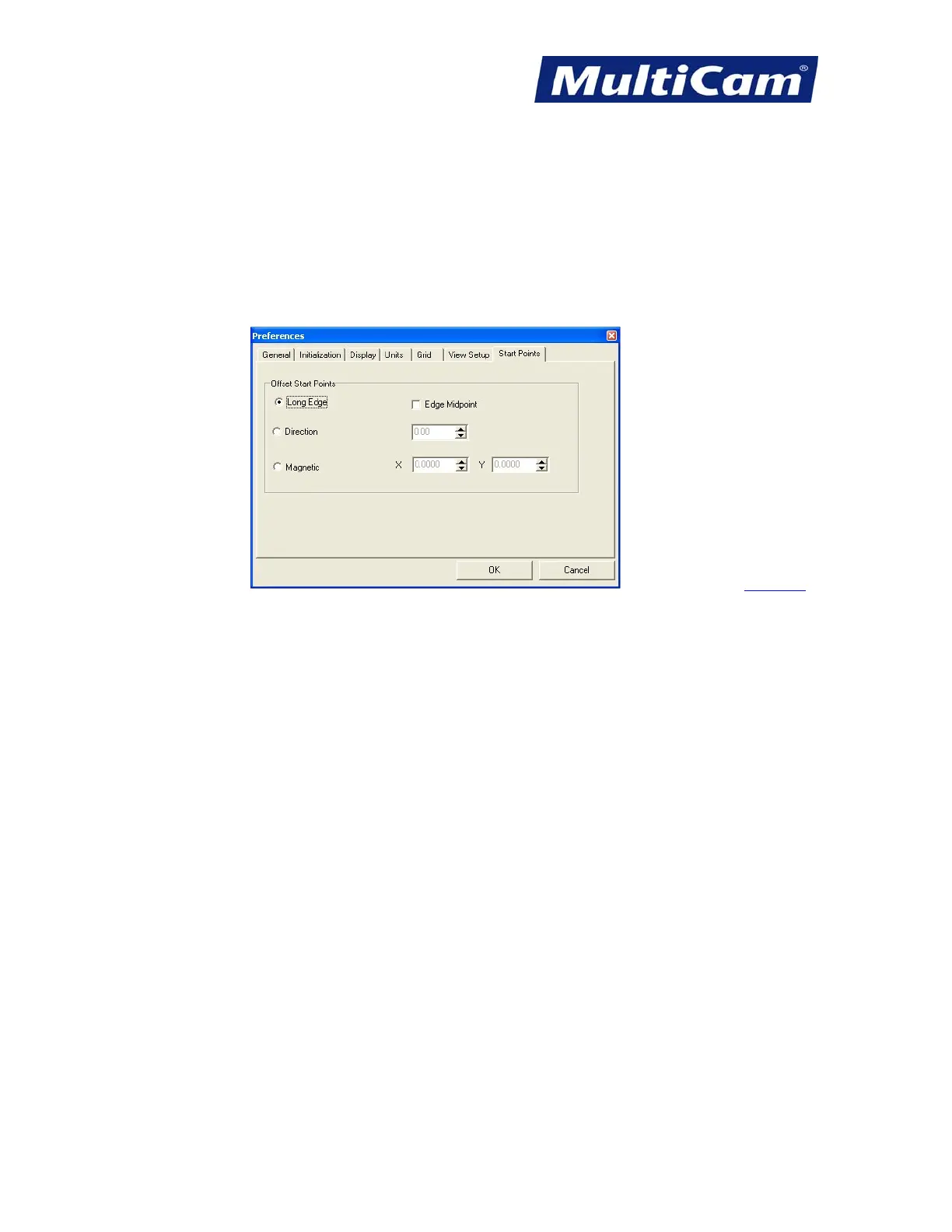
Start Points
* Avoid changing the Start Points settings from the default setting since these offset points can be adjusted
manually during the cutting sequence.
* Review the Long Edge configuration as this places the start point on the longest edge of the geometry.
* Select the Edge Midpoint only if the start point should be relocated to the middle of the longest edge.
Software
Routers * Lasers * Plasma * WaterJets * Knife Cutters
www.MultiCam.com v. 11 10


 To Next Page
 Loading...
