FS
10
Innovation. Quality. Performance. Best in Industry. Worldwide.
Merging with a Vector File
Operators using Suite4 to merge files and raster an image will need 2 additional items of software:
• Photo Editing program (e.g., PhotoShop)
• Tool-pathing program (e.g., EnRoute)
These additional items will generate 2 separate files that are needed to merge images in Suite4. The following
directions describe how operators can merge vector files.
1. Close JobEditor if it is currently open.
2. Open JobEditor to refresh the program.
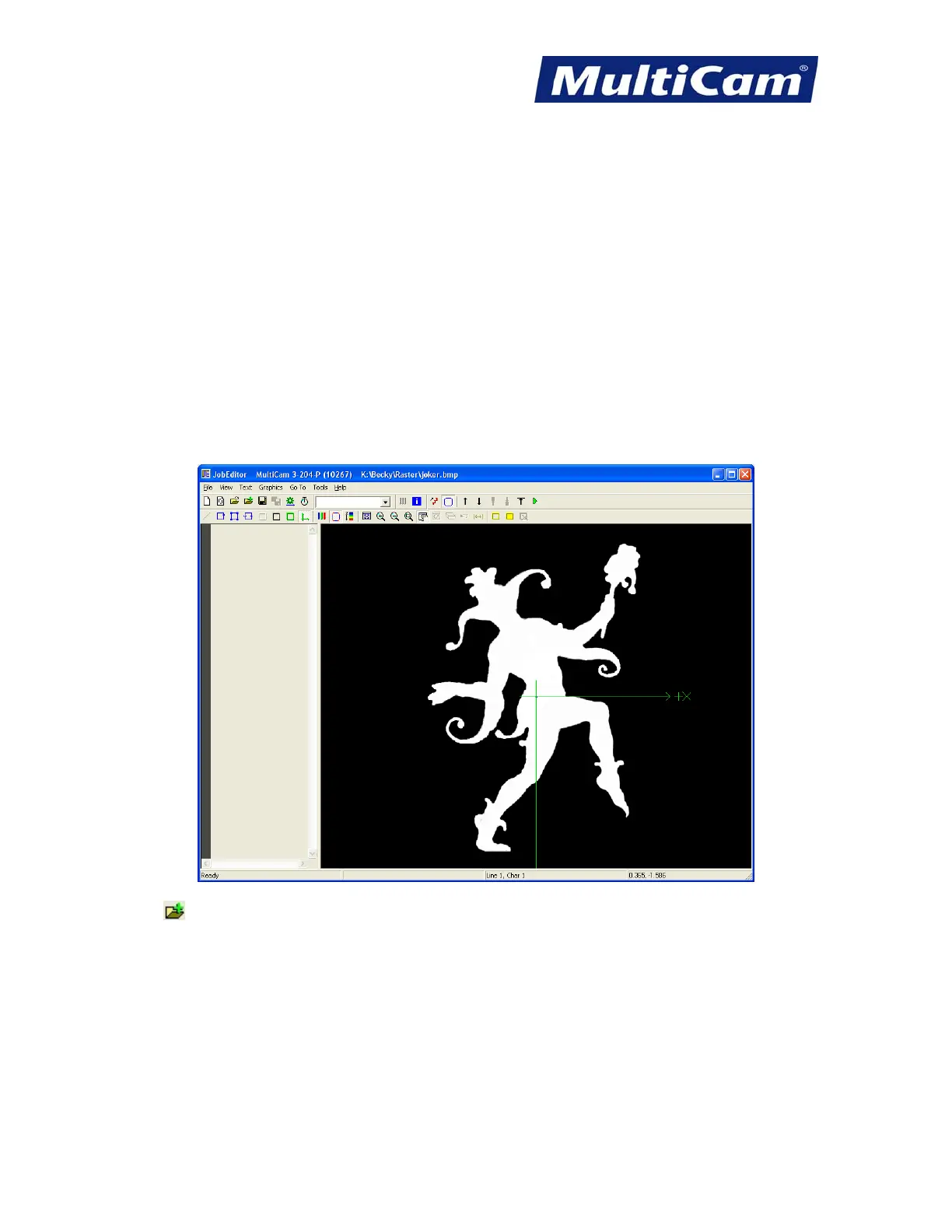
3. Open a raster or vector file (e.g., joker.bmp).
4. Click on
in the top toolbar. This will configure JobEditor to merge 2 files.
Routers * Lasers * Plasma * WaterJets * Knife Cutters
www.MultiCam.com v. 11 10



 To Next Page