FS
11
Innovation. Quality. Performance. Best in Industry. Worldwide.
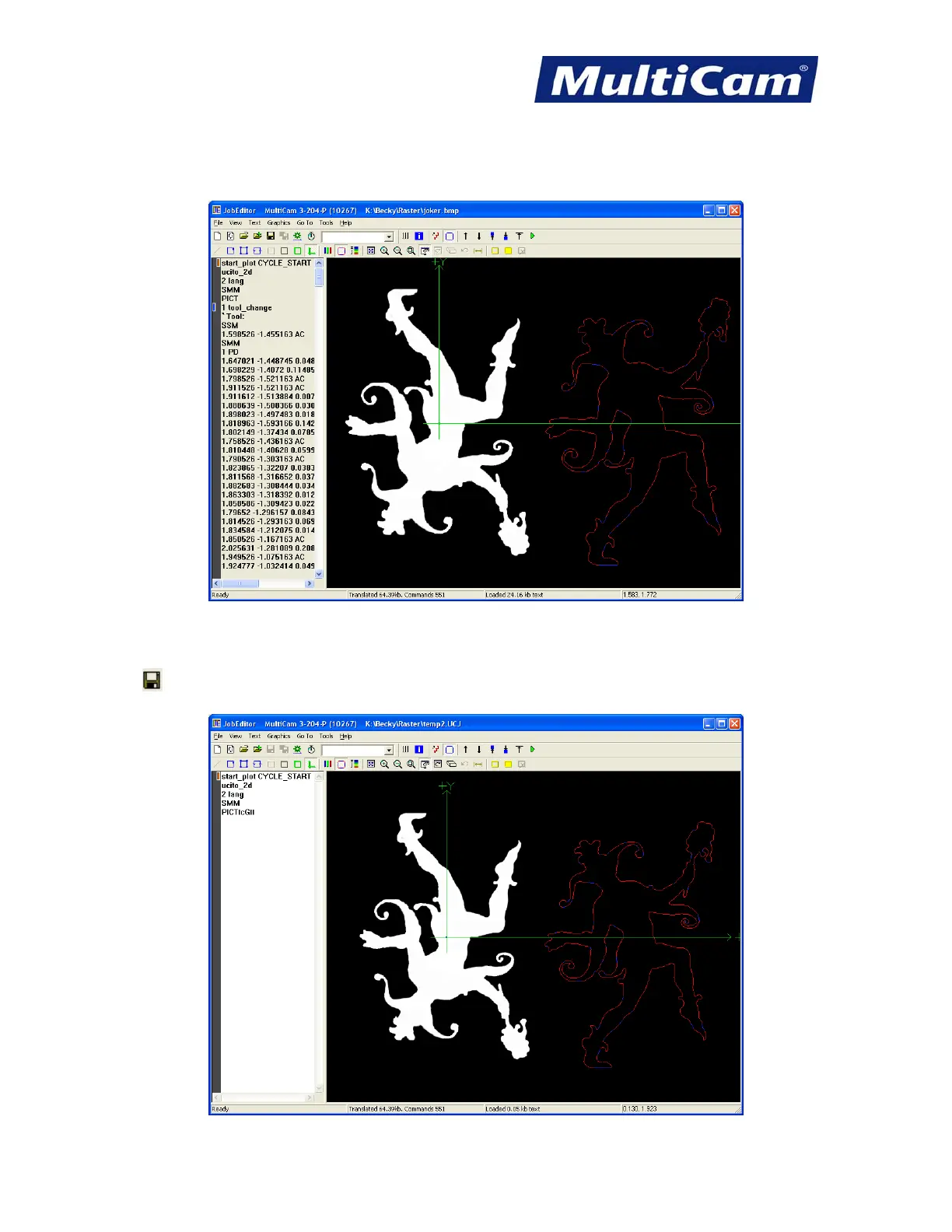
5. Open a CNC file (e.g., joker.cnc).
a. Highlight the file name.
b. Select Open. The files should be merged on the computer screen.
JobEditor will default to raster the image first (SMM PICT in the code shown above indicates the raster image)
and then cut the vectors. Operators can move or merge images in JobEditor.
6. Click and name the file (e.g., temp2) to create a unified file with both images. Any changes made to the file
should be saved immediately.
Routers * Lasers * Plasma * WaterJets * Knife Cutters
www.MultiCam.com v. 11 10



 To Next Page