FS
13
Inno tion. Quality. Performance. Best in Industry. Worldwide.
Routers * Lasers * Plasma * WaterJets * Knife Cutters
www.MultiCam.com v. 11 10
va
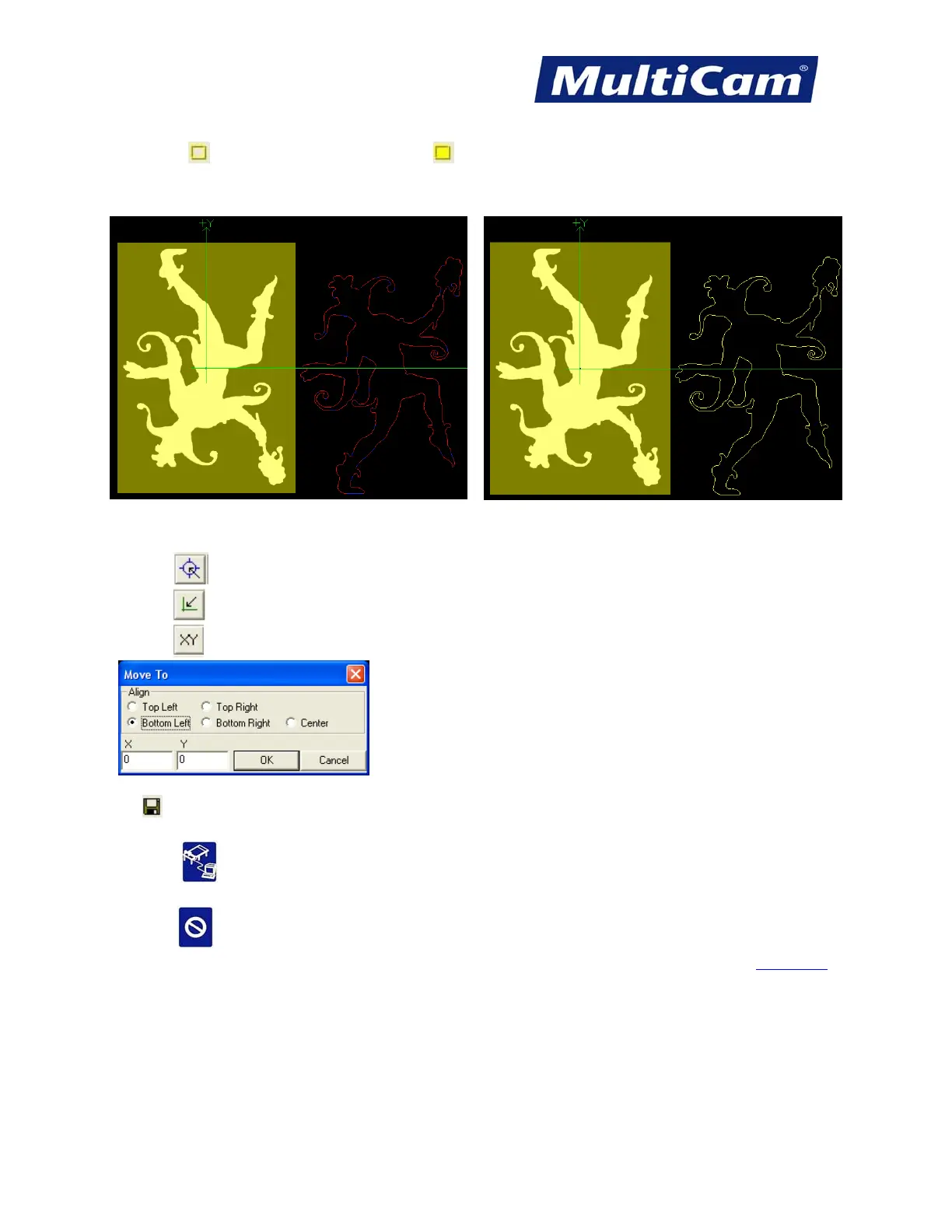
2. Click Select to select one point or Select All to select the entire image. Selected images are captured in a
gold rectangle while selected CNC files are outlined in gold.
One Point All Points
3. Make adjustments to the file. Operators can choose one of 3 ways to change the start position.
- Click on
and then click in the image to manually identify 0,0.
- Click on
to automatically move the Home configuration to 0,0.
- Click on
under Move in the right toolbar and make adjustments per operator preference.
4. Click
after each change.
5. Press DNC
to pull up the file on the laser.
6. Press Start
twice to begin the cutting sequence.
Fast Starts



 To Next Page