User’s Guide – Ultima cutting plotter
13 AP-75032, Rev 2.2, 20/04/07
2.3. UNPACKING AND SETTING UP THE ULTIMA CUTTER
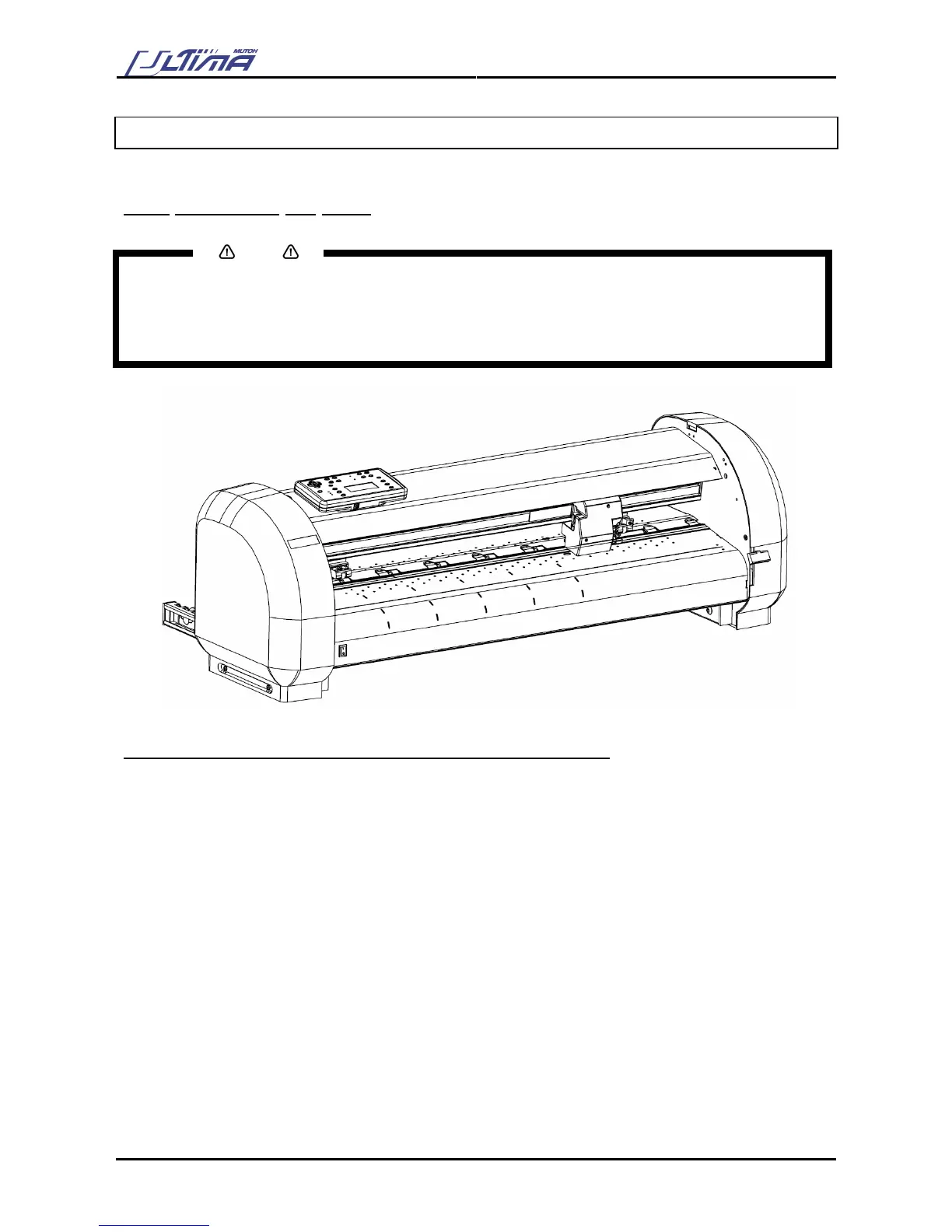
2.3.1 Unpacking the body
Notes
• When unpacking the cutter, check whether all parts described in the parts list are included in the box.
Consult your dealer if anything seems to be missing.
• Lifting the machine out of the box should be done by two people. This to avoid back injuries.
• Protect the plotter from firm shocks.
• Do not dismantle the unit
To unpack the cutter, please follow the instructions mentioned below:
Step 1 : Open the box.
Step 2 : Remove the buffer box.
Step 3 : Remove the packaging leg set.
Step 4 : Take out the cutter box.
Step 5 : Lift the cutter unit out of the box and put it on a flat and stable surface.
Step 6 : Remove all plastic wrapping materials.
Step 7 : Remove the pieces of foam, protecting the tool head during transportation.
Step 8 : If you had your cutter delivered with a stand, please refer to the instructions for mounting the
stand.









 To Next Page