User’s Guide – Ultima cutting plotter
65 AP-75032, Rev 2.2, 20/04/07
Step 3 : By pressing the [UP] or [DOWN] key select the appropriate Program Step.
Notes
To cancel the changes of the parameter, press the [CANCEL] key. The display will show the previous
value for the parameter.
When you press the [EXIT] key the changed value will be ignored and you go back to the previous menu.
Step 4 : Press the [ENTER] key to confirm and go back to the previous menu.
Notes
The default value of the program step selection is 0.010 mm.
If you use the value 0.025, there is a chance that the cutter will position himself not in the lower right corner,
but in the middle of the box.
4.2.17. VS/ZF/AS Settings selection
Several cutting software packages enable the user to send speed, force and acceleration commands to the
cutter. The cutter can be set up to ACCEPT or IGNORE these commands.
To change the VS/ZF/AS settings, please follow the instructions mentioned below.
Step 1 : In the general setting select VS/ZF/AS settings with the [UP] or [DOWN] key.
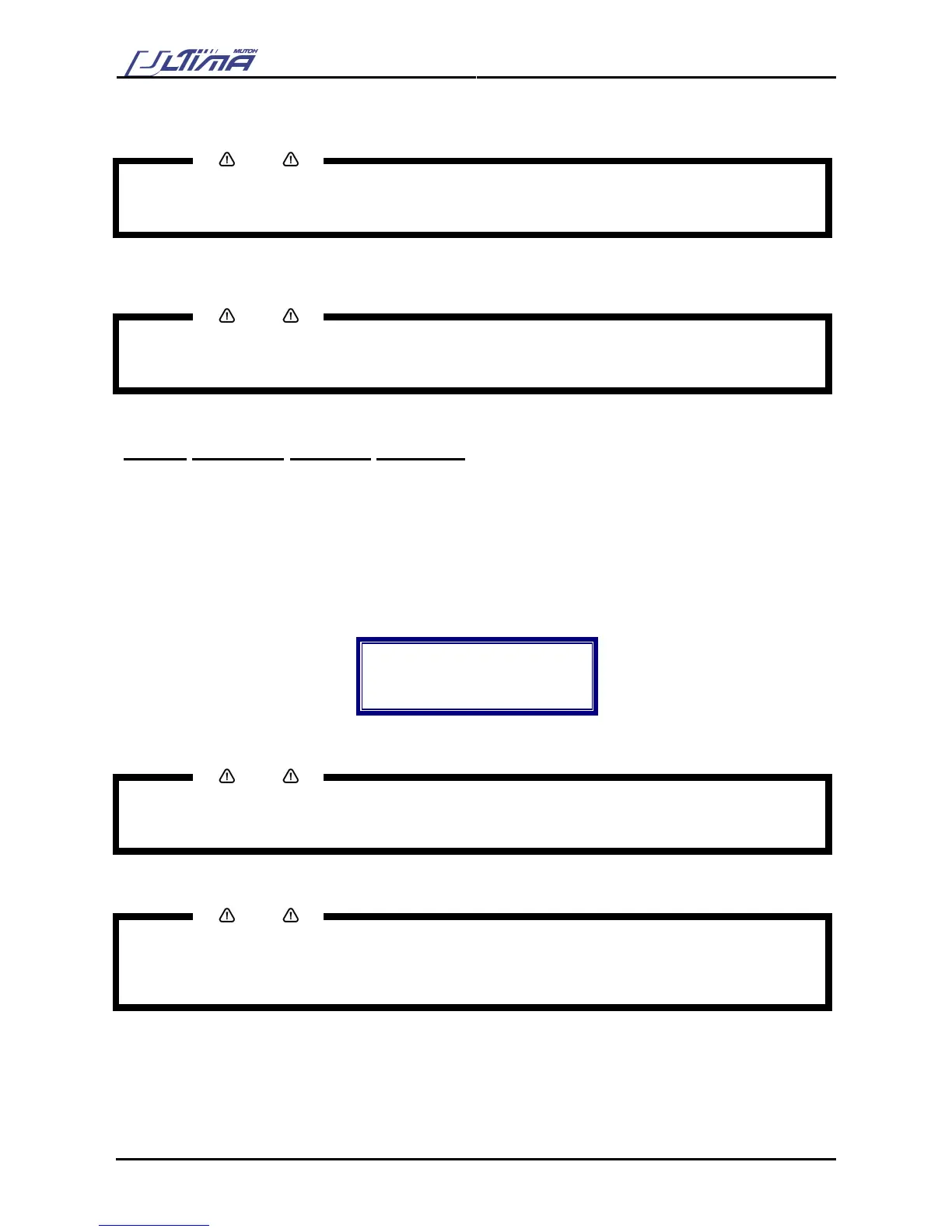
Step 2 : Press the [ENTER] key to confirm your selection. The display will shown the following message.
VS/ZF/AS
Actual : ACCEPT
New : ACCEPT
VS/ZF/AS mode
Step 3 : By pressing the [UP] or [DOWN] key select “Accept” or “Ignore”.
Notes
To cancel the changes of the parameter, press the [CANCEL] key. The display will show the previous
value for the parameter.
When you press the [EXIT] key the changed value will be ignored and you go back to the previous menu.
Step 4 : Press the [ENTER] key to confirm and go back to the previous menu.
Notes
When VS, ZF and AS commands are sent and accepted, they will override the speed, force and
acceleration settings the user may have set from the cutter operation panel.
When the VS, ZF and AS commands are ignored, the cutter will always use the settings, which are set-up
from the cutter operation panel.









 To Next Page