User’s Guide – Ultima cutting plotter
27 AP-75032, Rev 2.2, 20/04/07
2.10.2. Loading roll media
Step 1 : Put the pressure rollers in the “up” position and turn the power switch ON.
The cutter will perform its initialization routine and move the tool head to the rightmost position.
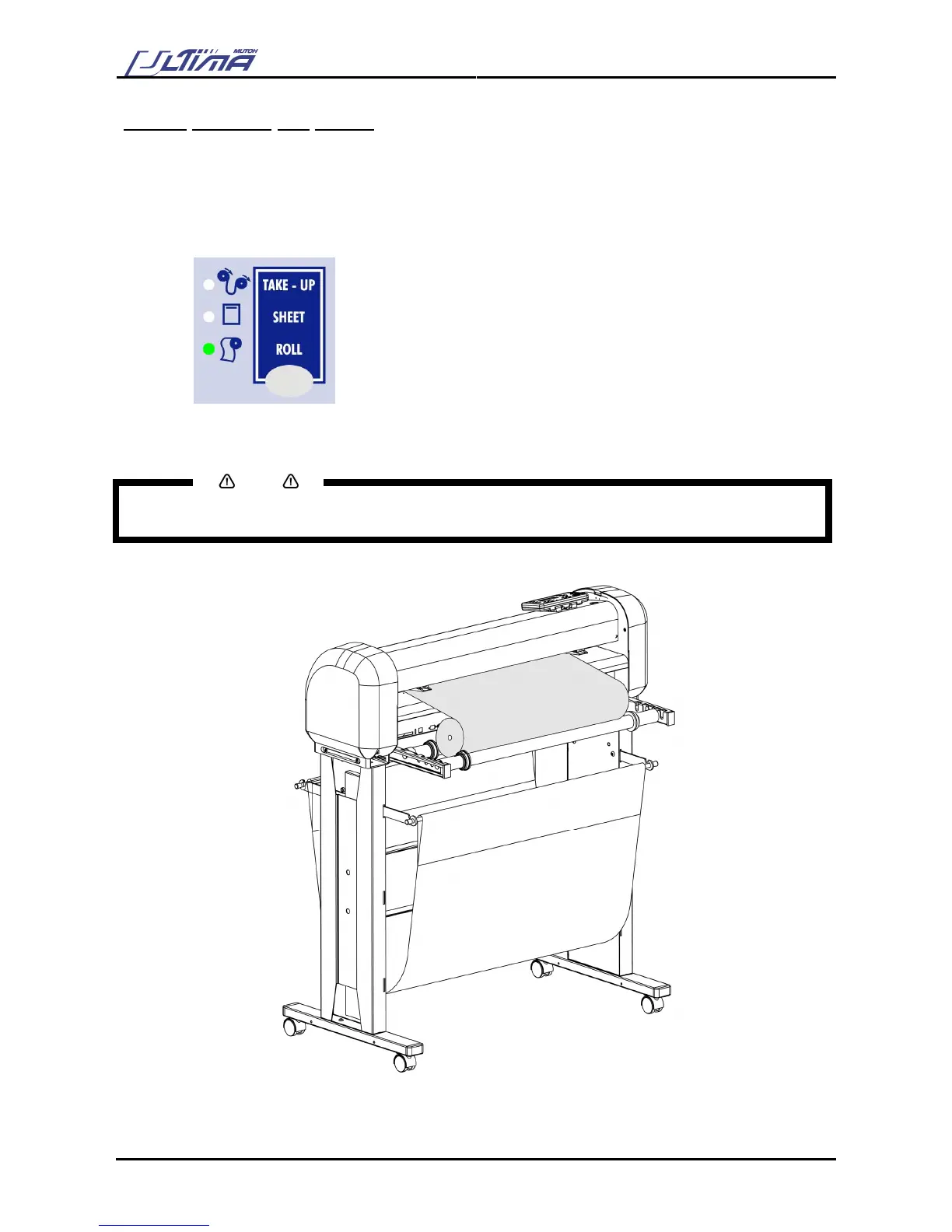
Step 2 : Press the media-select button on the operation panel and select one of the roll loading options.
After selection the ROLL-LED will light up.
Step 3 : Position the roll of media onto the conveyor rolls. Open the protective cover and pull the media
through to be able to choose the best possible position for the pressure rollers.
Notes
Place the media roll on the conveyor rolls as visible on the picture.
To avoid back injuries, the roll of media should be lifted by at least two persons if it’s heavier than 30 kg.









 To Next Page