User’s Guide – Ultima cutting plotter
29 AP-75032, Rev 2.2, 20/04/07
2.11. STRAIGHTENING THE VINYL EDGE USING THE AUTO-
SHEET-OFF UTILITY
The auto-sheet-off mechanism of your cutter can be very easily used to cut the front edge of a new roll of
vinyl straight as well as to cut off a sheet of vinyl from a roll, to be used as a separate sheet.
To do this, proceed as follows:
If you want to sheet-off the vinyl, please follow the instructions below.
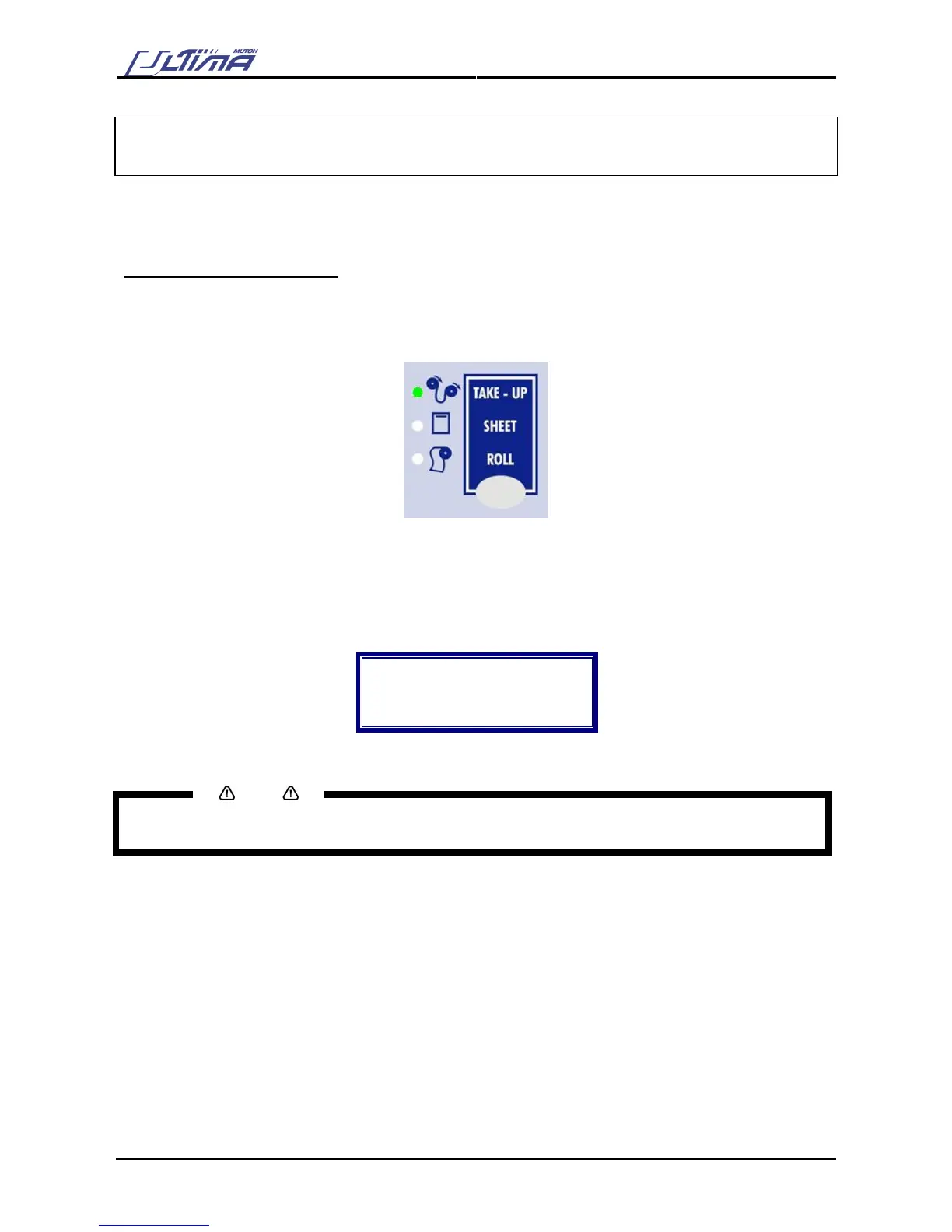
Step 1 : Be sure to select take-up with the media supply type key.
Step 2 : Load the media (lever down)
Step 3 : By pressing the Arrow keys, it’s possible to position the media and where to do a sheet off (or
straighten the media)
Step 4 : Press the [SHEET OFF] key. The following message will appear on the operation panel.
Do a sheet-off?
Up = No
Down = Yes
Step 5 : Press the [DOWN] key to confirm. A sheet off will be performed.
Notes
Press the [UP] key to not perform a sheet off.
→ Sheet off mode should be enabled first (Menu Option)









 To Next Page