User’s Guide – Ultima cutting plotter
41 AP-75032, Rev 2.2, 20/04/07
3.3. CONTOUR CUTTING
Contour cutting is without doubt the most used feature of the Ultima Cutting Plotter. This feature is made to
cut pre-printed signs on vinyl for sticker production.
Before using this feature, perform the epos alignment as described in chapter 5.6.8.1.
3.3.1. Aligning methods
There are some different approaches to cut your signs which also implicate a different alignment method.
To perform and choose the proper alignment, please follow the instructions mentioned below.
Step 1 : Load the printed media into the cutting plotter.
Step 2 : Install a knife.
Step 3 : Power ON the cutting plotter. The cutting plotter will perform a shuffle sequence.
Step 4 : Press the [CONTOUR CUTTING] key.
Contourcutting :
Methods :
→ BCode Single
Start alignment
Step 5 : By using the [UP] and [DOWN] key you select ‘Manual’, ‘Auto No BCod’, ‘BCode Multi’ or ‘BCode
Single’.
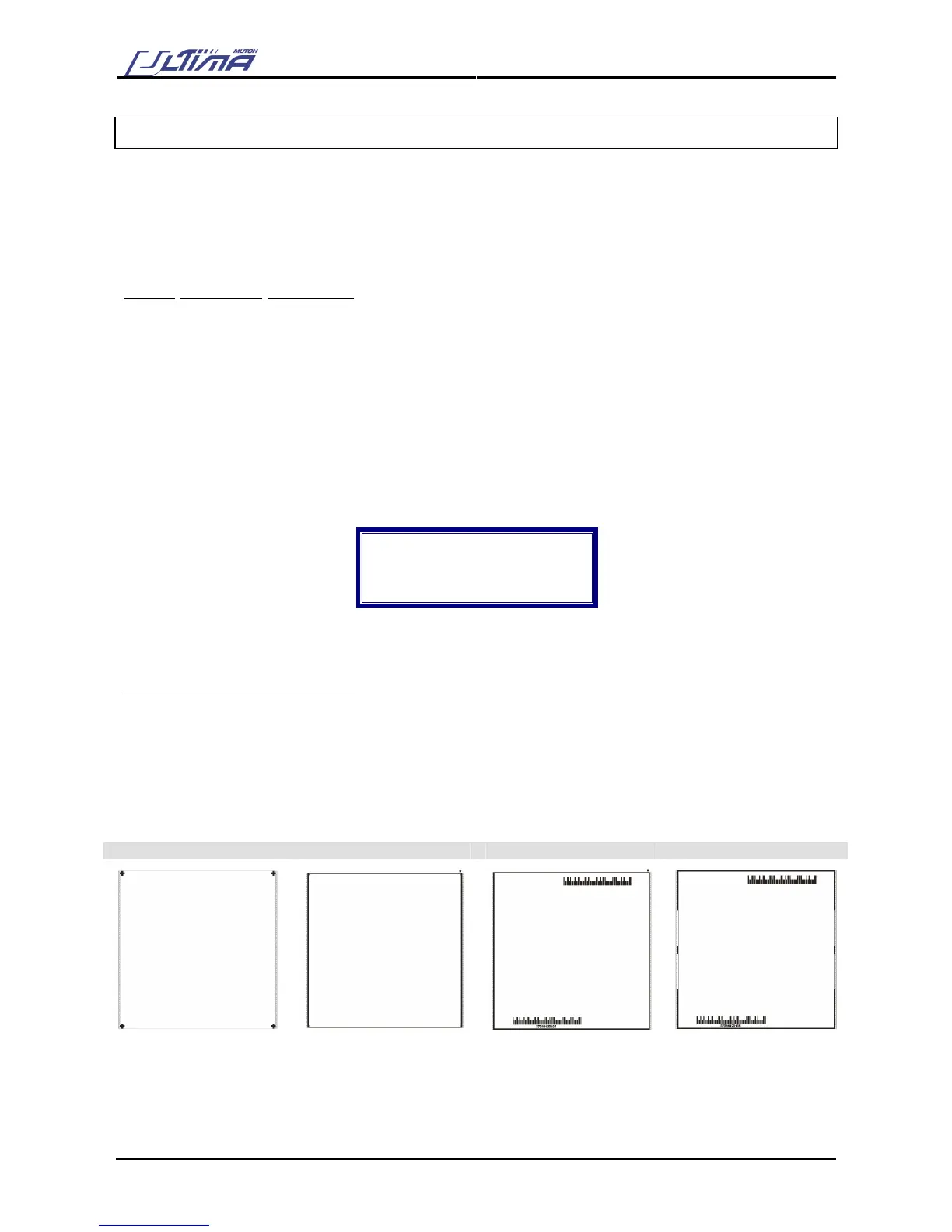
4 methods are possible for aligning:
1) Manual Manual align (MP1)
2) Auto No Bcod Automatic aligning, No Barcode (AL3)
3) Bcode Single Automatic align Barcode Single frame (AL4)
4) Bcode Multi Automatic align Barcode Multi-segment (AL5 or AL6)
Each one of these methods has its own cropmark system (see below)
MP 1 AL 3 AL 4 AL 5









 To Next Page