User’s Guide – Ultima cutting plotter
25 AP-75032, Rev 2.2, 20/04/07
2.10. LOADING MEDIA
When loading media into the cutter, it is necessary to clearly distinguish two situations. The first situation is
when you are using cut-sheet media. The second situation is when you are using roll media.
2.10.1. Loading cut sheet media
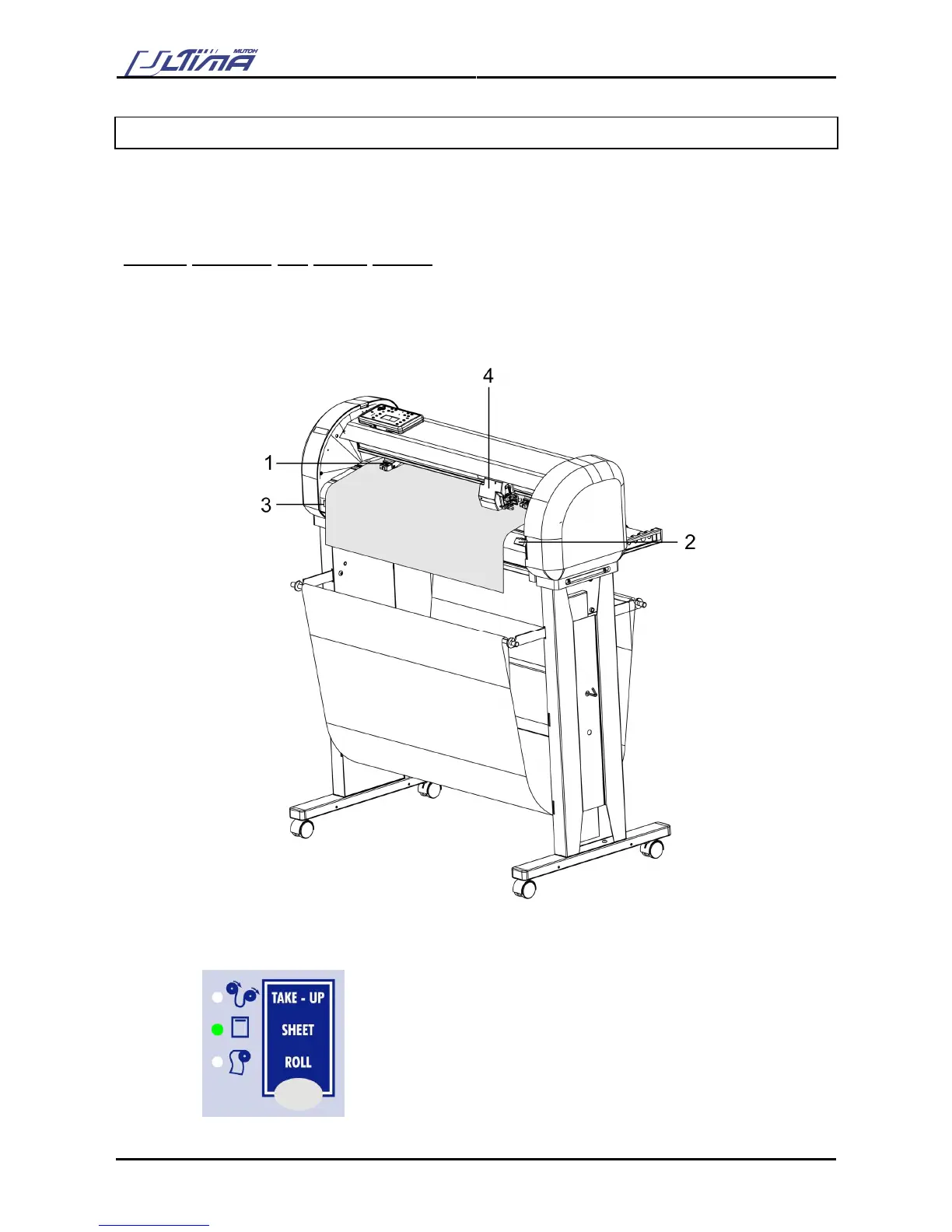
Step 1 : Put the pressure rollers (1) in the “up” position using the media hold lever (2) and turn the power
switch ON (3). The cutter will perform its initialization routine and move the tool head (4) to the
rightmost position.
Step 2 : Press the media-select button on the operation panel and select the sheet. After selection the
SHEET-LED will light up.









 To Next Page