User’s Guide – Ultima cutting plotter
37 AP-75032, Rev 2.2, 20/04/07
3.2.4. Tool selection
To change / control the tool selection, please perform the instructions mentioned bow.
Step 1 : Press the [TOOL] key.
Step 2 : The actual TOOL setting for the Ultima cutting plotter will be shown on the display. Viewing of
the value can be performed in PAUSE as well as in READY mode.
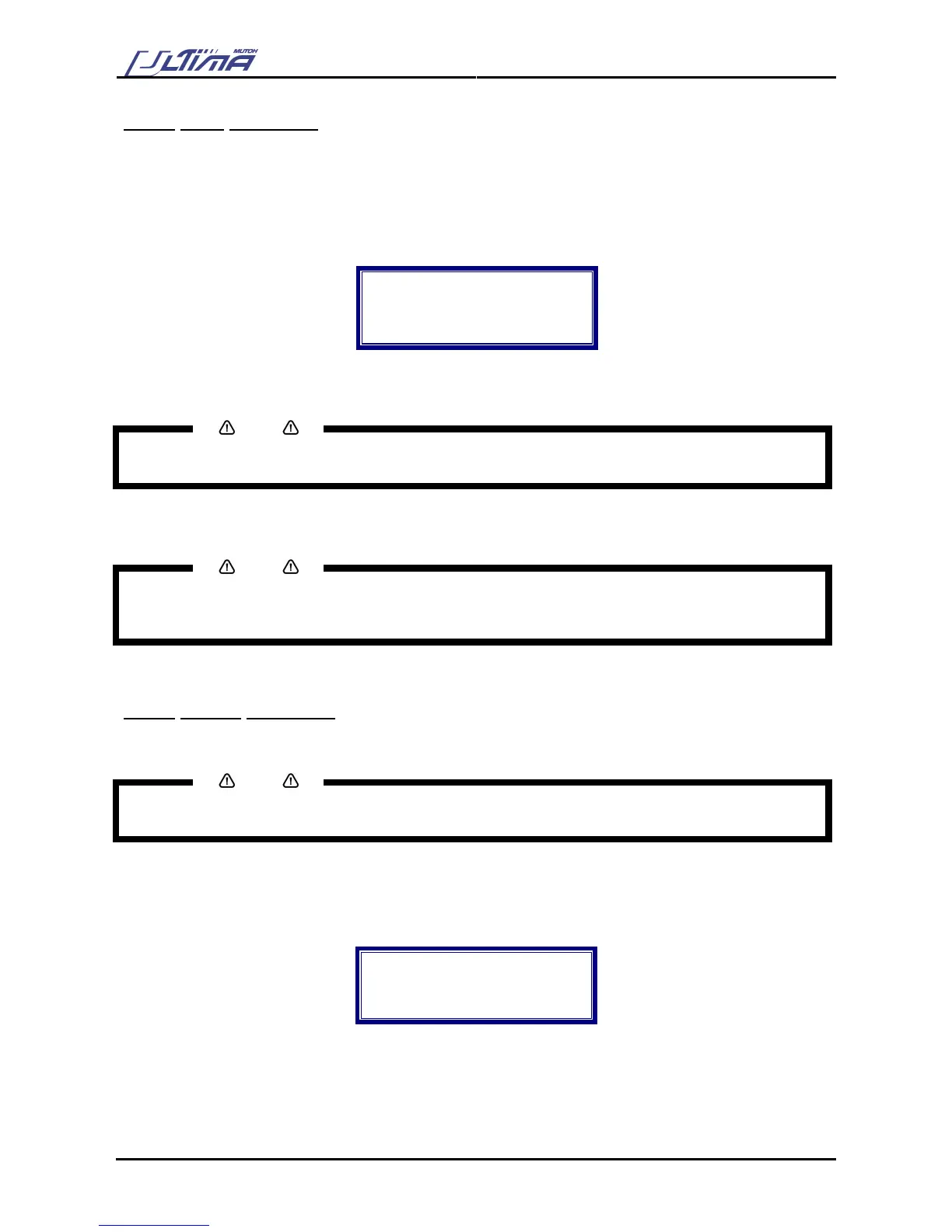
Tool
Actual : knife
New : knife
Pen or knife
Step 3 : Press the [UP] or [DOWN] key to change the force setting. You can choose between ‘pen’ and
‘knife’.
Notes
Please make sure the tool selected onto the display is the same as the installed tool in the Ultima cutting
plotter.
Step 4 : Press the [ENTER] key to confirm TOOL selection.
Notes
To cancel the changes of the parameter, press the [CANCEL] key. The display will show the previous
value for the parameter.
When you press the [EXIT] key the changed value will be ignored and you go back to the previous menu.
3.2.5. Origin selection
To change / control the origin, please perform the instructions mentioned bow.
Notes
Please make sure media is loaded. If not, the Ultima positioning calculation is based on previously installed
media.
Step 1 : Press the [ORIGIN] key.
Step 2 : The laser LED will be activated automatically. The display will show following message:
Point laser to
Desired origin
Position
Enter = Confirm
Step 3 : Use the arrow keys to move the laser to the desired origin position and press the [ENTER] key.









 To Next Page