User’s Guide – Ultima cutting plotter
23 AP-75032, Rev 2.2, 20/04/07
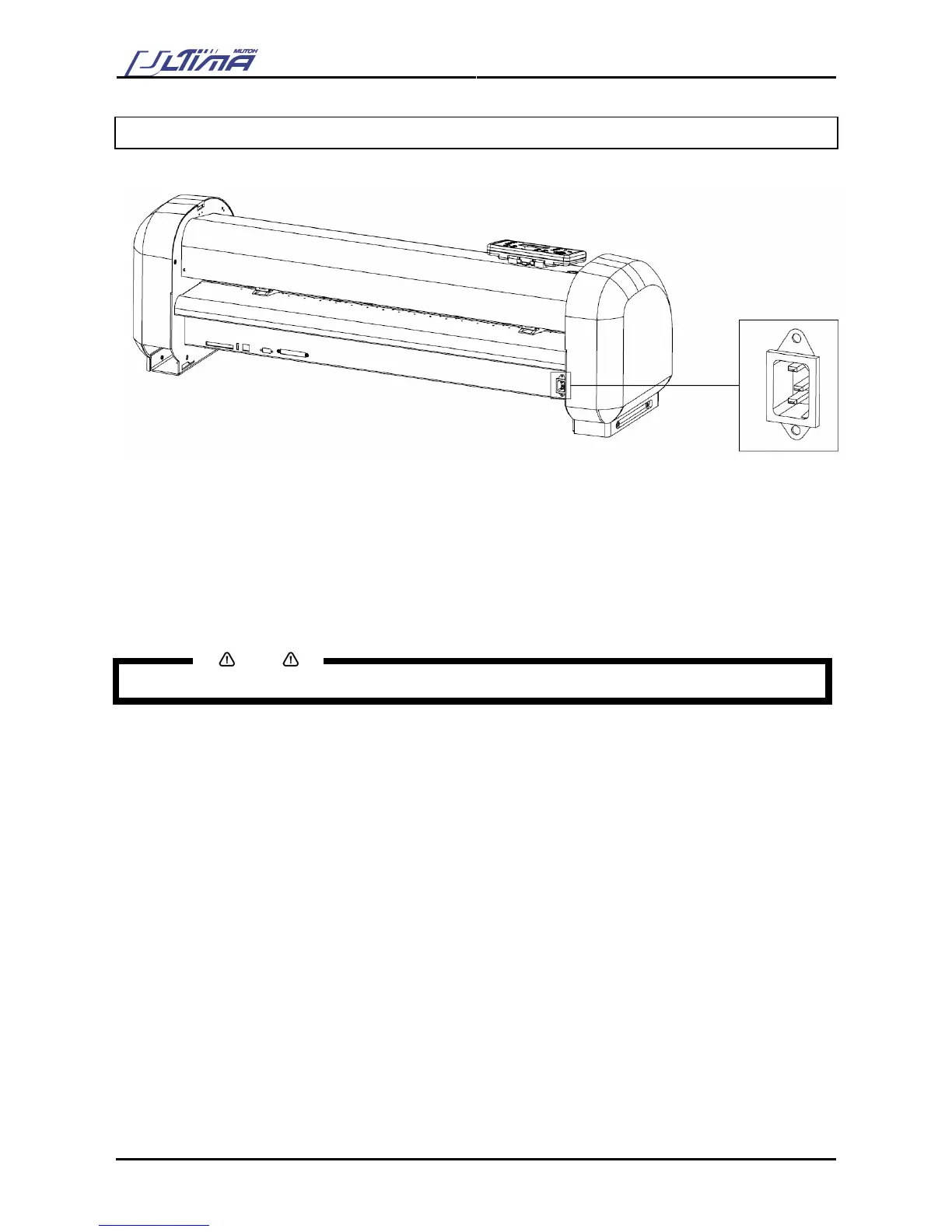
2.8. CONNECTING THE POWER CABLE
To connect the power cable, please follow the instructions mentioned below.
Step 1 : Make sure the cutter’s power switch is turned OFF.
Step 2 : Plug the plotter-end of the power cable into the connector at the rear of the plotter.
Step 3 : Plug the other end of the power cable into an electrical outlet of the correct voltage and with a
proper grounding.
Notes
The disconnect device is the plug on the power supply cord









 To Next Page