User’s Guide – Ultima cutting plotter
20 AP-75032, Rev 2.2, 20/04/07
2.7. HOW TO UPGRADE YOUR ULTIMA FIRMWARE
Notes
• Please make sure that the USB driver is installed!
• Please make sure to shut down all programs on your computer before installing new firmware.
Step 1: In case the power is ON, first turn the power of the machine OFF.
Step 2: Connect the Ultima cutting plotter with your PC by means of a USB cable. Remove the RS232
connection.
Step 3: Power ON the Ultima cutting plotter.
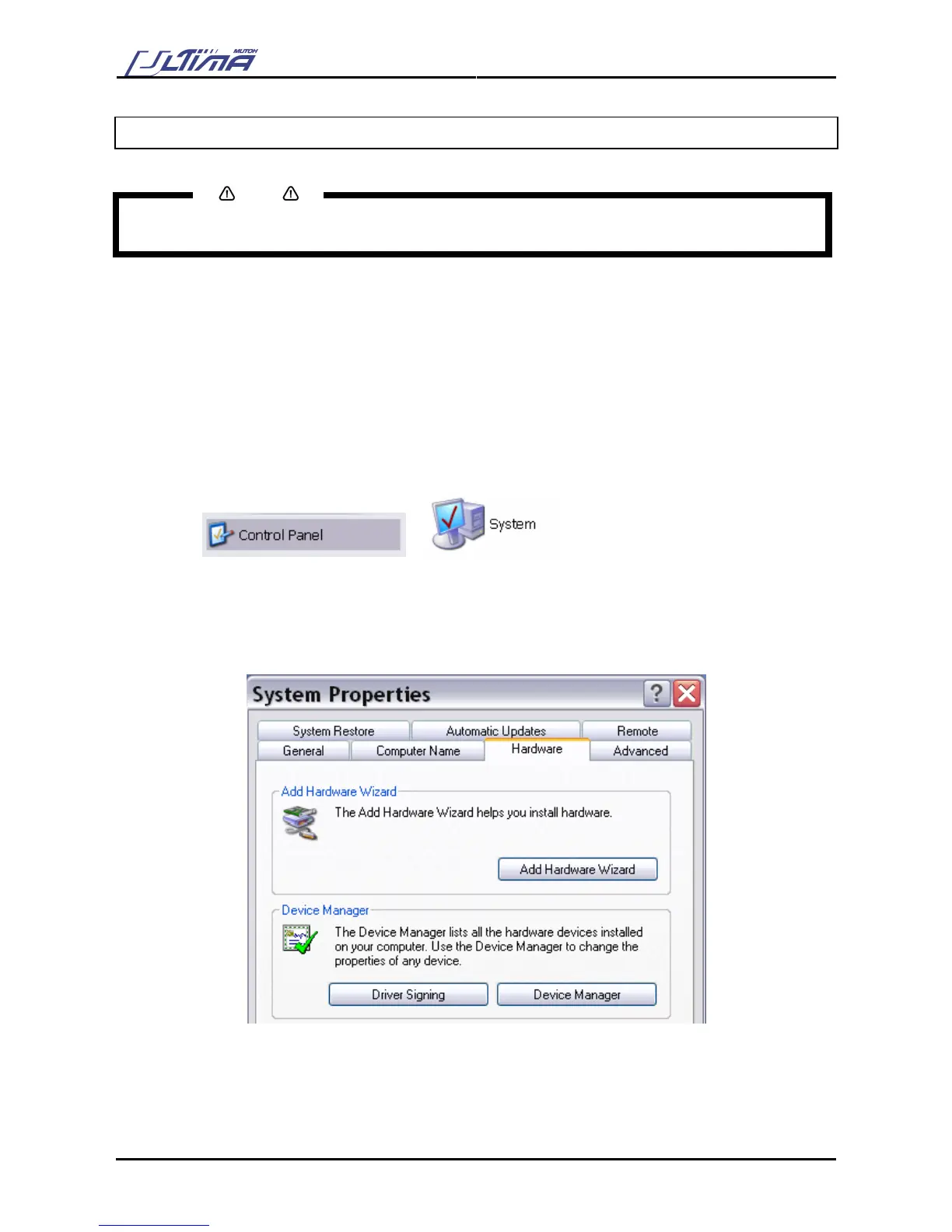
Step 4: Go to the “Control Panel – System”.
Step 5: Go to the hardware tab.
Step 6: Press the [Device Manager] button.









 To Next Page