User’s Guide – Ultima cutting plotter
21 AP-75032, Rev 2.2, 20/04/07
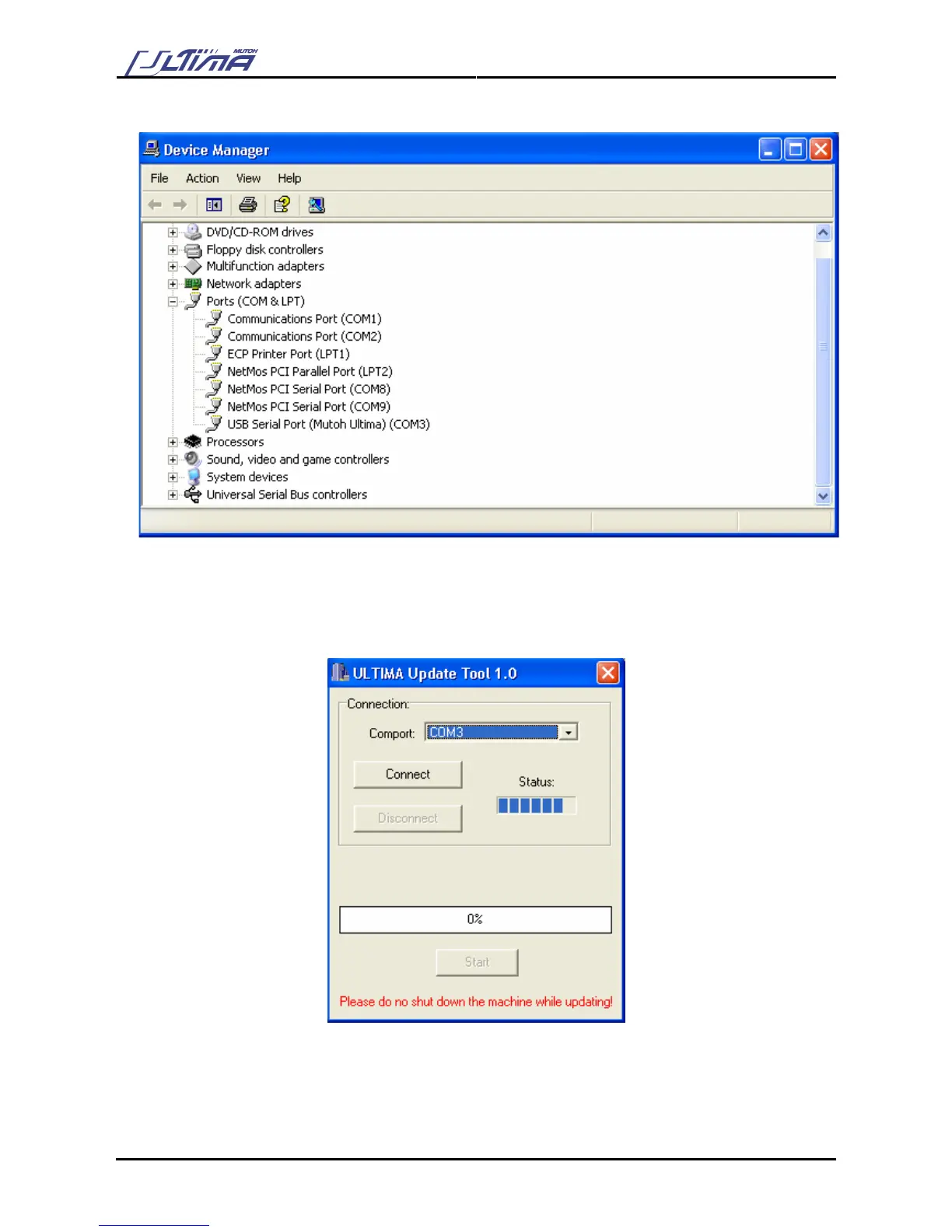
Step 7: In the “Device Manager” open the list “Ports” (COM & LPT).
Step 8: Check the COM-port number for the USB serial Port (Mutoh Ultima). In the figure above it is
COM3.
Step 9: Start the Ultima update utility on your PC.
Step 10: Select the correct comport (in this case COM3).
Step 11: Press the [Connect] button.









 To Next Page