User’s Guide – Ultima cutting plotter
49 AP-75032, Rev 2.2, 20/04/07
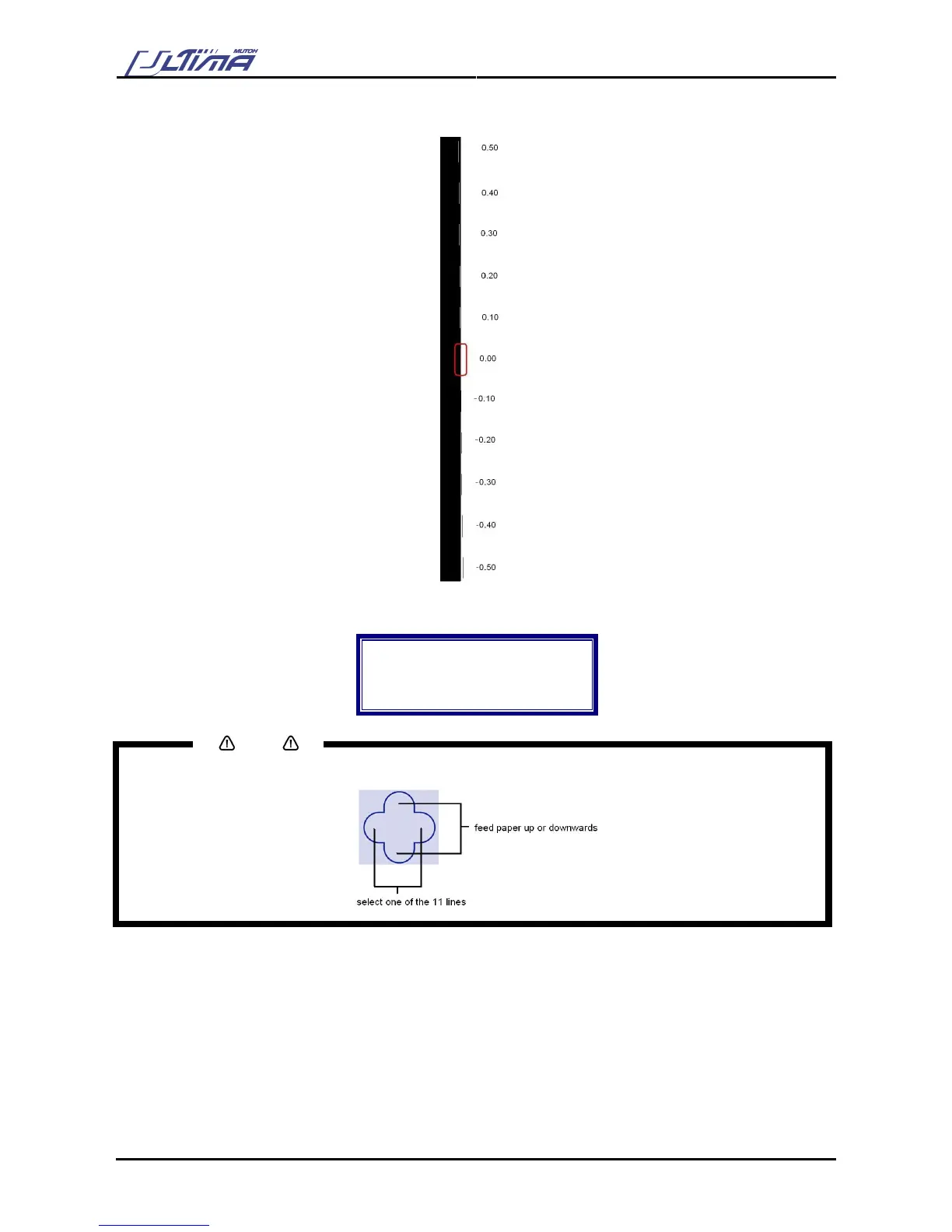
Step 9 : The cutter will start cutting 11 lines on at the right side of the box.
Step 10 : When pressing the [UP] or [DOWN] key, the laser goes to the next line. Following message is
displayed
Offset: 0.00
Enter = Select
▲ = Up
▼ = Down
Notes
You can also use the [ARROW] keys
Step 11 : Press the [ENTER] key when laser is above the line which lies on the right side of the box.
Step 12 : The EPOS offset fine-tune is finished.









 To Next Page