User’s Guide – Ultima cutting plotter
74 AP-75032, Rev 2.2, 20/04/07
You have selected “TEST1”
Step 7 : After pressing the [UP] key, the cutter will cut the offset “TEST1”.
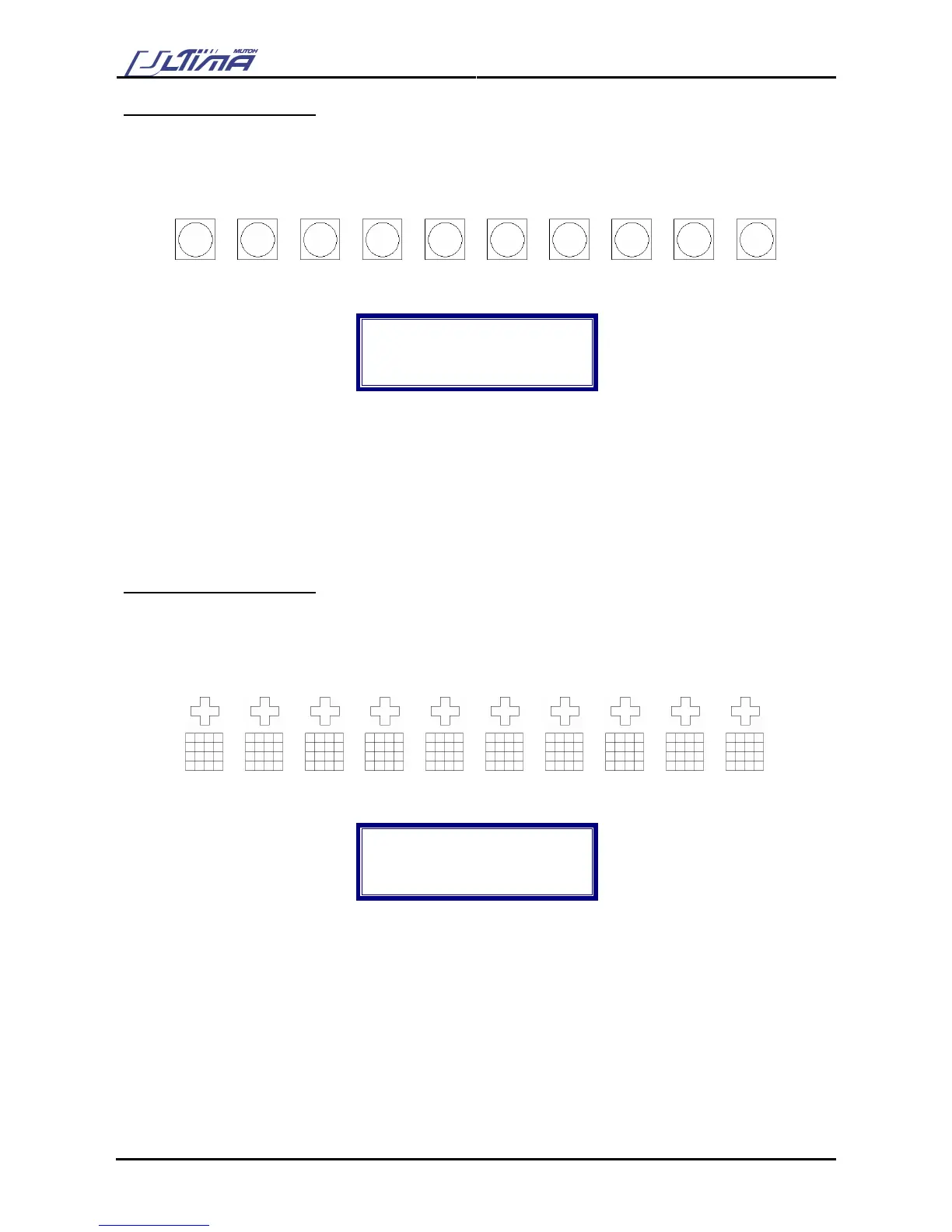
Following pattern is cut.
0.45 0.46 0.47 0.48 0.49 0.50 0.51 0.52 0.53 0.54
The display will show the following message:
Offset : 0.50
Enter = select
Up = Up
Down = Down
Step 8 : Use the [ARROW] keys to forward the media. Check the patterns and determine which of them
gives best quality. Especially look for good quality of the corners, closure of the circles and easy
weeding.
Step 9 : Use the [UP] or [DOWN] key to select the correct Offset value. The LED will light up the chosen
value.
Step 10 : Press the [ENTER] key to confirm.
You have selected “TEST2”
Step 7 : After pressing the [DOWN] key, the cutter will cut the offset “TEST2”.
Following pattern is cut.
0.55 0.54 0.53 0.52 0.51 0.50 0.49 0.48 0.47 0.46
The display will show the following message:
Offset : 0.50
Enter = select
Up = Up
Down = Down
Step 8 : Use the [ARROW] keys to forward the media. Check the patterns and determine which of them
gives best quality. Especially look for good quality of the corners and easy weeding.
Step 9 : Use the [UP] or [DOWN] key to select the correct Offset value. The LED will light up the chosen
value.
Step 10 : Press the [ENTER] key to confirm.









 To Next Page