VJ-1324X OPERATION MANUAL Handling the printer
4.2 Media 111
4.2.5.1 When raising the print head
• If the head height adjustment lever is raised, high print quality is not guaranteed.
• Do not open the front cover or change the head height during printing.
If the head height is changed, the alignment will be changed and high print quality will not be
guaranteed.
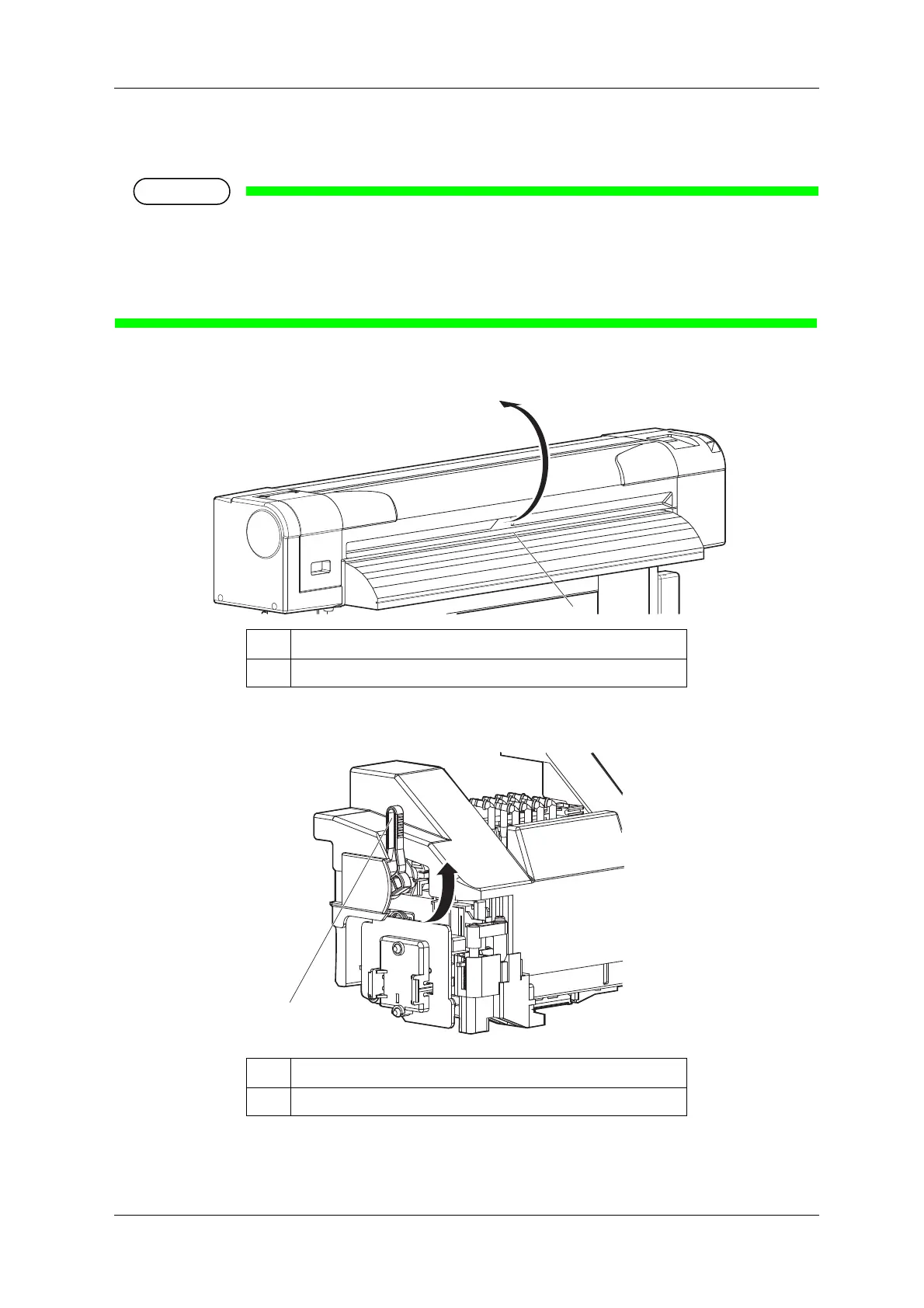
1. Open the front cover.
2. Change the head height by moving the head height adjustment lever (orange).
• The High lamp on the operation panel lights up in green.
No. Name
1 Front cover
No. Name
1 Head height adjustment lever















 To Next Page