Maintenance VJ-1324X OPERATION MANUAL
212 6.2 Cleaning the printer
6.2.2 Cleaning the inside of the printer
This section describes how to clean the inside of the printer.
Follow the procedure below.
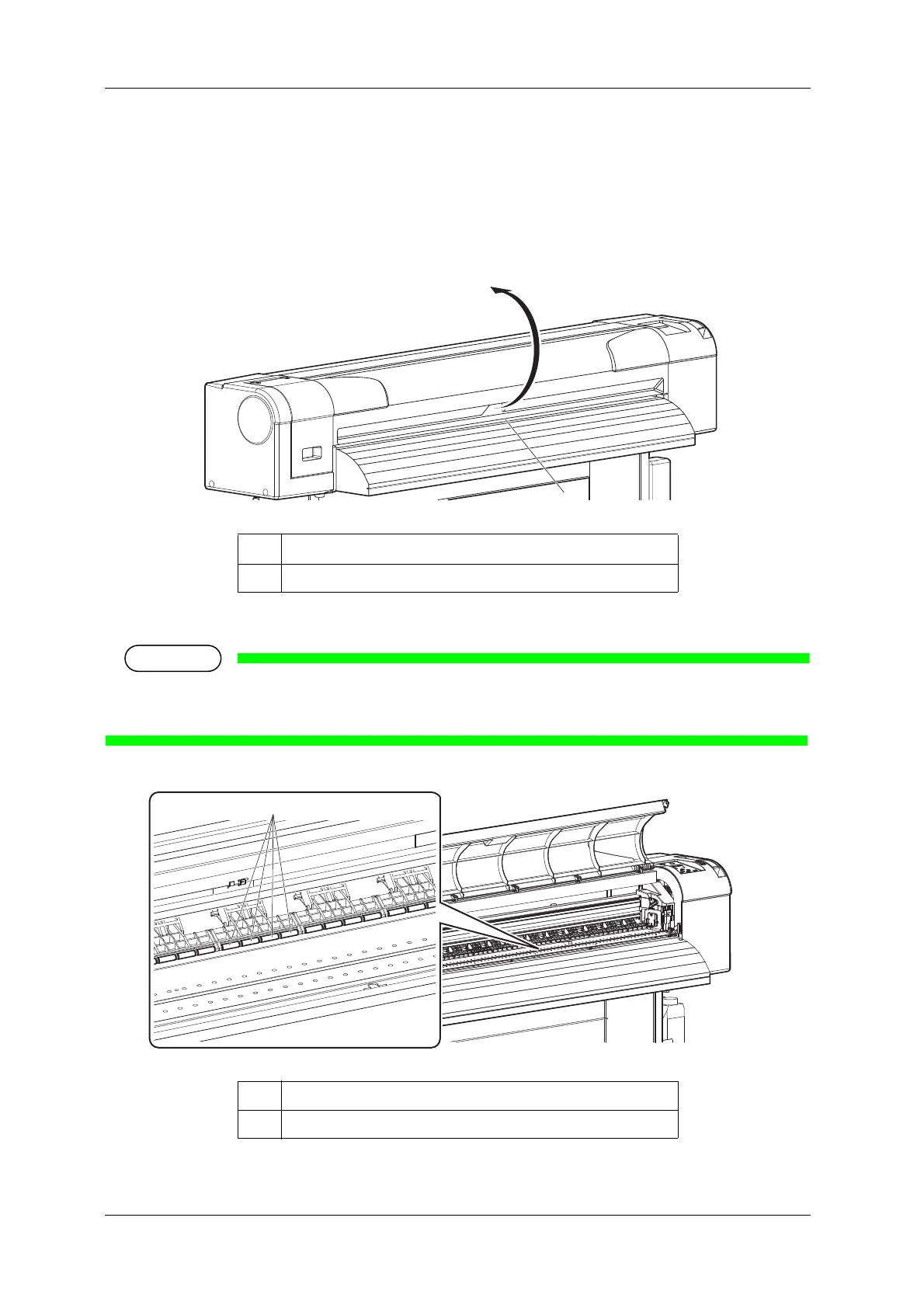
1. Open the front cover.
2. Remove paper powder and dust attached to the pressurizing rollers using a soft brush.
• Do not blow paper powder inside the printer using tools such as an air duster.
It may cause an abnormal noise from the inside of the printer.
No. Name
1 Front cover
No. Name
1 Pressurizing rollers















 To Next Page