Before using VJ-1324X OPERATION MANUAL
84 3.6 Adjust Print
• Perform micro adjustment if the printer is not fully adjusted after rough adjustment.
• In adjustment patterns, there are Adjust pattern ALL where all patterns will be adjusted and
Individual Adj. pattern where the patterns A to F can be adjusted individually.
3.6.2.1 Custom Confirmation Pattern
Using this menu, you can print out all of the confirmation patterns (A to F) and check the degree of
misalignment.
1. Turn ON the printer and load the roll media.
3.4.2 Setting Roll Media
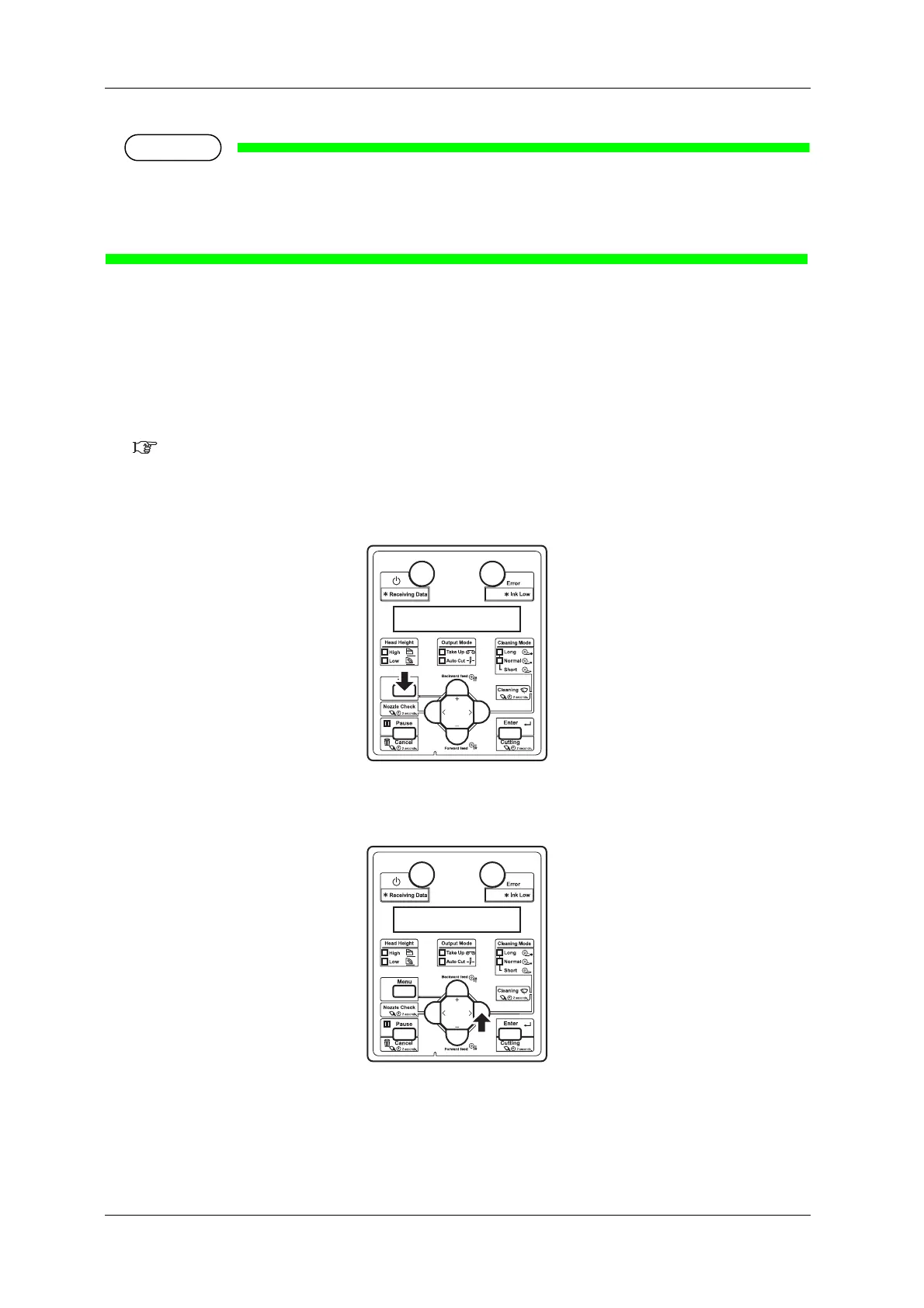
2. Display the Adjust Print menu on the operation panel.
a. Press the [Menu] key on the operation panel.
• “Menu1: Setup>” is displayed on the operation panel.
b. Press the [>] key on Operation panel to select “Set 1: User Type>”.















 To Next Page