Panel setup menu VJ-1324X OPERATION MANUAL
148 5.1 Setup menu
5.1.1.1.7 Dryer menu
Sets the temperature of the dryer.
Set to dry the print side after printing.
• The set temperature of the dryer differs depending on the media.
5.1.1.1.8 Vacuum Fan menu
Sets up vacuum fan operation.
Setup item Setting Description
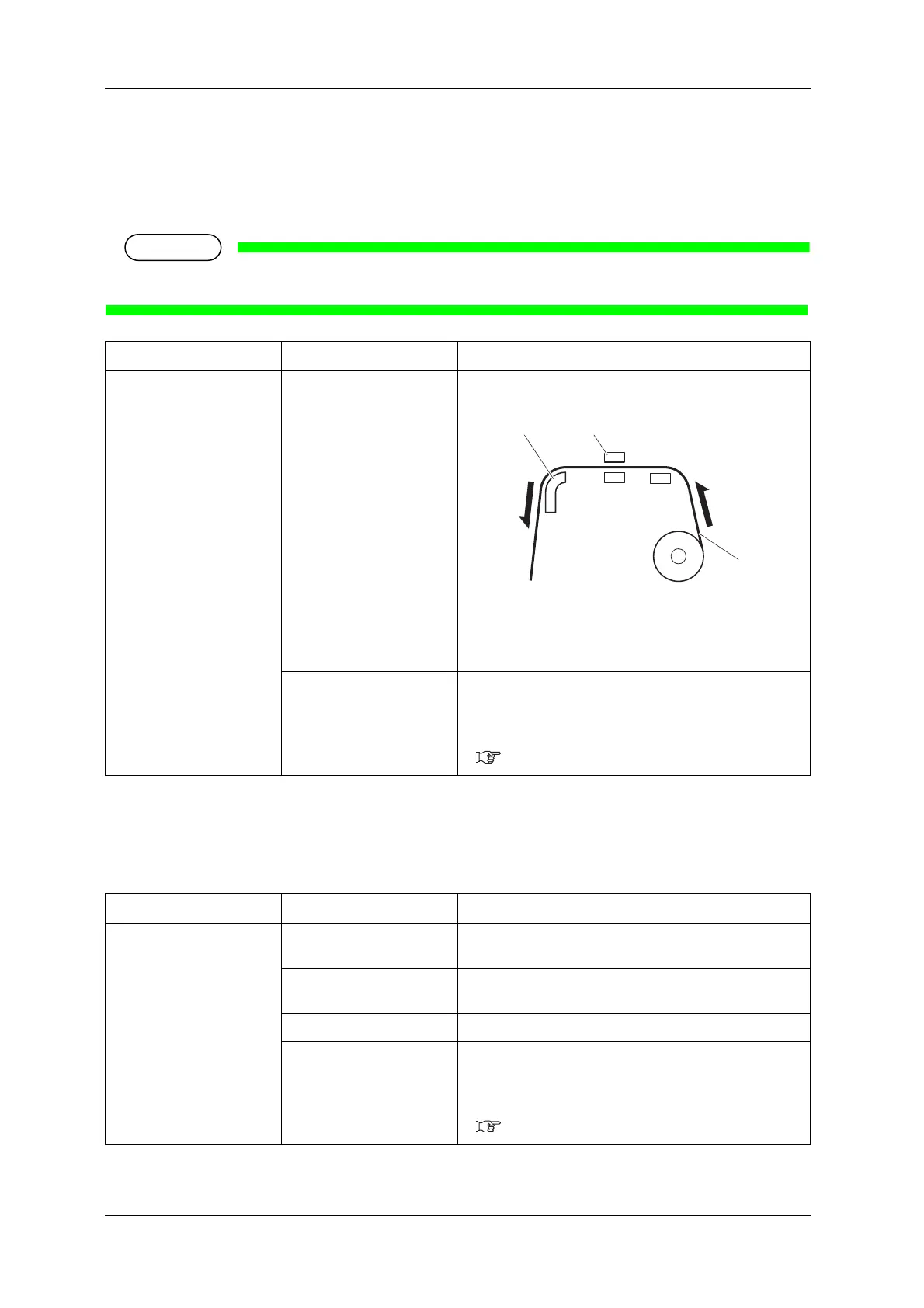
Dryer Off / <30 °C> to 50 °C Sets the temperature of the dryer.
1.Roll media
2.Dryer
3.Print head
—
• [Enter] key: saves the setting and shifts to the previous
menu.
• [Cancel] key: cancels the setting and shifts to the previous
menu.
5.1.1.1 User Type menu
Setup item Setting Description
Vacuum Fan Low Set when there is a possibility of a paper jam caused by failure
in media loading when the setting is Middle.
Middle Set this when there is a possibility that media feeding may fail
and paper may be jammed with the High setting.
<High> Set when using general media.
—
• [Enter] key: saves the setting and shifts to the previous
menu.
• [Cancel] key: cancels the setting and shifts to the previous
menu.
5.1.1.1 User Type menu















 To Next Page