Handling the printer VJ-1324X OPERATION MANUAL
124 4.4 Operating from the operation panel
4.4.2 Stopping printing operation
If you want to stop printing for some reason, operate as follows.
1. Stop sending printing data from the computer to the printer.
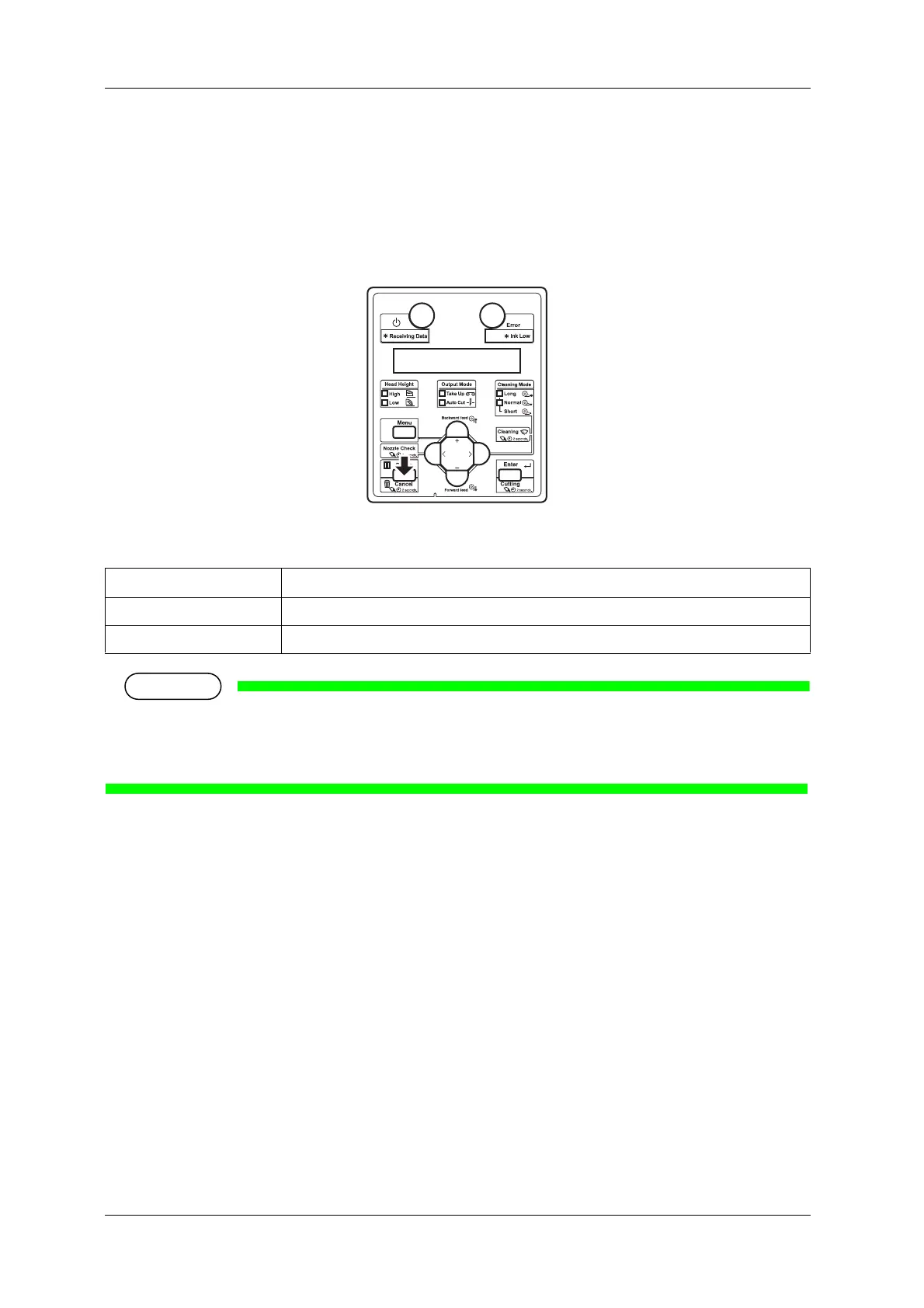
2. Press the [Cancel] key on the operation panel for two seconds.
• The printer operates as follows.
• If a large amount of data is saved on the printer, the operation panel may not return to Normal by a
single [Cancel] key operation.
In such cases, wait for a few seconds and press the [Cancel] key again.
Printer status Operation with the [Cancel] key pressed for two seconds
During printing Terminates the printing, and deletes one data remaining in the printer.
Receiving data/analyzing data Deletes the data already received and converted.















 To Next Page