Maintenance VJ-1324X OPERATION MANUAL
200 6.1 Replacing consumable components
6.1.2 Replacing Roll Media
This section describes when and how to replace the roll media.
(1) Replacement time
Replace the roll media when the following situation occurs.
a. When the roll media loaded in the printer runs out
• “End Of Roll” is displayed on the operation panel.
• If media runs out during printing, the printer stops printing.
b. When you want to change the media type to use
(2) Type
•For types and details of the roll media, refer to “8.3 Options/Supply list”.
(3) Replacing steps
Follow the procedure below to replace the roll media.
1. If the printer is turned ON, confirm that operation such as printing is not in progress.
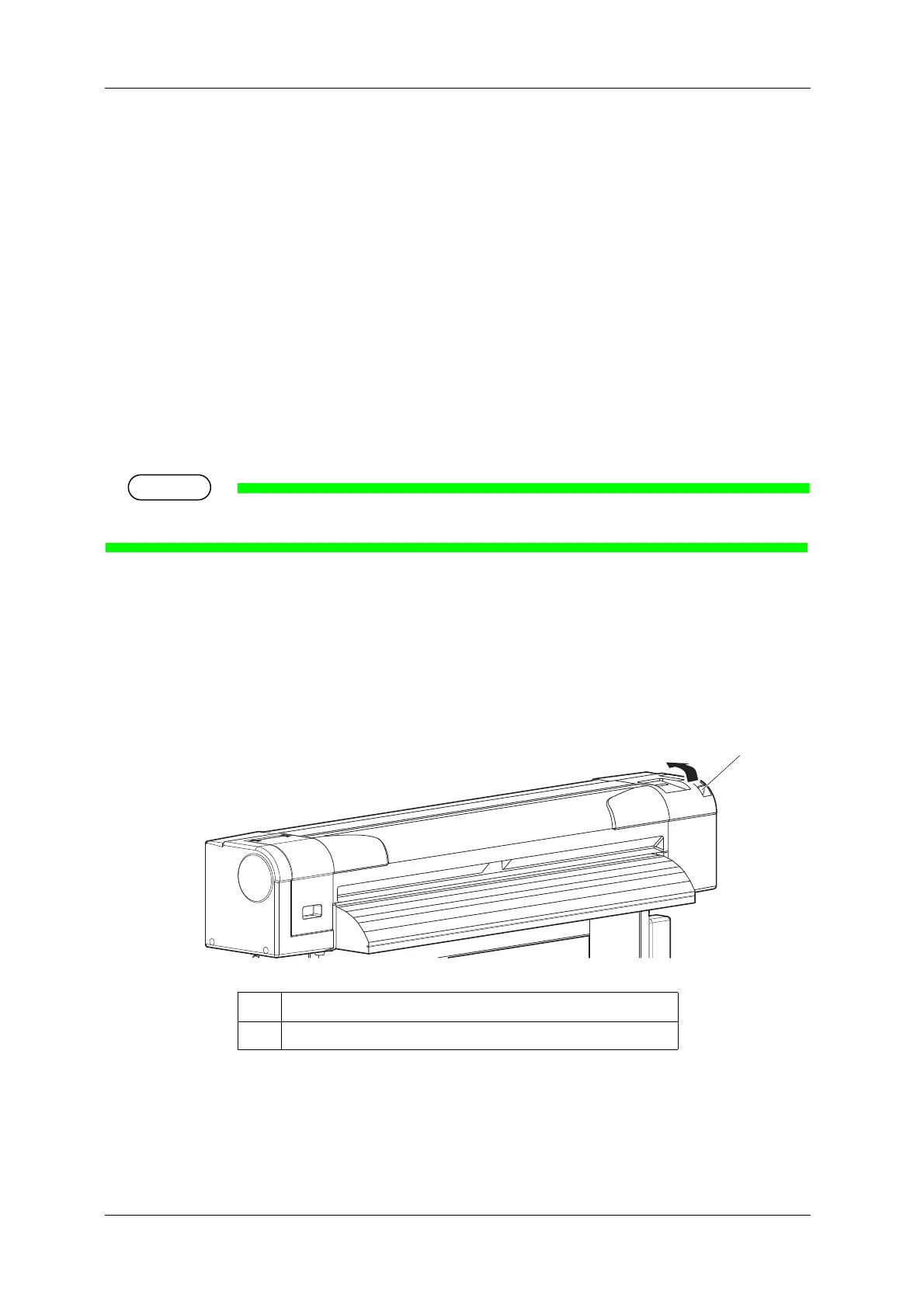
2. Raise the media loading lever.
No. Name
1 Media loading lever















 To Next Page