Before using VJ-1324X OPERATION MANUAL
64 3.5 Test print
3.5.1 Nozzle check
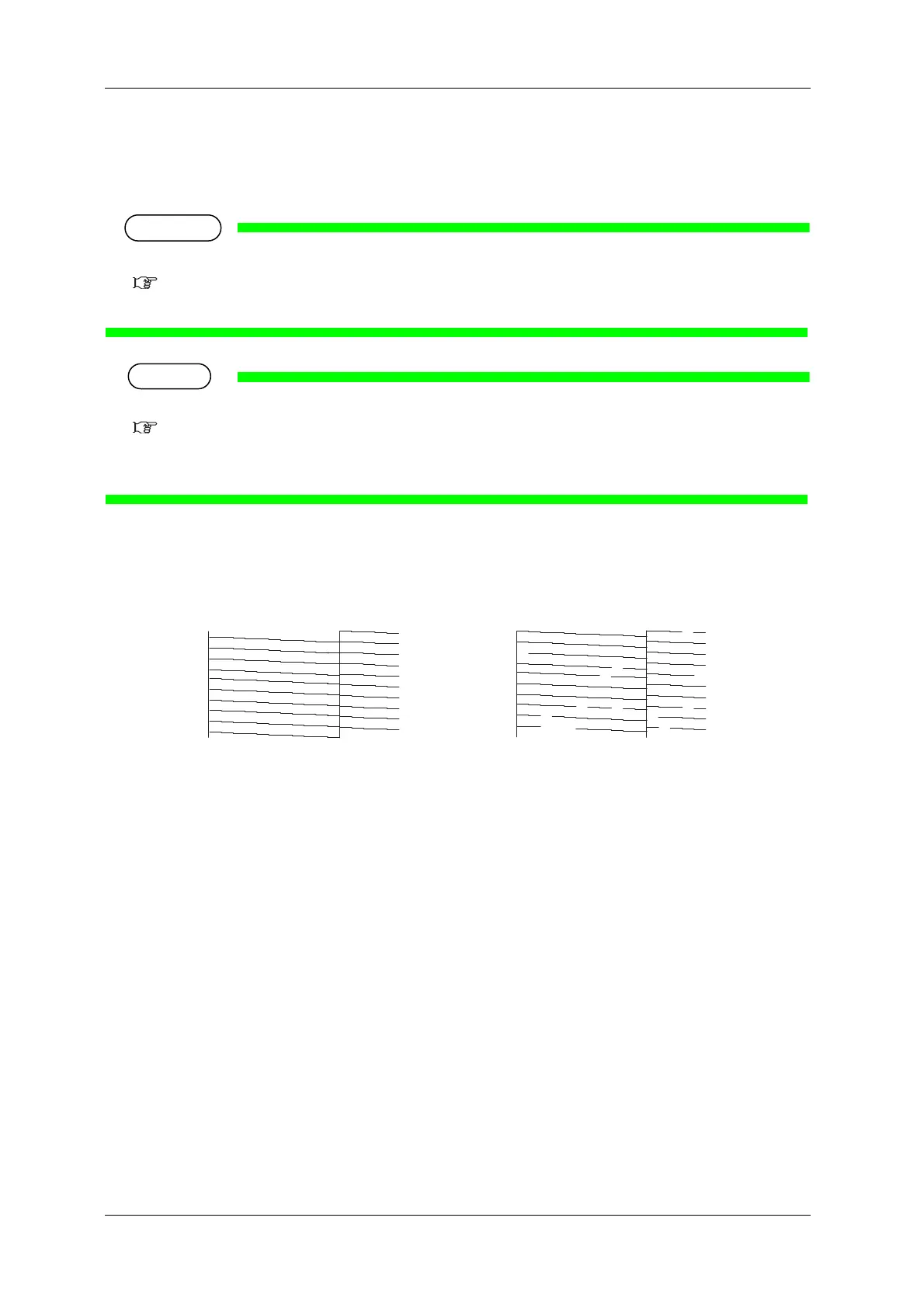
It is used to check whether there are any clogged heads, or missing or blurred prints.
• If the nozzle check result indicates that the checked points are blurred or missing, clean the head.
6.2.3 Head cleaning
Perform the nozzle check once again at the end of the work.
•Refer to the following for printing procedure.
3.5 Test print
•The printer information (date and time of printing, printer’s serial number, firmware version) is printed on the nozzle
check pattern.
No nozzle clog Nozzle clogged















 To Next Page