Maintenance VJ-1324X OPERATION MANUAL
214 6.2 Cleaning the printer
6.2.3 Head cleaning
If printed data is blurred or lacks part of it, clean the print head surface and nozzle (Head cleaning).
Follow the procedure below to perform Head cleaning.
• When not using the printer for a long period (one week or more), perform Head cleaning once a
week.
If not performing Head cleaning, the print head is clogged. Doing so will preserve print quality.
• Remove media when cleaning.
Cleaning with media loaded may lead to contact between the print head and media.
1. Confirm that the operation panel is Normal.
2. Make sure that the media loading lever is lowered.
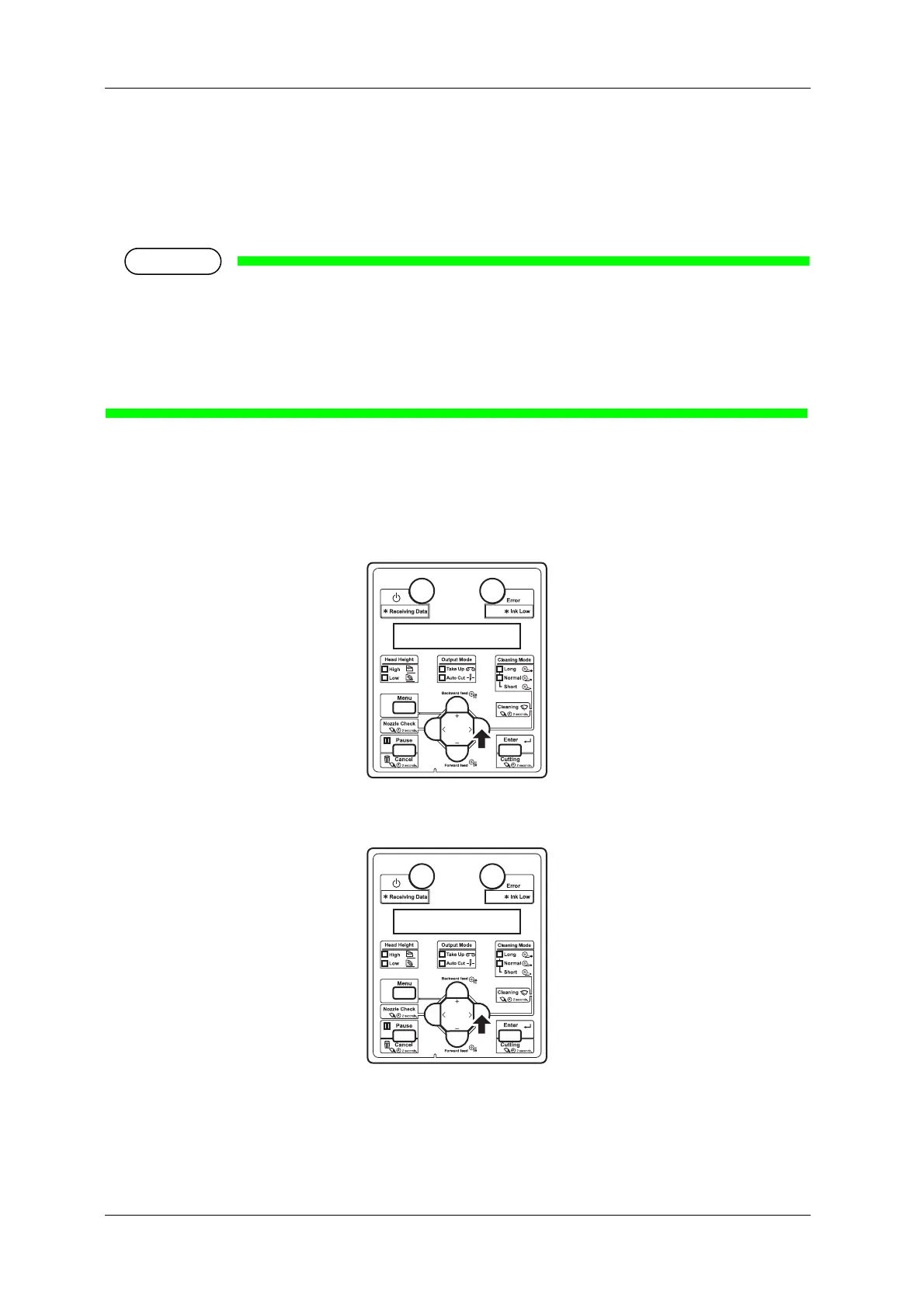
3. Press the [>] key on the operation panel to select the cleaning mode.
4. Press the [Cleaning] key on the operation panel for at least two seconds.
• Start Head cleaning.
• “Cleaning **%” is displayed on the operation panel.
• After Head cleaning is complete, the operation panel shifts to Normal.















 To Next Page